How do I create an account, and can I sign in with Steam?
0:14 · no sound
You sign up with email, Google or Discord, never with Steam. An account is only needed for your own data; the catalogue and Help work without one.
Step by step
- Click “Get started” in the header of any public page, or “Start tracking free” on the landing page.
- Sign up with email, Google or Discord.
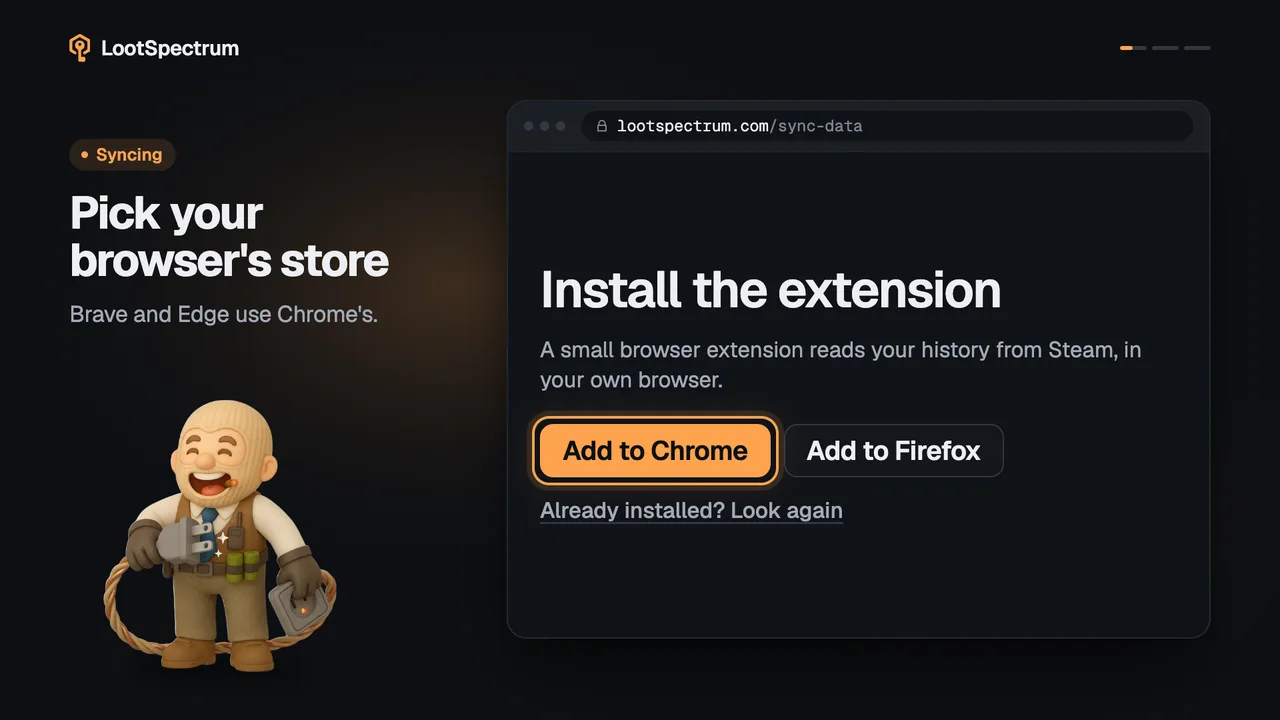
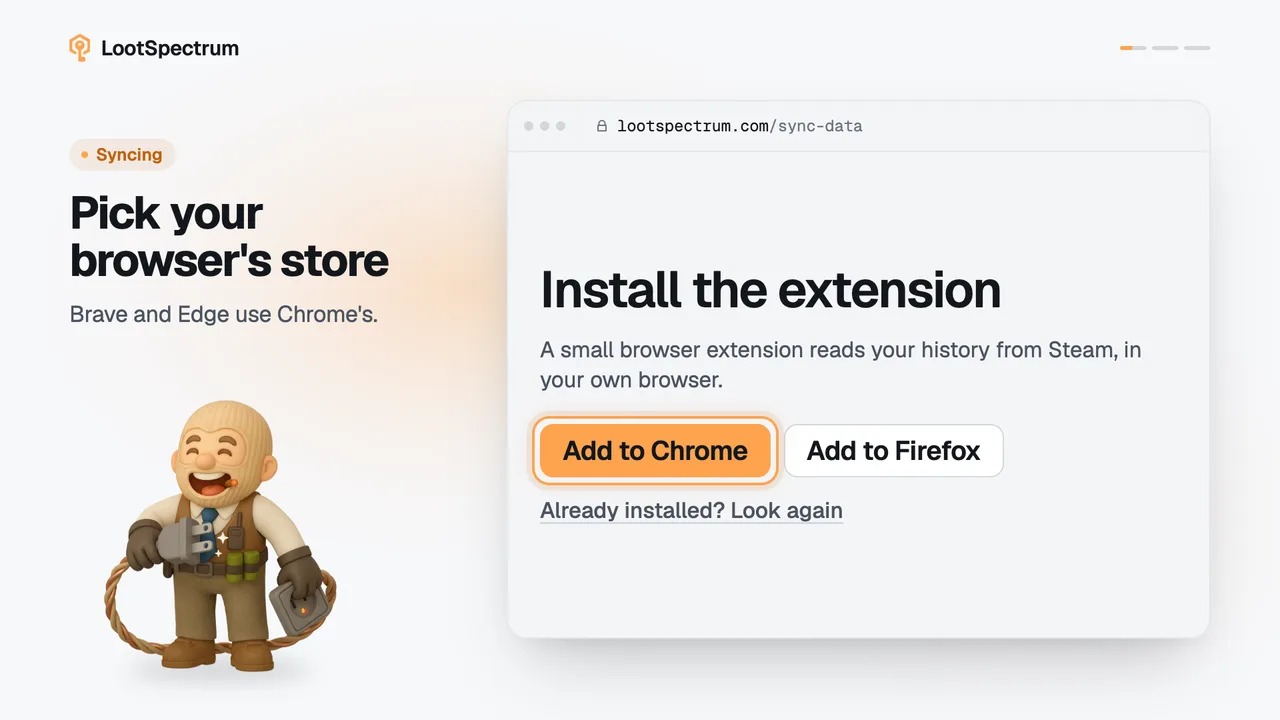
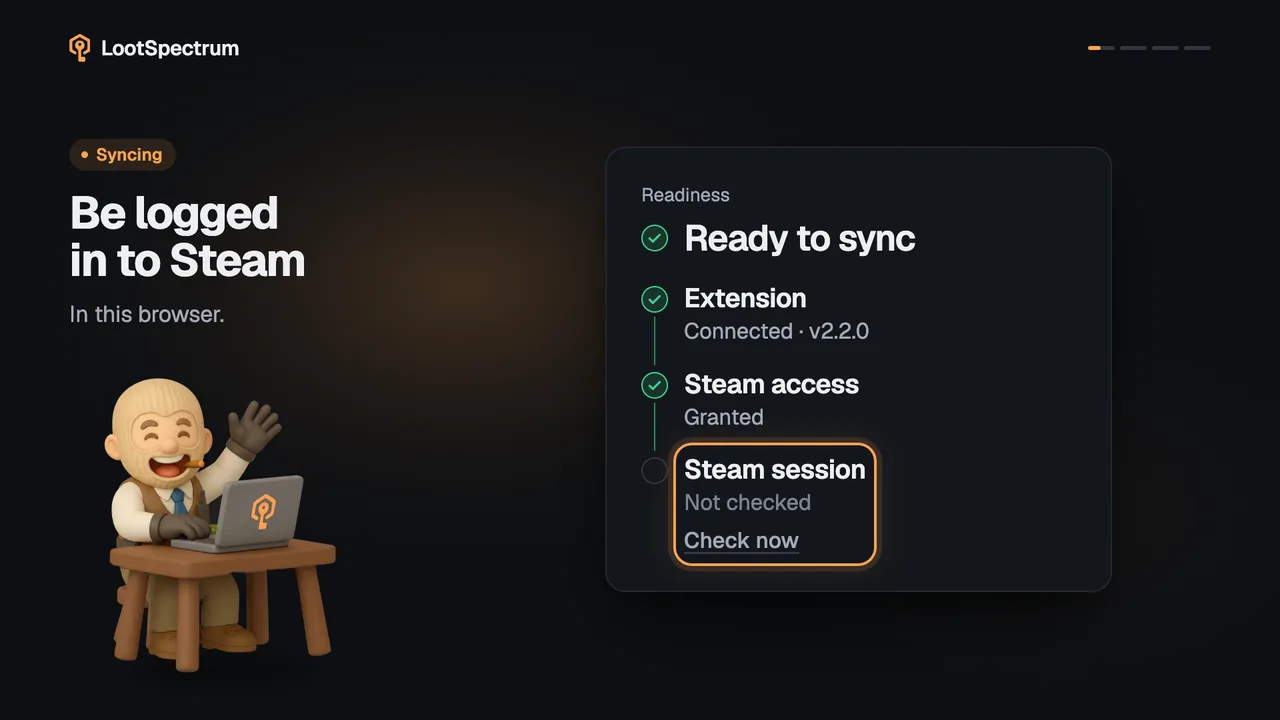
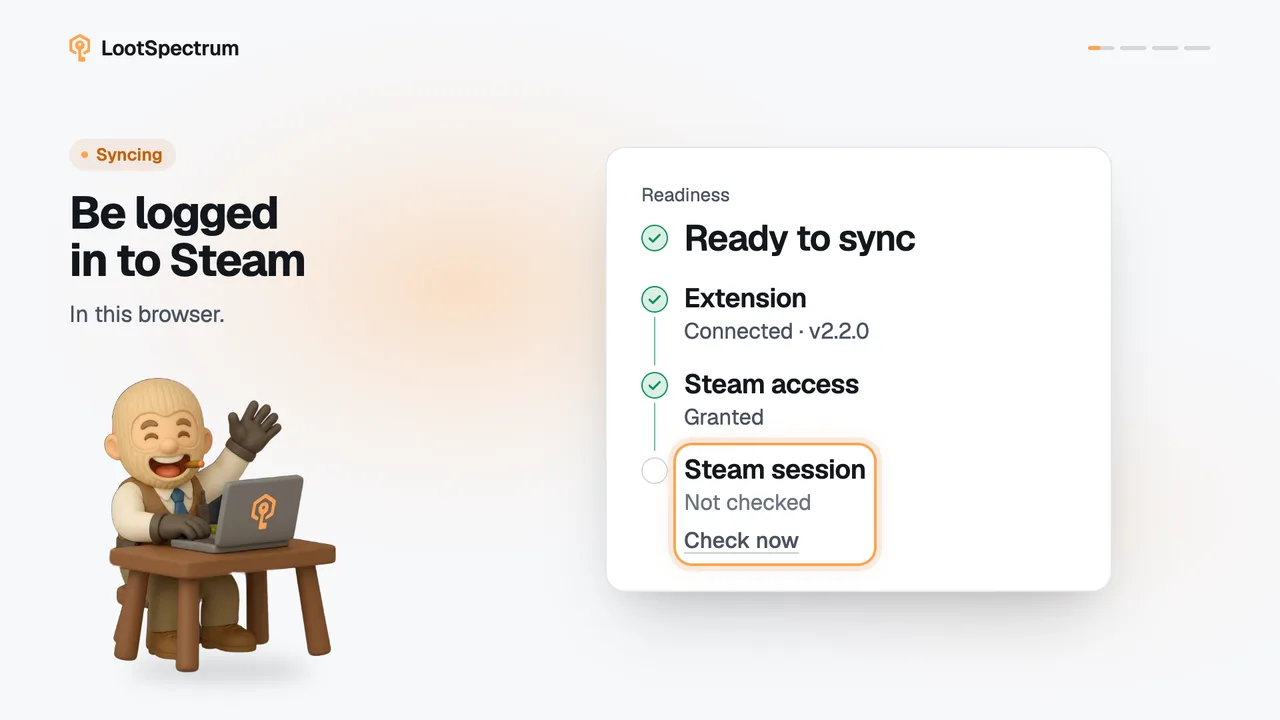
- Connect Steam separately, through the browser extension; LootSpectrum never asks for your Steam password.
- Browse the catalogue, Help and shared loadout links without an account; sign in for Statistics, Activity, Sync and Inventory.
Good to know
- “Sign in” and “Get started” are in the header of the public pages on wide screens. On a phone, “Get started” is in the menu.
- Phones show “Start tracking free” as the first button on the landing page, because a phone cannot install the extension. On a computer the extension install comes first.
- Opening a signed-in page (Statistics, Activity, Sync, Inventory, Settings, Watchlist, Compare, Loadout or Live session) while signed out sends you to sign-in.
- The catalogue (All items, Cases, Collections), Help, the Supporter page and shared loadout links work without an account.
- To sign in again, use the same method you signed up with.
- The account holds your synced events, snapshots and settings.
- The privacy page says what the sign-in provider, Google and Discord receive.
Transcript
- 0:00Create your free account. Click “Get started”.
- 0:03Email, Google or Discord. Pick one to sign up.
- 0:06Steam is not a login. No Steam password, ever.
- 0:09Browsing needs no account. Your own data does.