What is LootSpectrum and what does it track?
0:14 · no sound
LootSpectrum turns your CS2 Steam inventory history into a ledger of every case opening, trade-up and drop, plus your current inventory. A browser extension reads the history in your own browser, so nothing is typed in by hand.
Step by step
- Steam keeps a history of everything that entered or left your CS2 inventory.
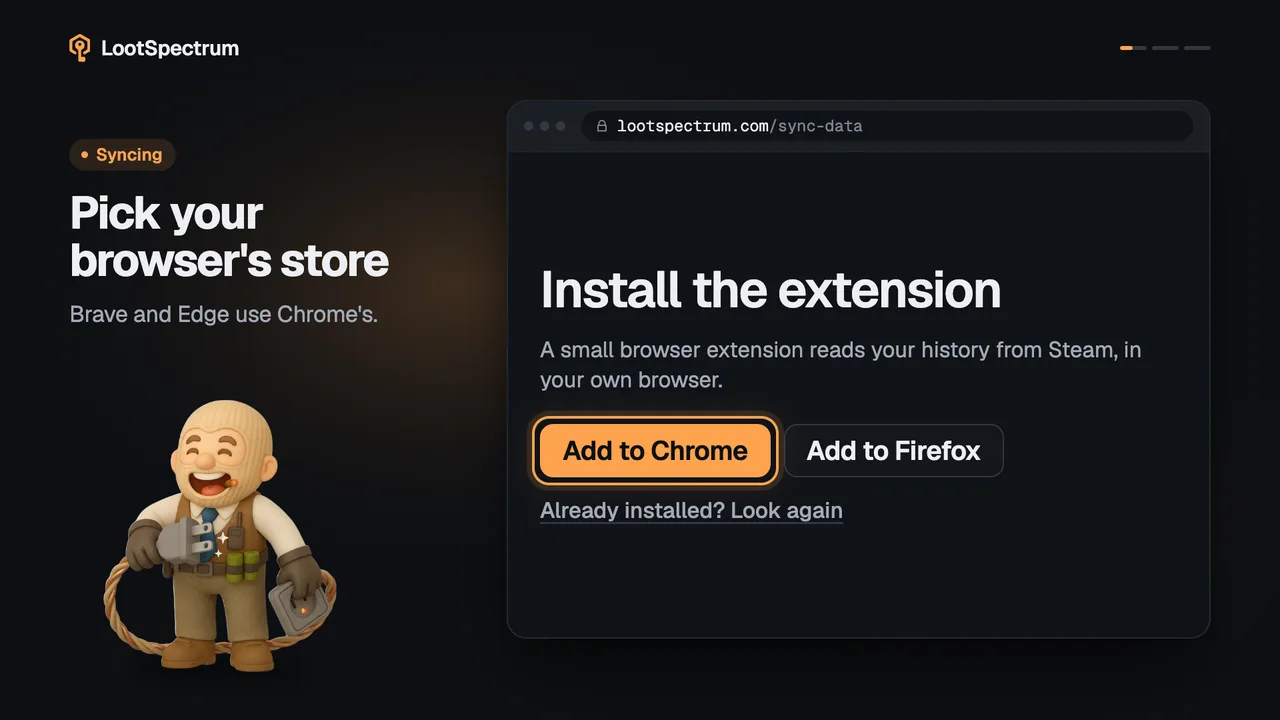
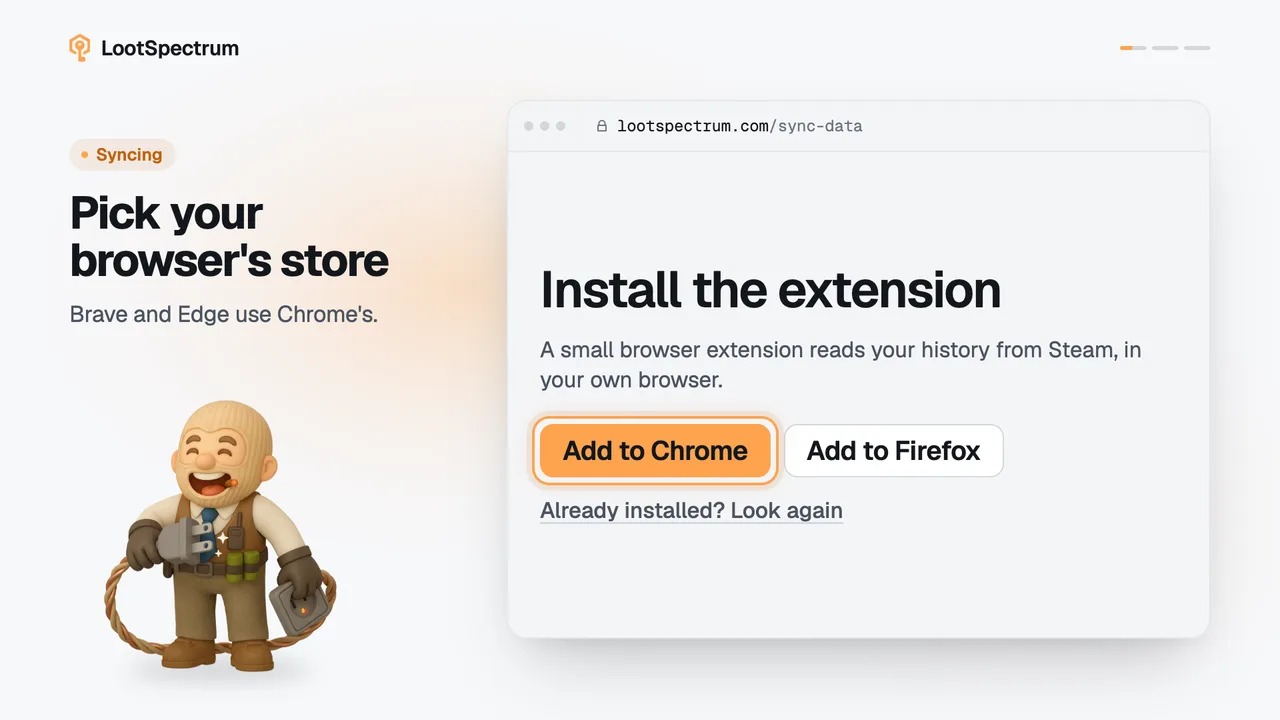
- The LootSpectrum browser extension reads that history in your own browser, while you are signed in to Steam; it never asks for your Steam password.
- LootSpectrum sorts it into events and lists them in Activity with the badges “Opening”, “Trade-up” and “Drop”, among others.
- Your current inventory is listed in Inventory with a name and a count for every item.
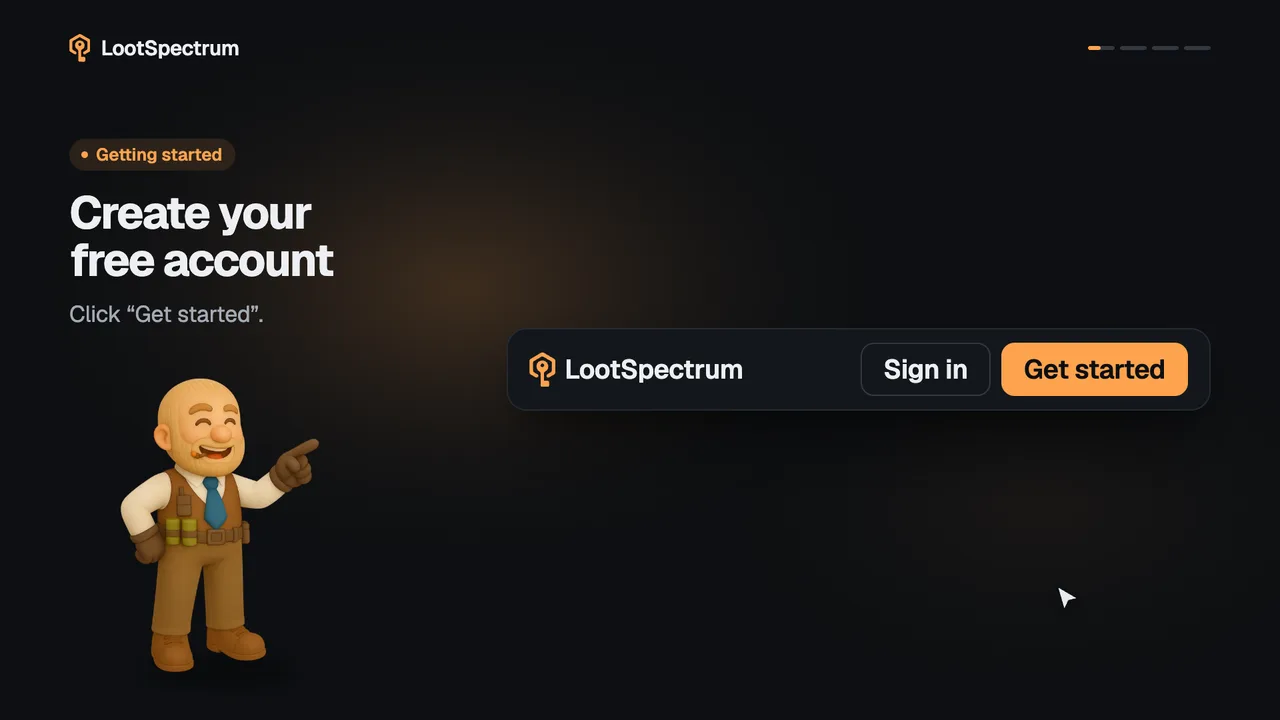
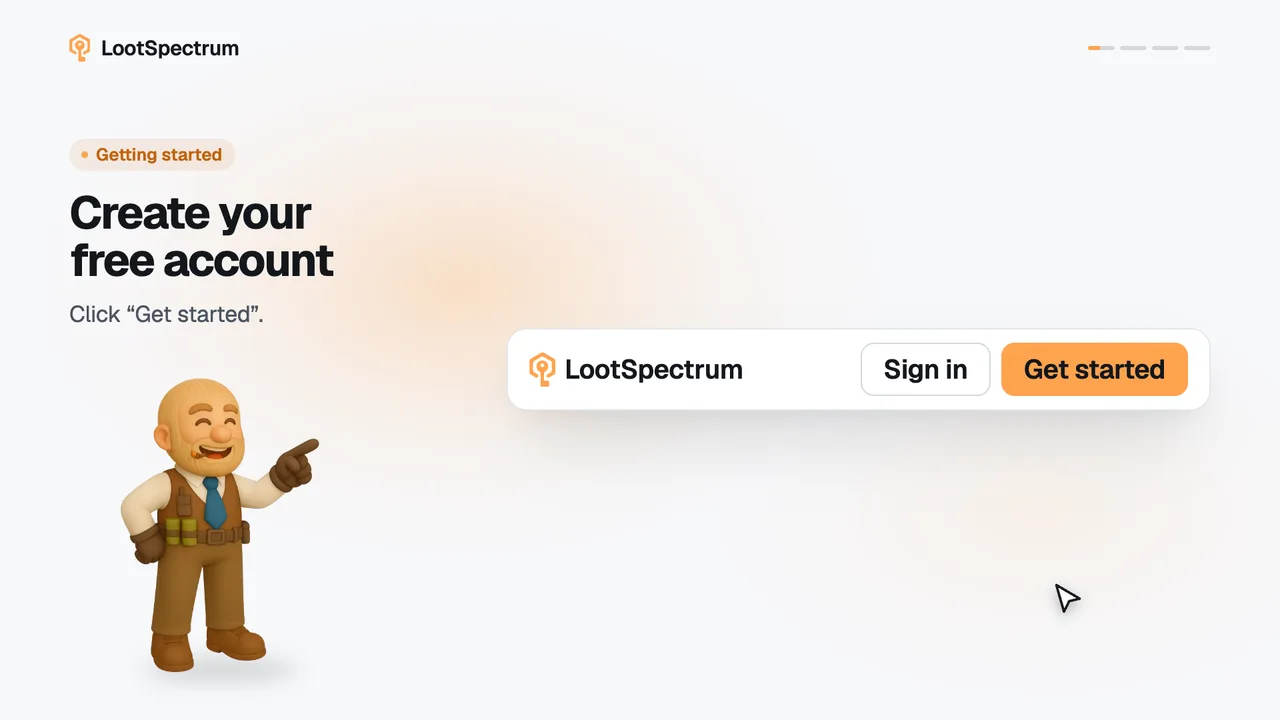
- To start: create an account, install the extension, then run your first full sync.
Good to know
- These events are recognised: openings of cases, souvenir packages and capsules, trade-ups, drops, Armory redemptions, and market and storage moves.
- Only CS2 and CS:GO history is read. Other games are ignored.
- LootSpectrum can only show what Steam's own inventory history page shows.
- The extension works in Chrome, Firefox and Chromium browsers such as Brave and Edge.
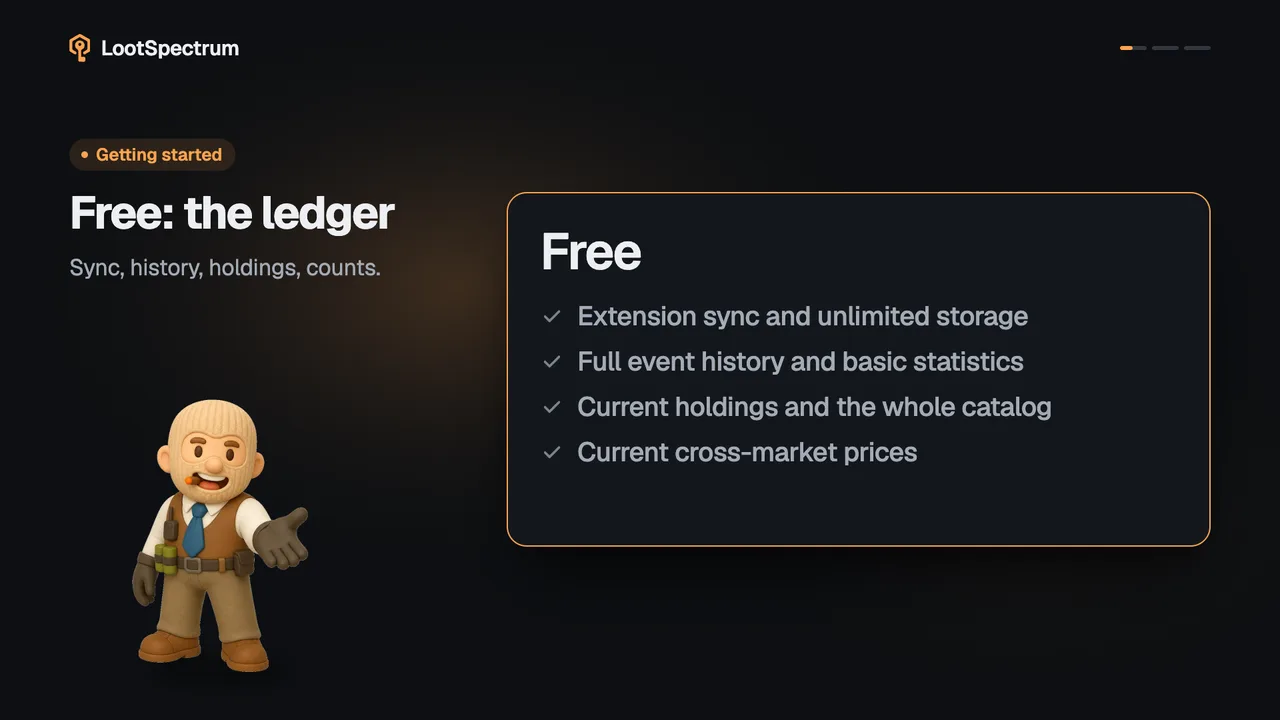
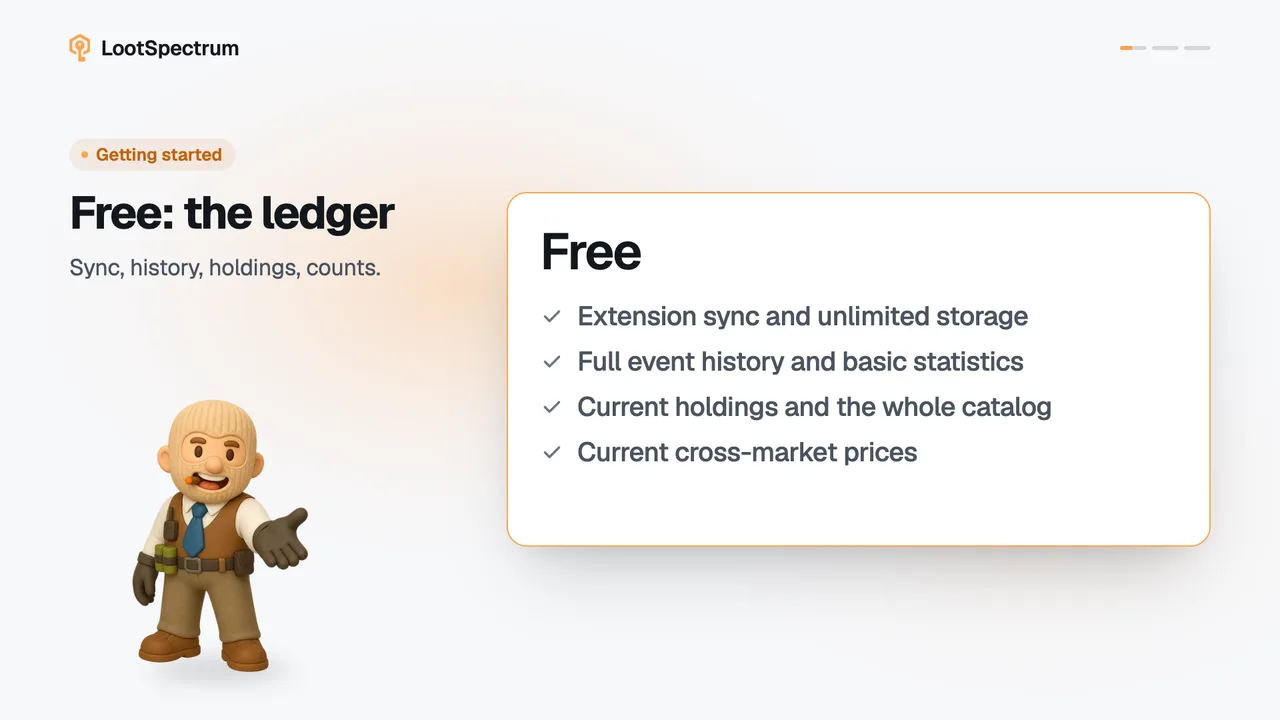
- Syncing, the full event history and counts are free. Item and inventory values are Supporter figures; on a free account they show as a hatched bar.
Transcript
- 0:00Steam keeps your CS2 history. Cases, trade-ups and drops.
- 0:03The extension reads it. In your own browser.
- 0:06A ledger of every event. Openings, trade-ups, drops.
- 0:09Plus your current inventory. Values need Supporter.