Do I lose my data when Supporter ends?
0:11 · no sound
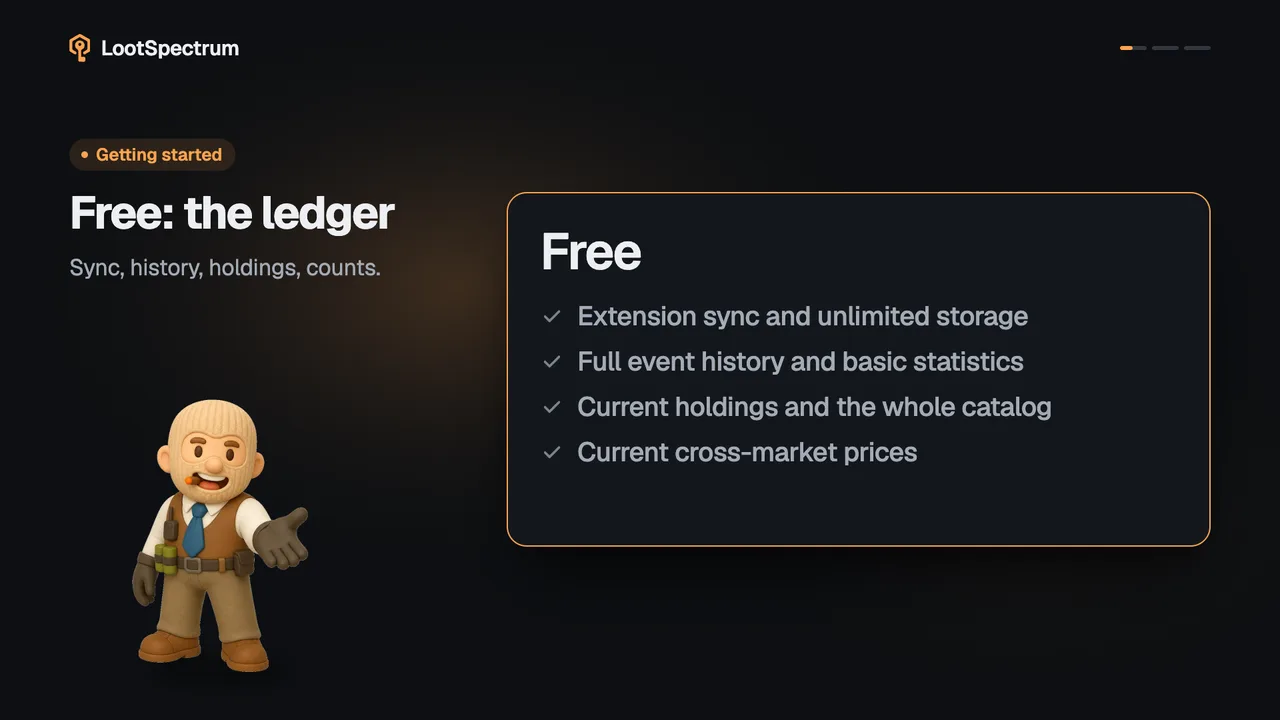
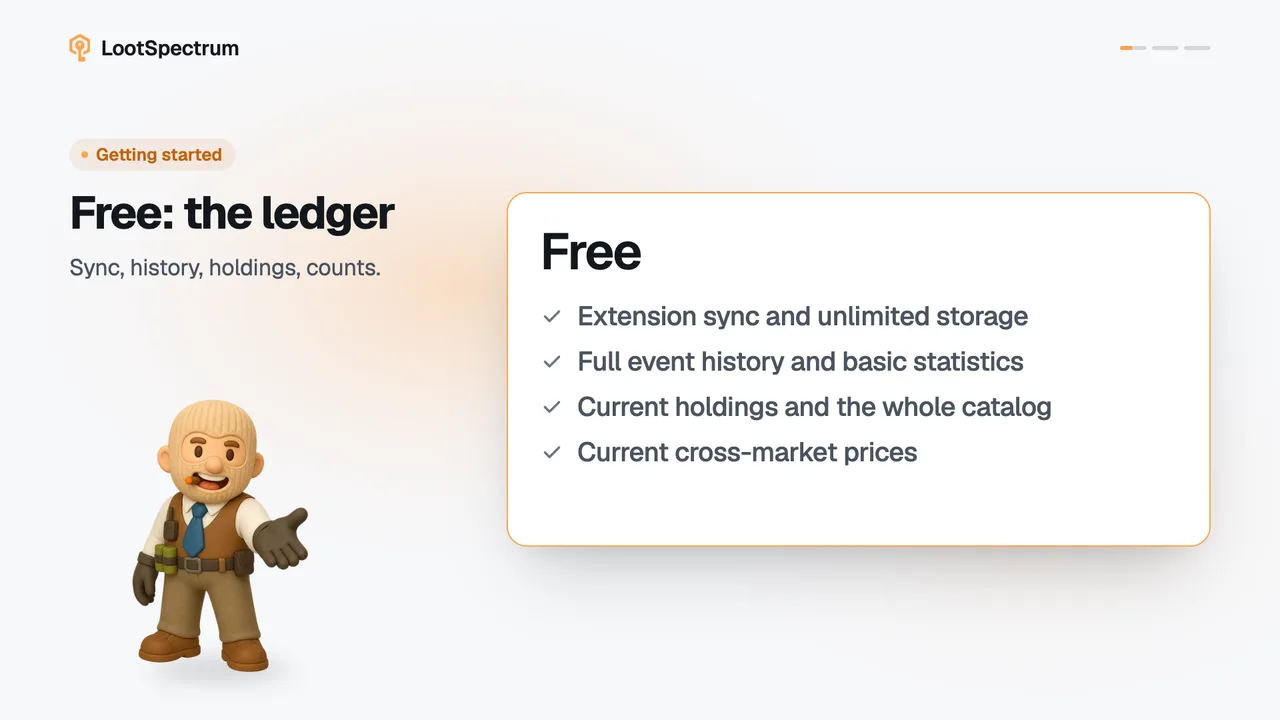
No. When Supporter ends nothing you synced is deleted. The Supporter figures hide again behind hatched bars, loadouts above the free three lock, and everything returns when Supporter does.
Before you start
- A Supporter plan: How do I become a Supporter?
Step by step
- Know that nothing is deleted: your events, holdings, snapshots, watchlist and loadouts stay in your account.
- Expect the Supporter figures, such as spending, returns and results, to show as hatched bars again.
- Click “Become a Supporter →” beside any hatched figure when you want them back; the figures return as they were.
- Open Loadouts: the three most recently edited loadouts stay open and the others show “Locked”.
- Delete a loadout you no longer need to open the next most recent one, or become a Supporter again to reopen all of them.
Good to know
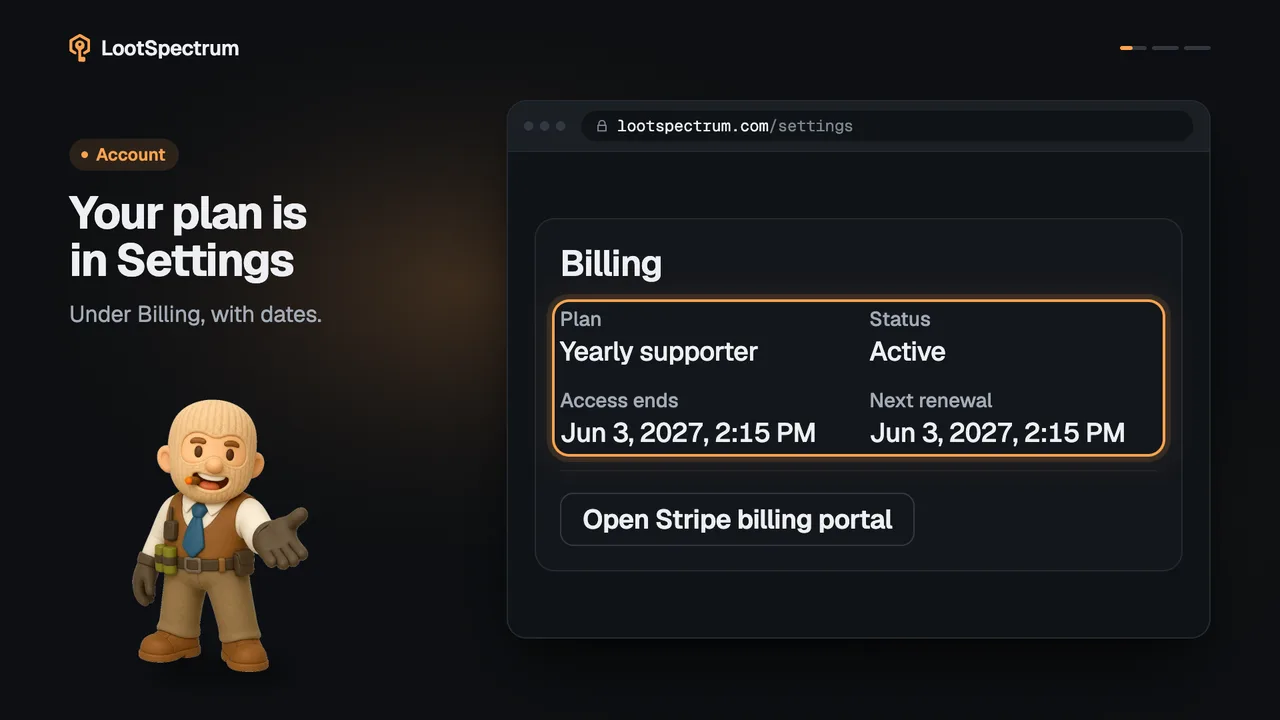
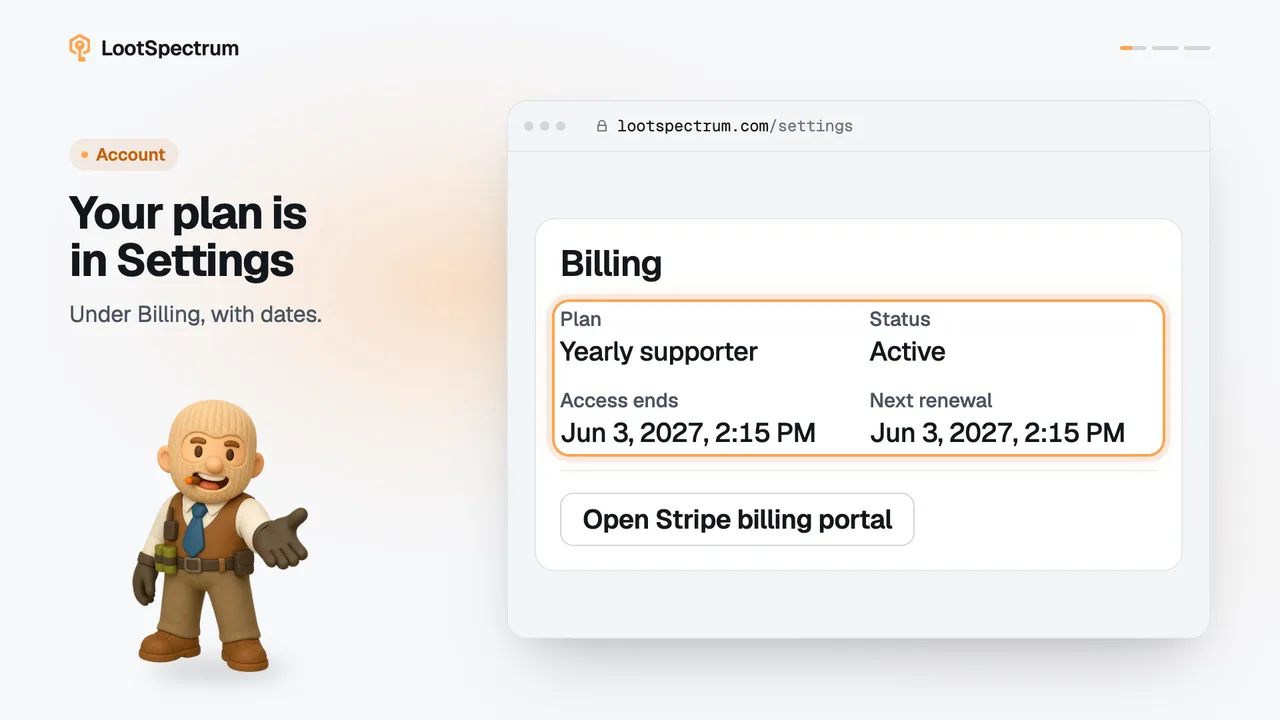
- Access ends at the date shown as “Access ends” in Settings under Billing for pay-once and cancelled plans. A failed payment gets 7 days of grace first.
- Loadouts: 3 are free and 50 come with Supporter. At the limit, “New loadout” says “You have used all 3 free loadouts” and offers to delete one or become a Supporter. Duplicating a loadout counts as creating one.
- Locked loadouts stay saved and can still be deleted, but they cannot be opened, edited, duplicated or newly shared.
- A share link made before a loadout locked stays public until you revoke it.
- Watchlist: 10 items are free and 100 come with Supporter. Nothing is locked: every entry stays visible and removable. Only adding more is blocked, and the 30-day price change disappears.
- The priced CSV export and the 12-month price history return to their free forms.
How many loadouts can I have, and why is one locked?
Free accounts can have 3 loadouts and Supporters can have 50. If your Supporter access ends while you have more than 3, none are deleted: the three most recently edited stay open and the rest show “Locked”.
A locked loadout stays saved and can be deleted, but it cannot be opened, edited, duplicated or newly shared. Deleting an open loadout lets the next most recent one open again, and with Supporter back, all of them reopen.
Transcript
- 0:00Your data stays. Nothing you synced is deleted.
- 0:03Supporter figures hide again. Hatched bars replace them.
- 0:06Free limits return. Extra loadouts show “Locked”.