How do I become a Supporter?
0:14 · no sound
Open the Supporter plans page, pick Monthly or Yearly, choose a subscription or a single payment, and click “Continue to checkout”. Stripe takes the payment and you return to a confirmation.
Before you start
- A LootSpectrum account: How do I create an account, and can I sign in with Steam?
Step by step
- Open the account menu and click “Supporter plans”. Signed in, the same page is behind “Become a Supporter” in Settings, Billing.
- Under “Billing period”, pick “Monthly” or “Yearly”. Yearly is selected when the page opens.
- Decide how to pay. A subscription renews until you cancel; click “Pay once instead, no renewal” for a single payment that never renews. “Switch back to a subscription” undoes it.
- Check the lines under the price: “Today”, “Renews” and “Tax”. Tax is calculated at checkout.
- Click “Continue to checkout”. You are taken to Stripe, which handles the payment (“Secure checkout by Stripe”).
- After paying you return to “You’re a supporter now”, which shows your plan and the date it renews or ends. “Open statistics” takes you straight to your figures.
Good to know
- Monthly and Yearly subscriptions renew until you cancel them. “One month” and “One year” are single payments and end by themselves, one calendar month or year after the payment.
- The plans page always shows the current price before tax. Stripe adds tax for your country before you confirm.
- You must be signed in: signed out, the button reads “Sign in to continue” and opens the sign-in window.
- Your card details go to Stripe, never to LootSpectrum.
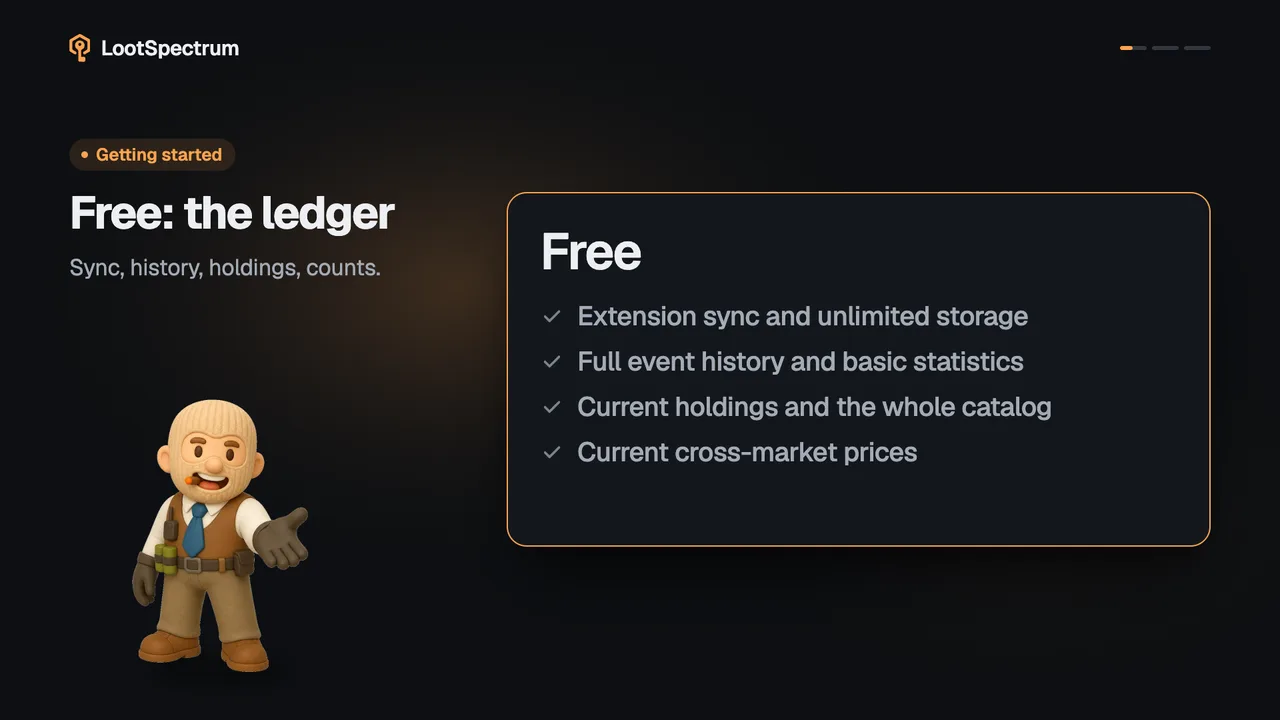
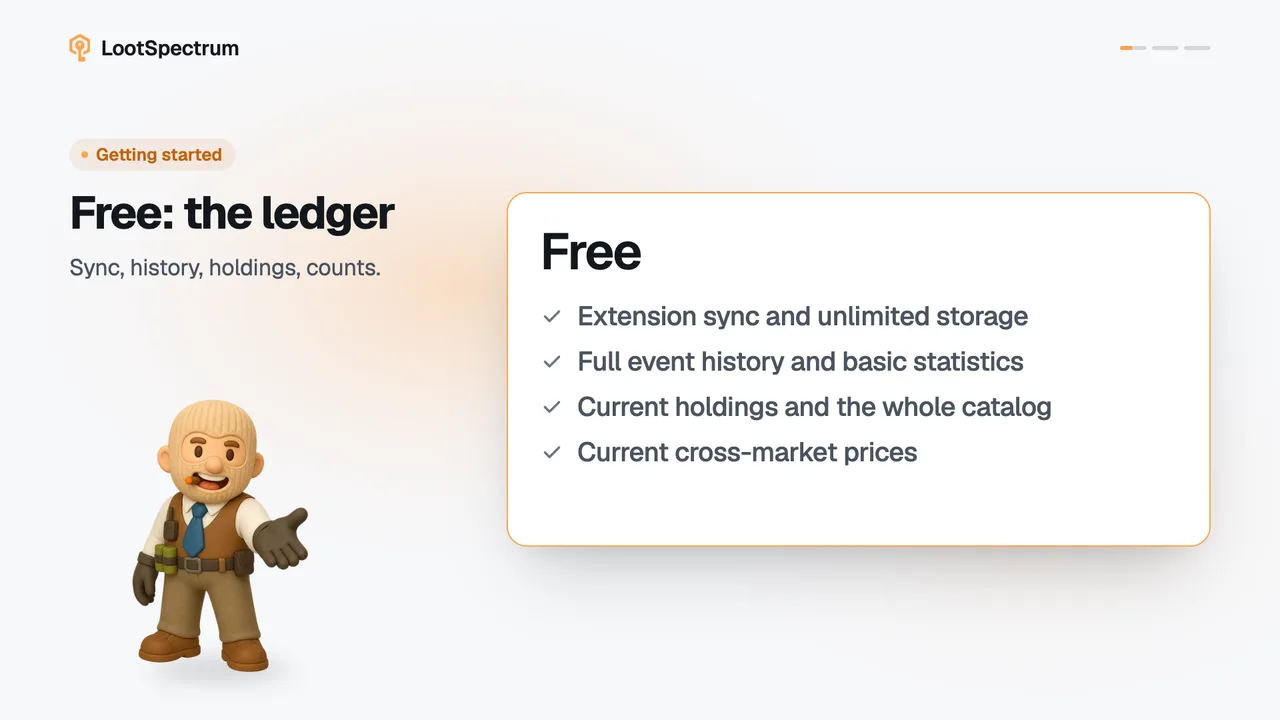
- The page is also reached from every Supporter note in the app. What Supporter adds is listed under free-vs-supporter.
- Do not buy a pay-once plan on top of a running subscription. The checkout does not stop you, and you would pay for time you already have.
- If the checkout does not open, the page shows “Checkout is temporarily unavailable. Please try again.” Try again in a moment.
I paid but I am not a Supporter yet. What now?
Access starts when Stripe confirms the payment, which usually takes a few seconds. The confirmation page shows “Verifying your access” and checks again by itself for about 40 seconds.
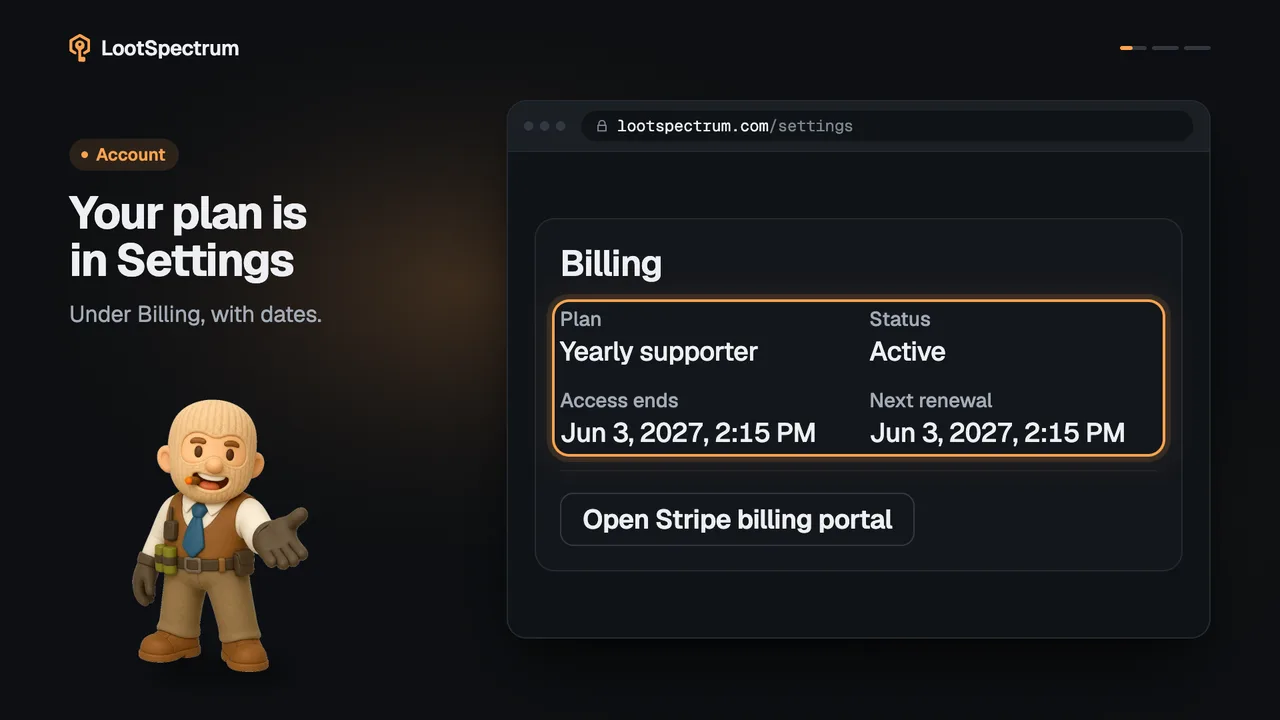
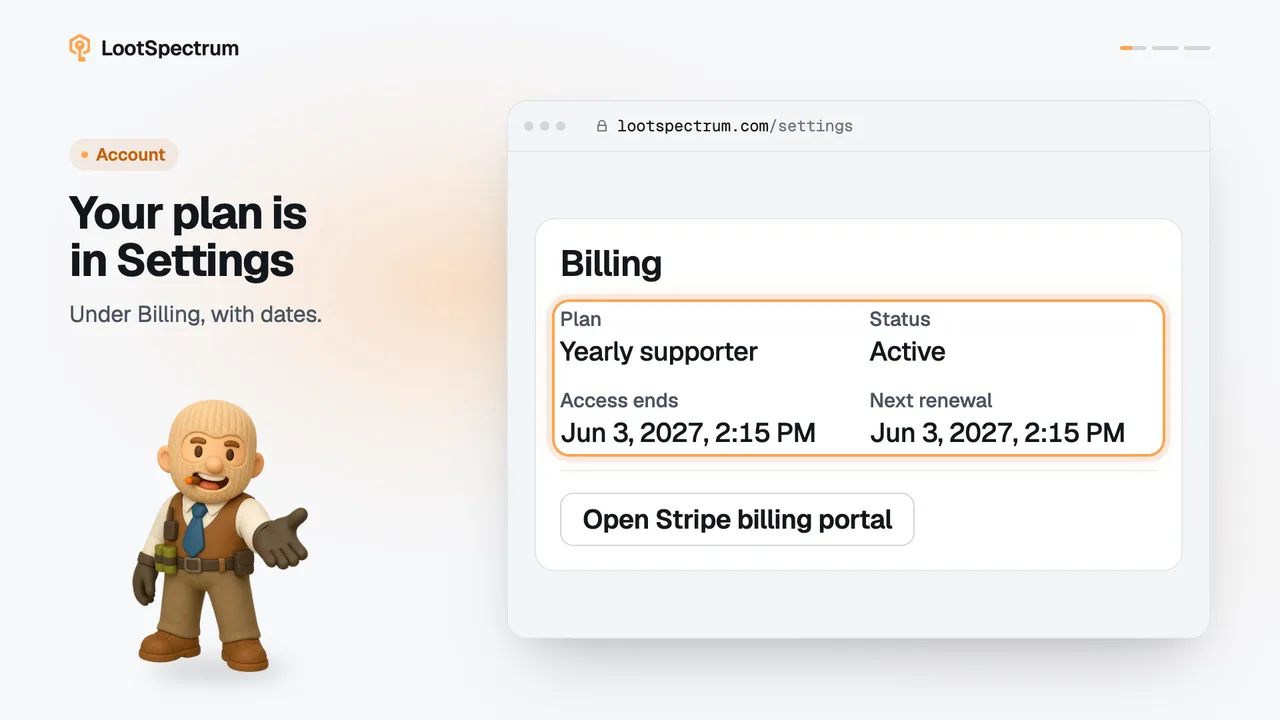
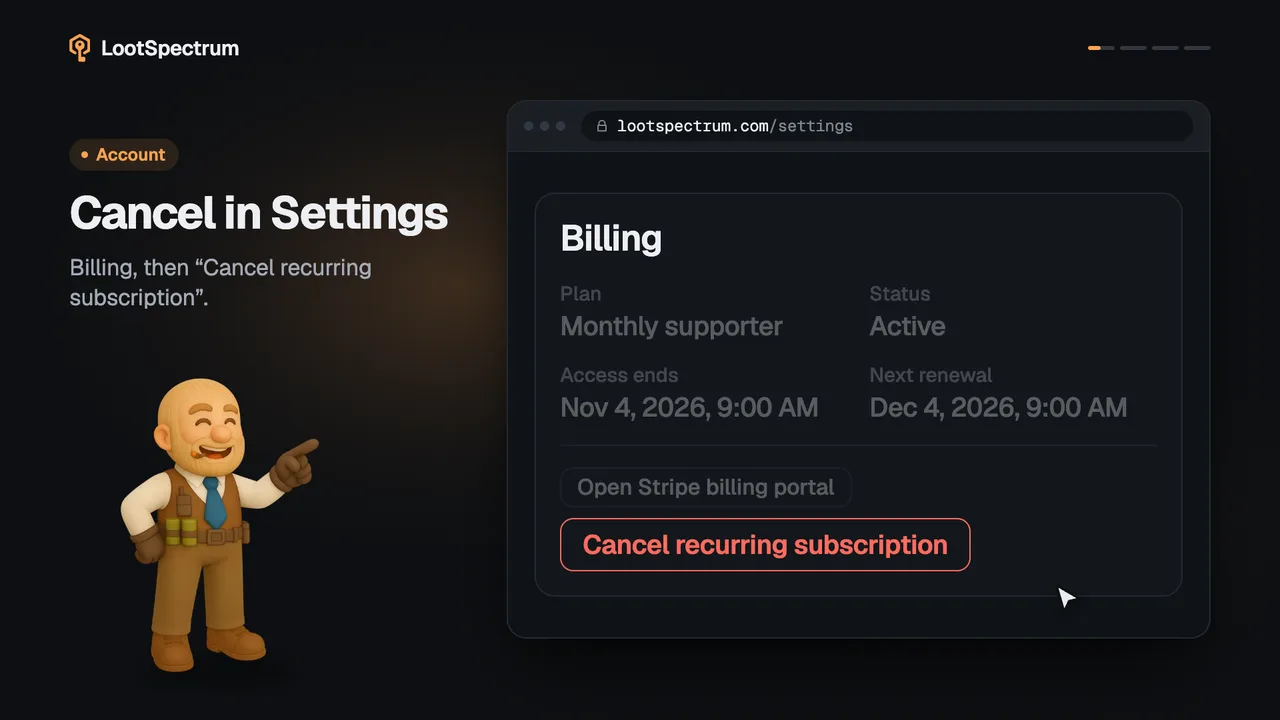
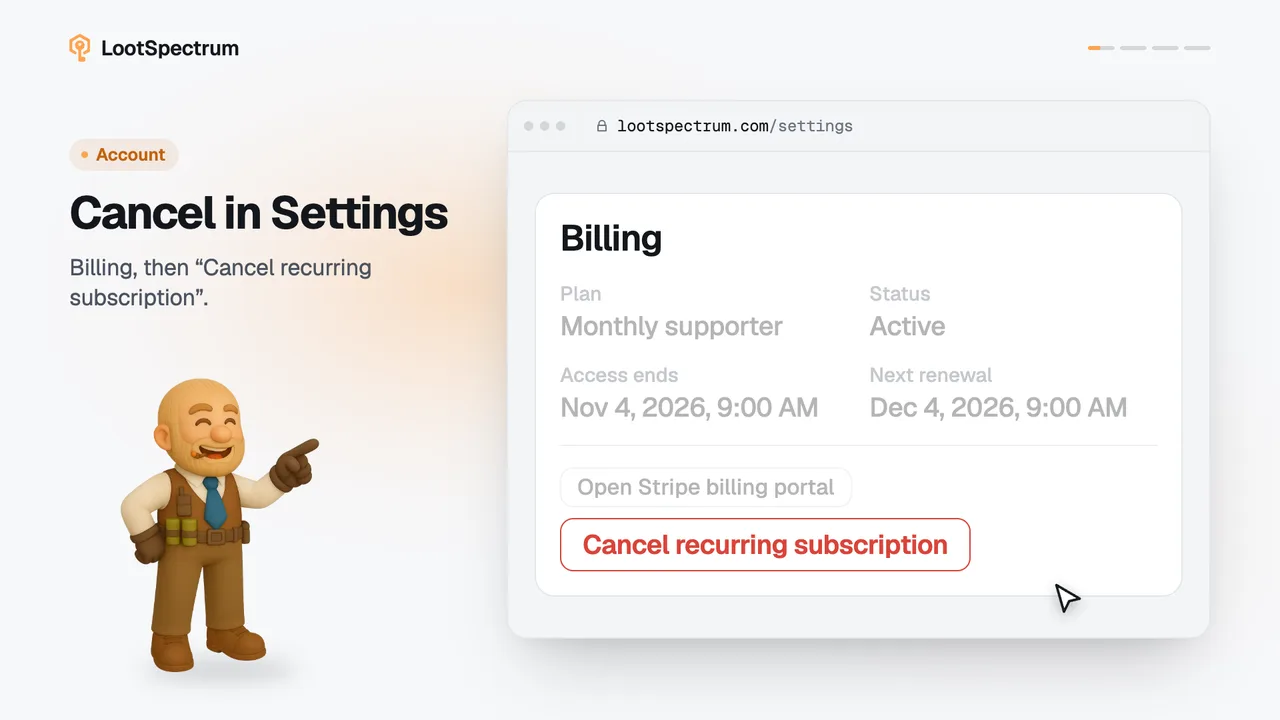
If it then says “Still processing”, click “Check again”, or open Settings, Billing: Plan, Status and Access ends appear there once Stripe has confirmed. You can safely close the page, and access also arrives by itself later.
Never pay a second time. If access has still not arrived after a long wait, write to paul@muenchhausen.dev and name the email you used at checkout.
Transcript
- 0:00Pick a Supporter plan. Account menu, Supporter plans.
- 0:03Subscribe or pay once. Pay once never renews.
- 0:06Continue to checkout. Stripe takes the payment.
- 0:09You're a supporter now. Settings now shows your plan.