Where do I see my plan and manage payment?
0:11 · no sound
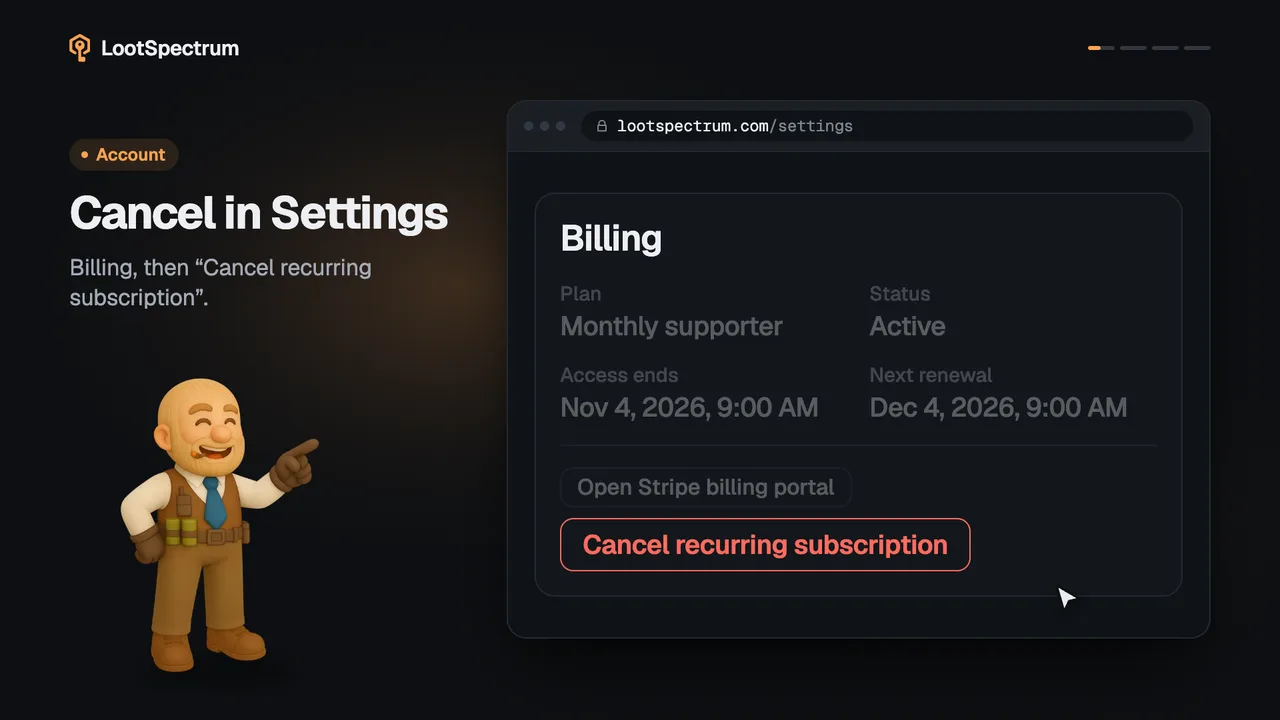
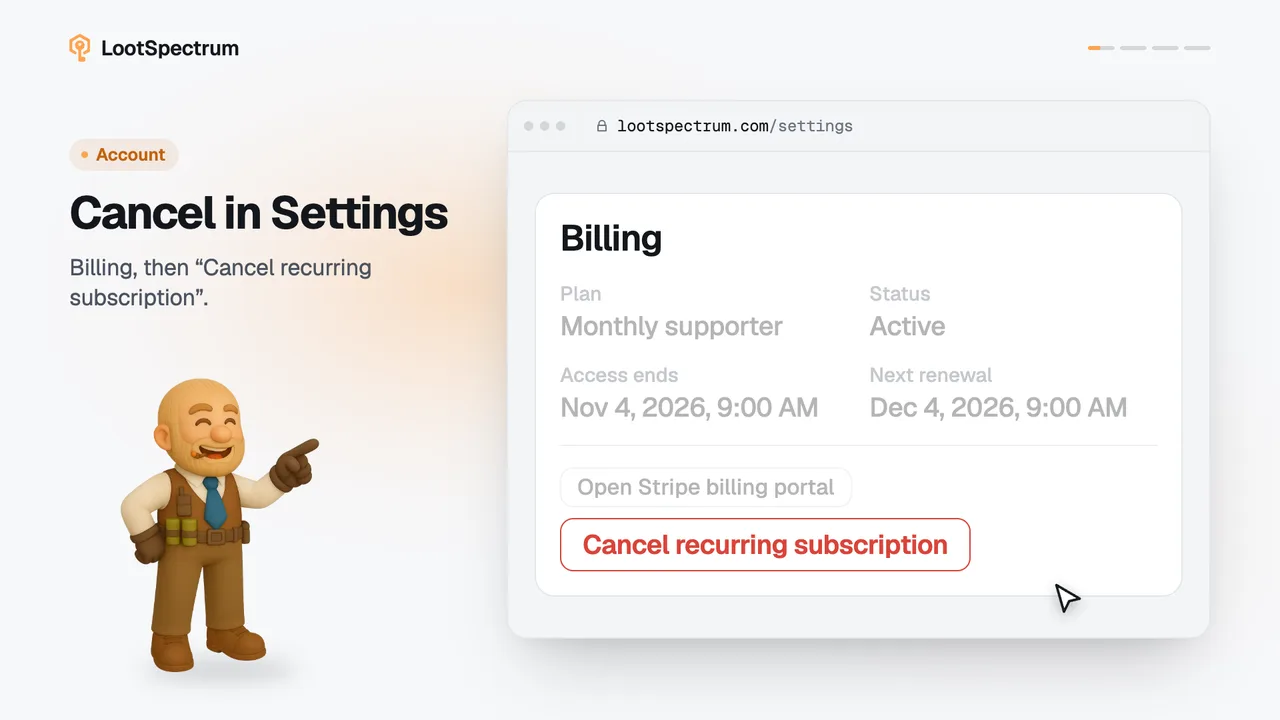
In Settings, the Billing card shows your plan, its status, when access ends and the next renewal. “Open Stripe billing portal” takes you to Stripe for the payment side.
Before you start
- A Supporter plan: How do I become a Supporter?
- A LootSpectrum account: How do I create an account, and can I sign in with Steam?
Step by step
- Open Settings and find the “Billing” card.
- Read “Plan” and “Status” for what you have and whether it is active.
- Read “Access ends” and “Next renewal” for the dates.
- Click “Open Stripe billing portal” to continue on Stripe's own page for payment.
- On a pay-once plan, “Next renewal” shows “—” because nothing renews; watch “Access ends” instead.
Good to know
- A free account sees “Become a Supporter” in the same place and no portal button.
- The statuses you can see are “Active”, “Active one-time access”, “Payment past due (grace may apply)”, “Cancelled” and “Payment incomplete”.
- A failed payment gets 7 days of grace before access ends.
- When a cancellation is scheduled, the fourth block reads “Cancellation scheduled” and shows that date instead of the next renewal.
- Below the blocks, a box shows your Stripe contract reference with a “Copy reference” button; the public cancellation form asks for that reference.
- The portal is Stripe's own page, so what it offers is described by Stripe, not here.
- Cancelling a recurring plan is covered in the cancel guide, and what is locked when access ends in the after-Supporter guide.
Transcript
- 0:00Your plan is in Settings. Under Billing, with dates.
- 0:03Manage payment at Stripe. Click “Open Stripe billing portal”.
- 0:06Pay-once plans just end. Watch “Access ends”; nothing renews.