How do I build my first loadout?
0:14 · no sound
Create a loadout, add a slot for each weapon using its exact name, and pick a skin for each slot. Use the three tabs to build the Terrorists, Counter-Terrorists and Shared sides.
Before you start
- A LootSpectrum account: How do I create an account, and can I sign in with Steam?
- An inventory snapshot: What is a snapshot, and why does my inventory say “Estimated”?
Step by step
- Open Loadout in Market mode and click “New loadout”. Give it a name and click “Create loadout”.
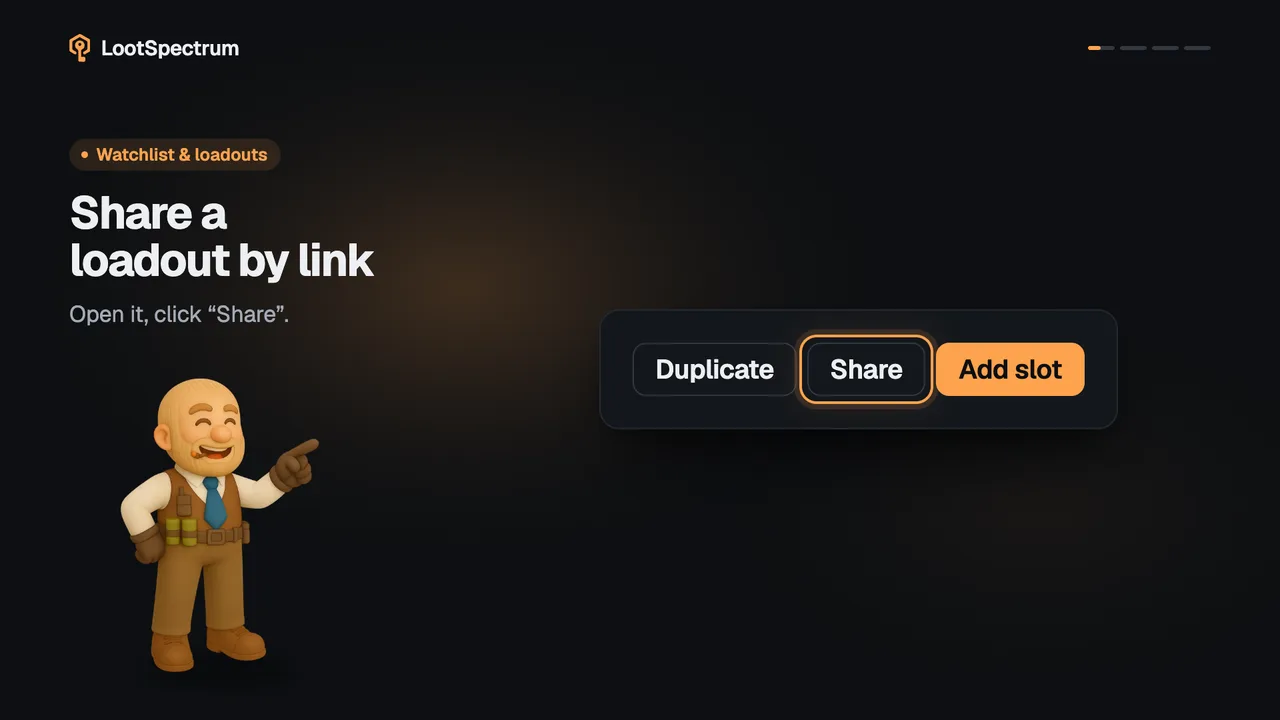
- Open the new loadout and click “Add slot”. Choose the team and the group, type the weapon's exact name as the slot, for example AWP, and click “Add empty slot”.
- On the new slot, click “Pick item” and choose a skin from the list. Skins you own are listed first.
- Use the tabs “Terrorists”, “Counter-Terrorists” and “Shared” to build each side.
- To change a filled slot later, click “Replace” or “Clear” on its tile, or × to remove the slot.
Good to know
- “New loadout” asks for a Name, an optional Label and “Start from”, which can copy an existing loadout instead of starting empty.
- The slot name decides which skins the picker offers, so it must be the weapon's exact name. Case does not matter: “ak-47” works, “AK47” does not. Knife, Gloves, Agent and Music Kit each cover their whole group.
- If the picker says “No compatible items found.”, the slot name is wrong. There is no rename, so remove the slot with × and add it again.
- The same slot name can exist once per side, and a loadout holds at most 64 slots. Stickers, charms and cases cannot go in a loadout.
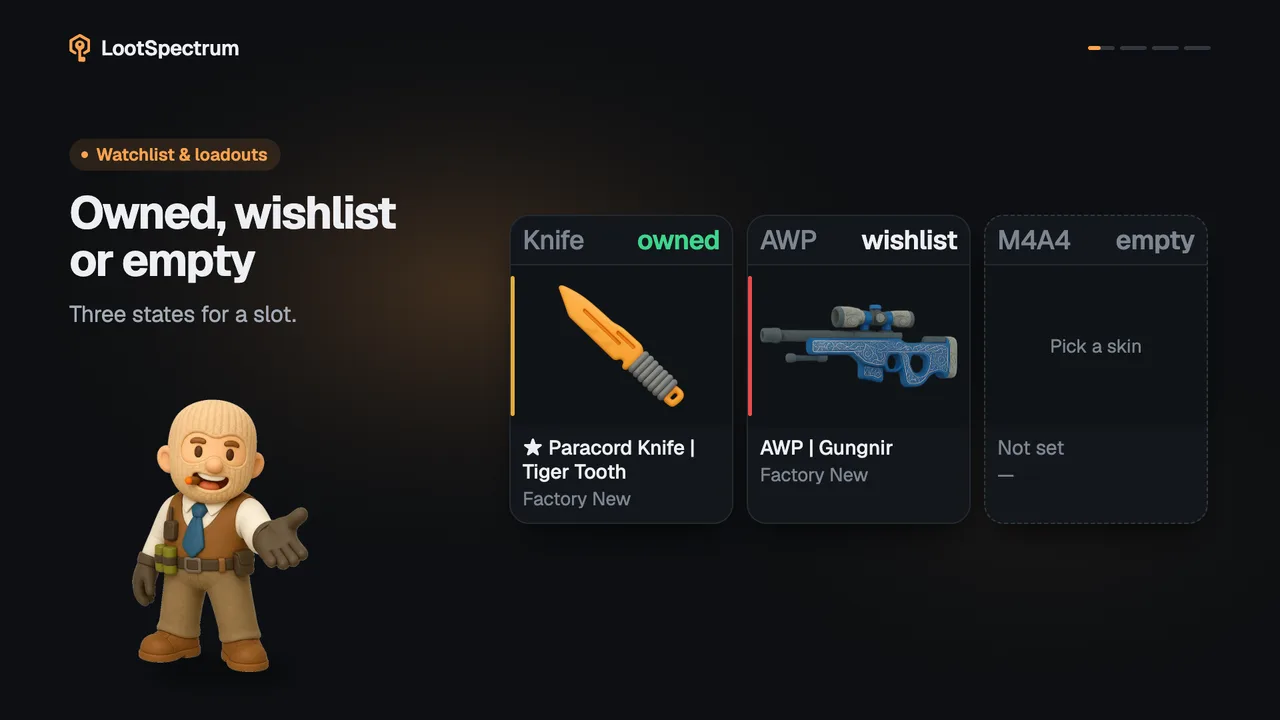
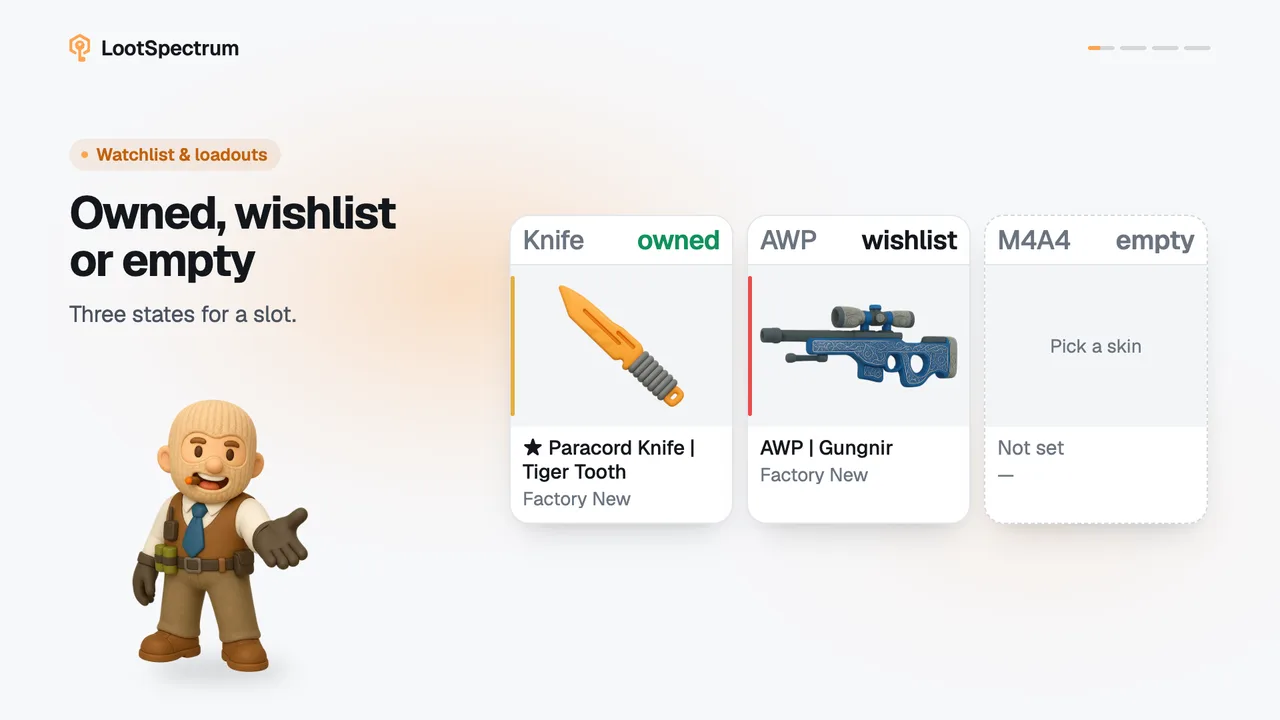
- A filled slot is marked “owned” or “wishlist”. The topic owned-wishlist-missing explains how that is decided; an up-to-date snapshot helps.
- Add items from inside the loadout. The “Add to loadout” button on item pages adds nothing.
- You can have 3 loadouts for free and 50 with Supporter. Loadout value, the 30-day change and missing cost are Supporter figures.
Why does the loadout picker find no items for my slot?
The slot name decides which skins the picker offers. It must be the weapon's exact name, such as AK-47, M4A1-S or AWP. Case is ignored, but hyphens and spaces count, so “ak-47” works and “AK47” or “AK” do not.
Four names cover a whole group: Knife, Gloves, Agent and Music Kit. A slot with any other name that is not a weapon offers nothing and the picker says “No compatible items found.”
Slots cannot be renamed. Click × on the slot, confirm “Remove slot”, then click “Add slot” and type the correct name.
Transcript
- 0:00Build your first loadout. Start with “New loadout”.
- 0:03Click “Add slot” Use the weapon's exact name.
- 0:06Click “Pick item” Choose a skin; yours come first.
- 0:09Build both sides. Terrorists, Counter-Terrorists, Shared.