What is a snapshot, and why does my inventory say “Estimated”?
0:17 · no soundExtension
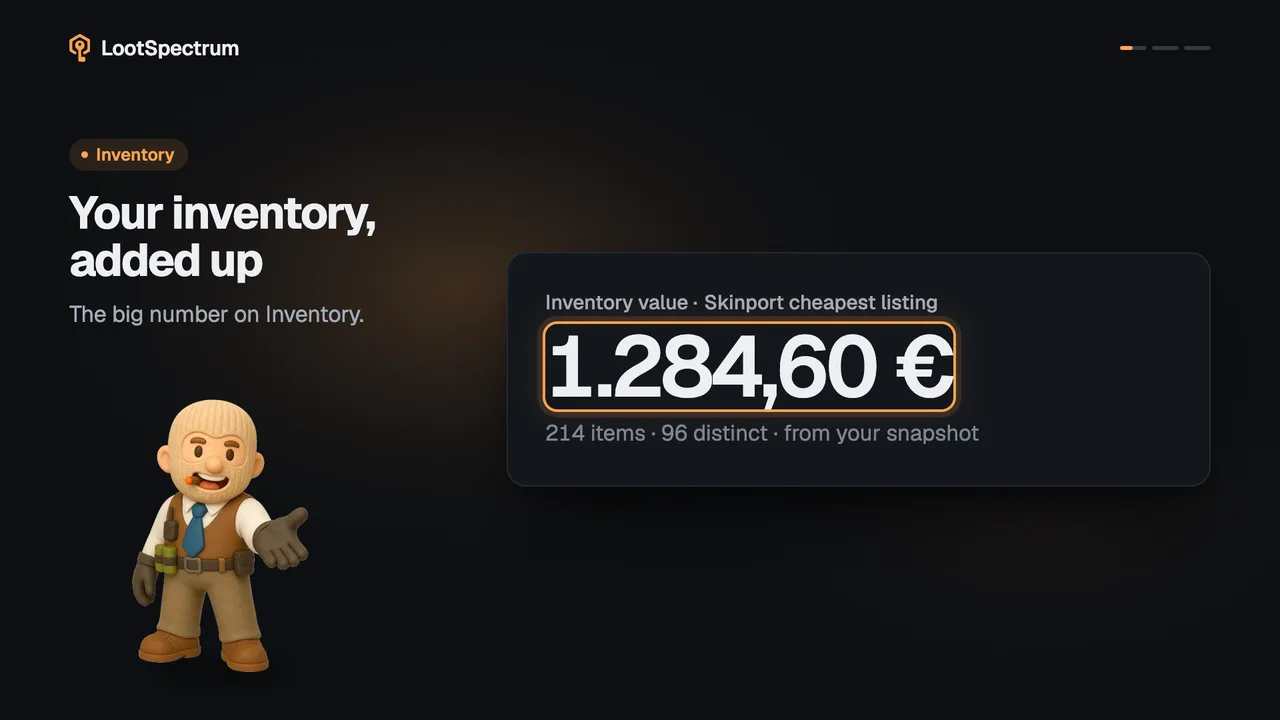
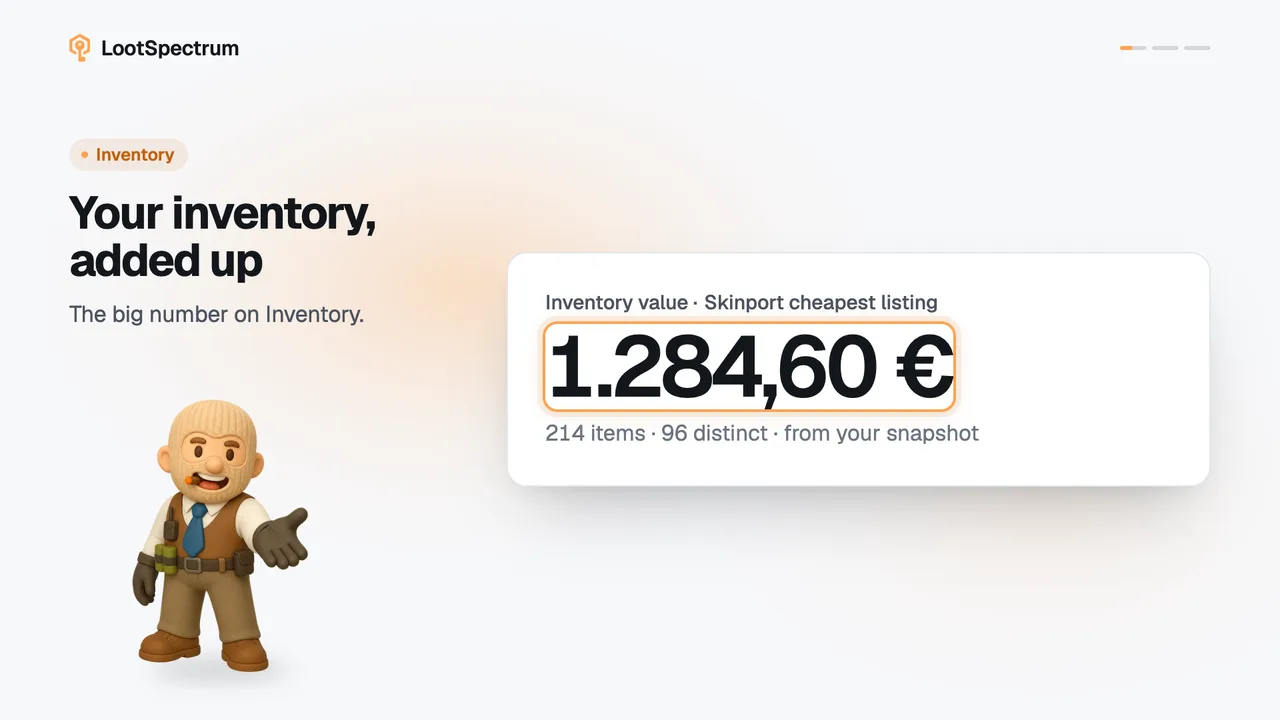
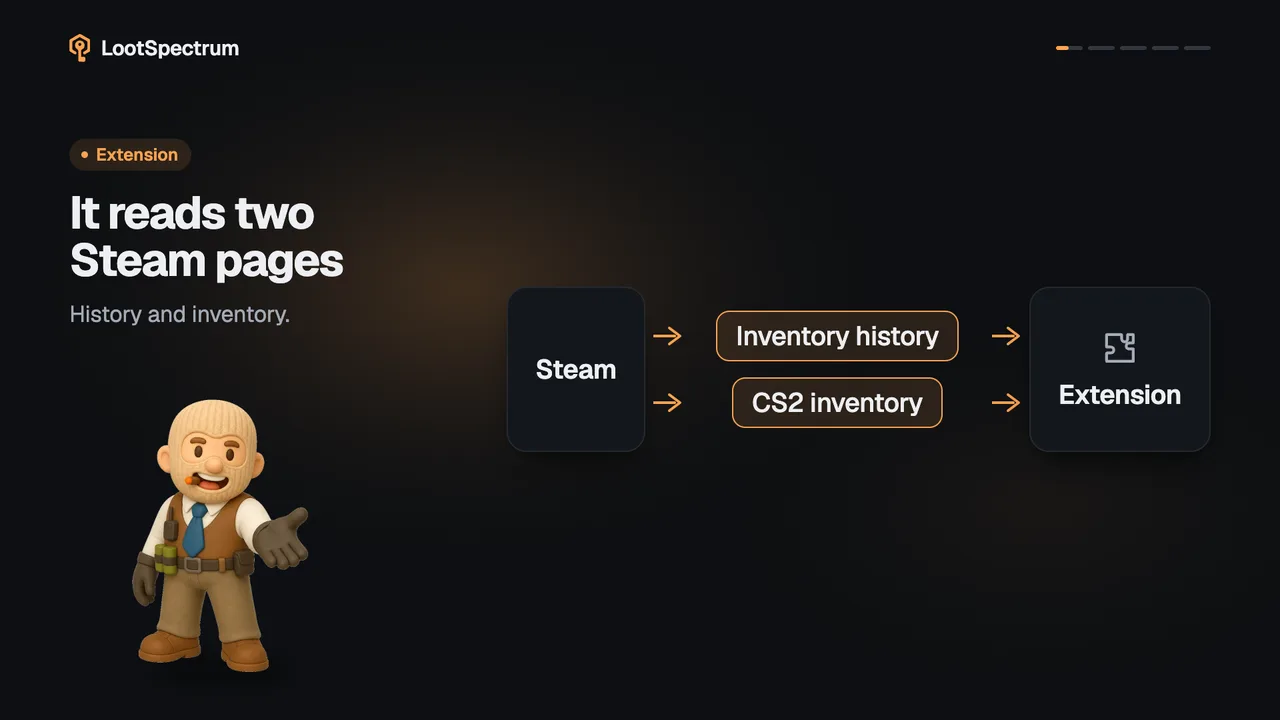
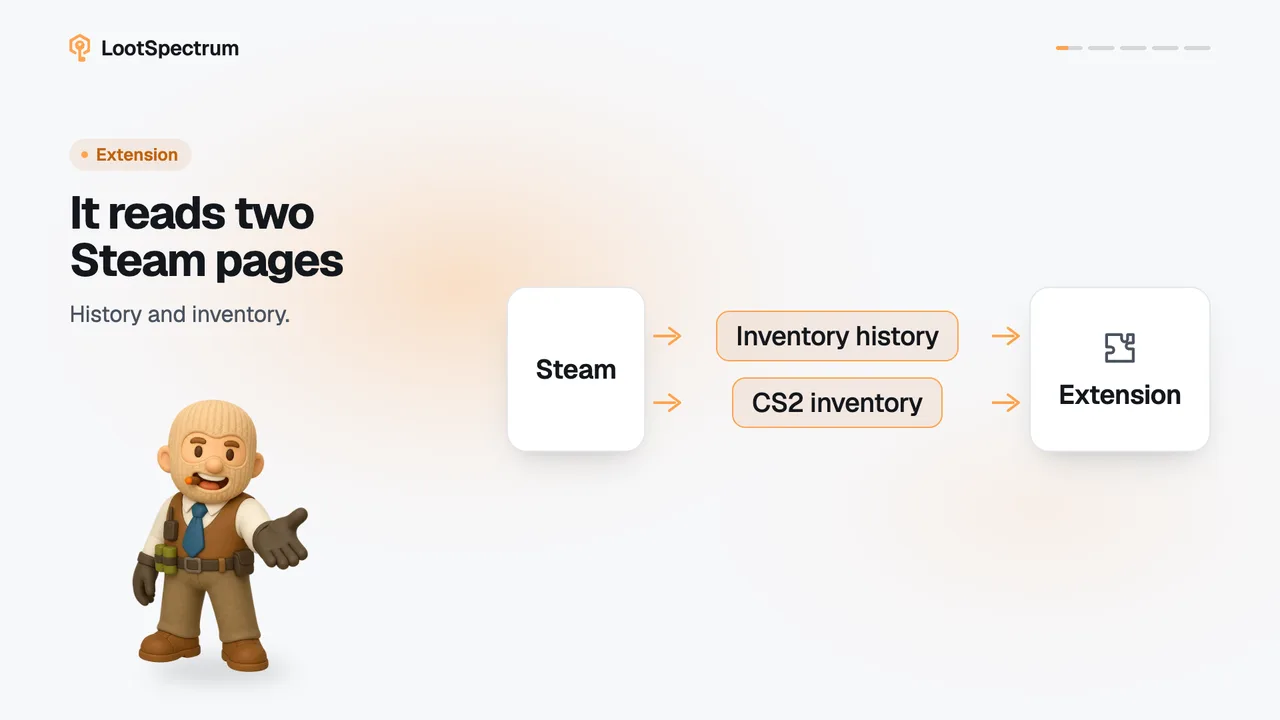
“Estimated” means your inventory was rebuilt from your synced history: everything gained minus everything lost. A snapshot is your real inventory, read from Steam by the extension, and “Take snapshot” switches the page to it.
Before you start
- The extension installed and connected: How do I install the extension and connect it?
- Steam access granted to the extension: What permissions does the extension ask for, and why?
- Logged in to Steam in this browser: Do I need to be logged into Steam, and how do I check?
- Your history synced at least once: How do I run my first full sync?
Step by step
- Open Inventory and look at the pill beside the heading. “Estimated” means the list is rebuilt from your synced history.
- Click “Take snapshot” in the banner “Estimated from your trade history” above the list.
- The banner shows “Reading your Steam inventory” while the extension reads Steam, then “Saving snapshot”.
- The pill changes to “Snapshot” with the time, for example “Snapshot · 14:05”, and the list now shows what Steam reports.
- If you want the details of each item, a snapshot also stores its float, pattern, stickers and charms.
Good to know
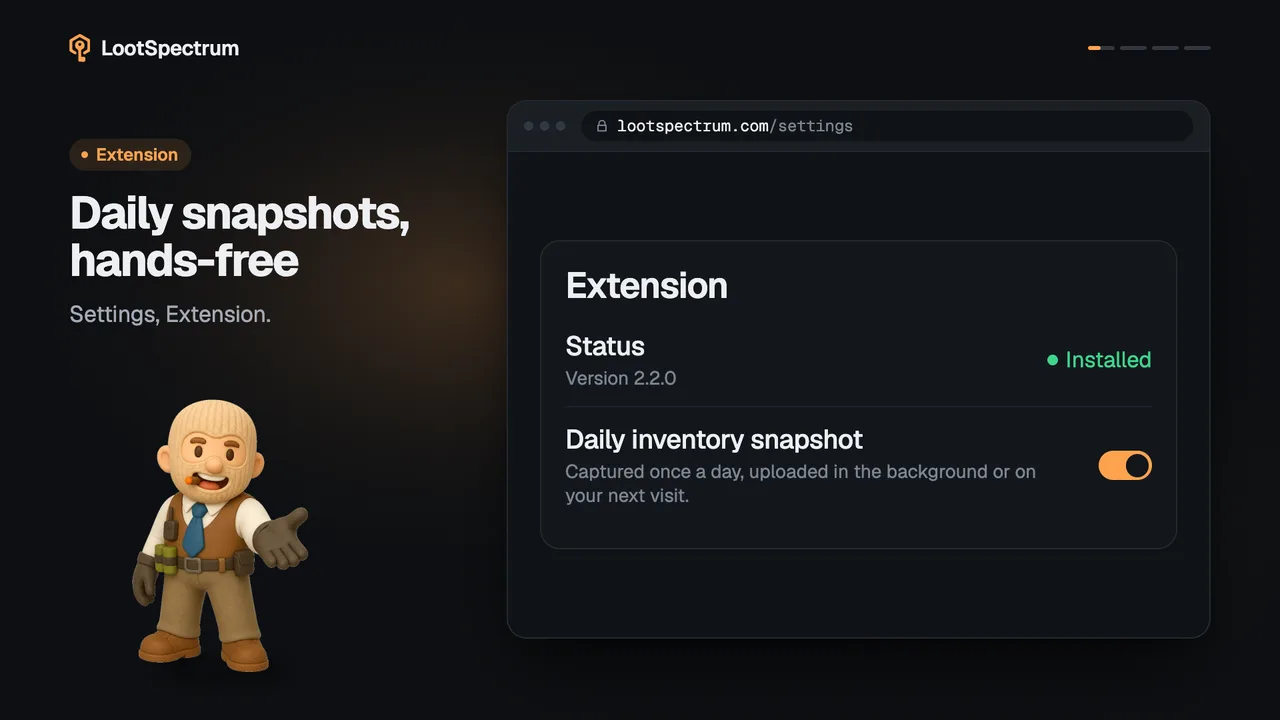
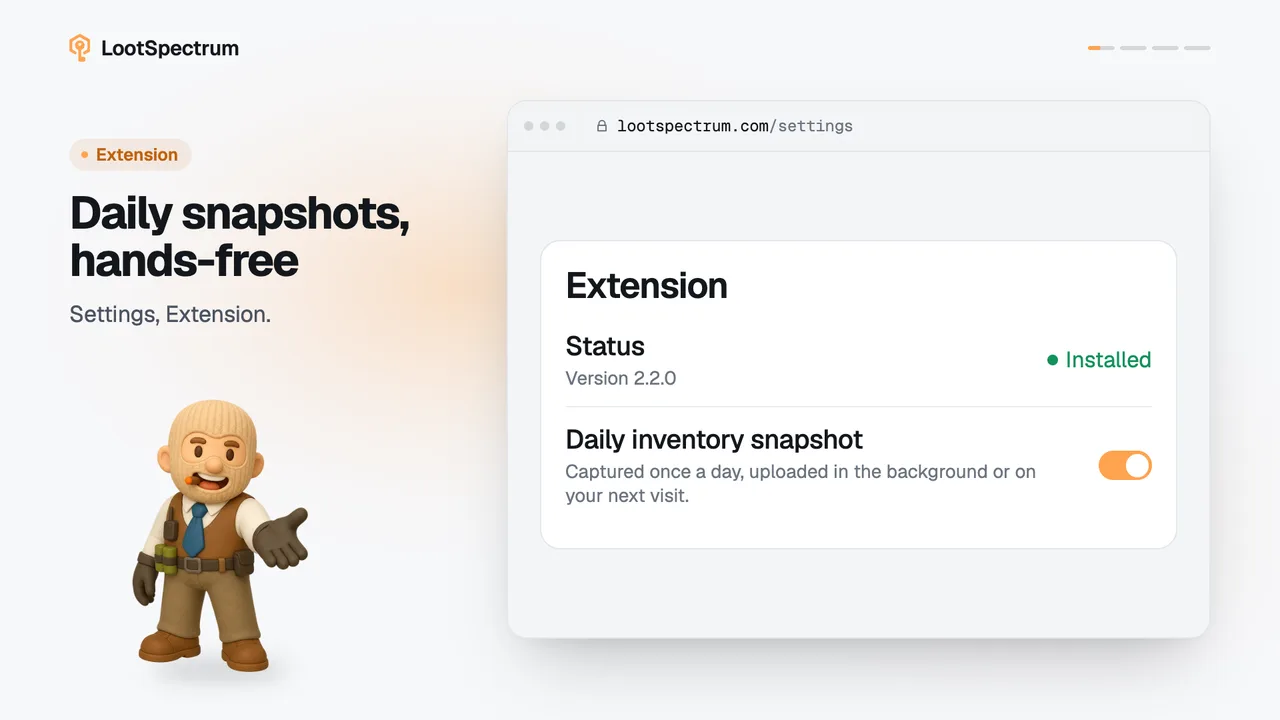
- You can take a snapshot three ways: “Take snapshot” in the Inventory banner, “Snapshot now” in the Readiness list on the Sync page, and the daily automatic one.
- There is one snapshot per day; a newer one taken the same day replaces it.
- An older snapshot shows as “Snapshot · yesterday” or with its date, and the banner keeps offering “Take snapshot” until one is taken today.
- An estimate can miss items from before your synced history and get counts wrong.
- A snapshot leaves out what is inside storage units, because Steam's inventory list does not include it; an estimate still counts those items, so a first snapshot can make stored items disappear from Inventory, collections and loadouts.
- The Activity tab “Storage” shows the moves into and out of storage units.
- If the snapshot fails, the banner says why: either you are not signed in to Steam in this browser (“Sign in to Steam in this browser, then try again.”) or the extension is missing. It then offers “Try again” or “Get the extension”.
- The estimated list exists only from synced events, so with no synced history there is nothing to rebuild it from.
- The value-over-time chart needs snapshots from more than one day.
Why are the items in my storage units missing from my inventory?
Steam's inventory list does not include what is inside storage units, so a snapshot leaves those items out. The footer under the list says so: “Items inside storage units are not included.”
An estimate still counts them, because it is built from your synced events and does not treat moves into storage as items leaving. That is why the list can shrink the first time you take a snapshot.
The Activity tab “Storage” shows the moves into and out of your storage units, so you can see what went where.
Transcript
- 0:00Why does it say “Estimated”? The pill beside the heading.
- 0:03Rebuilt from your history. It can miss items.
- 0:06Snapshot: read from Steam. By the extension, just now.
- 0:09Click “Take snapshot” In the banner above the list.
- 0:12The pill reads “Snapshot”