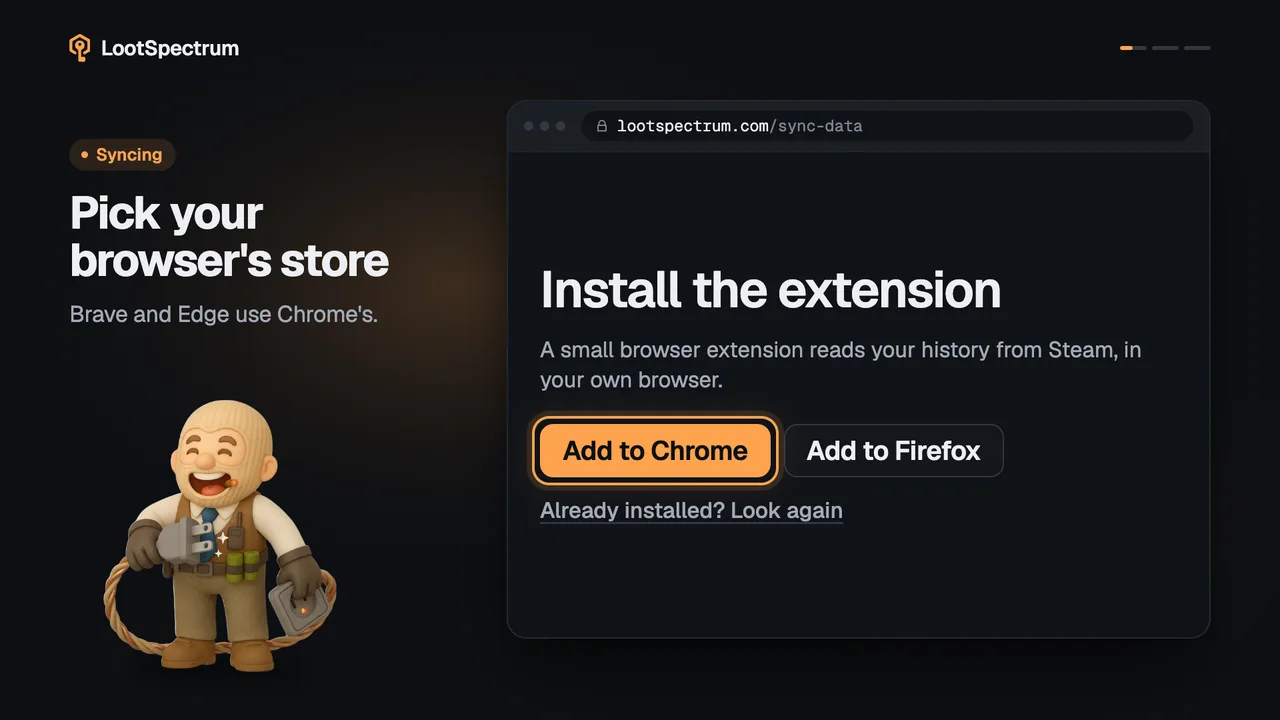
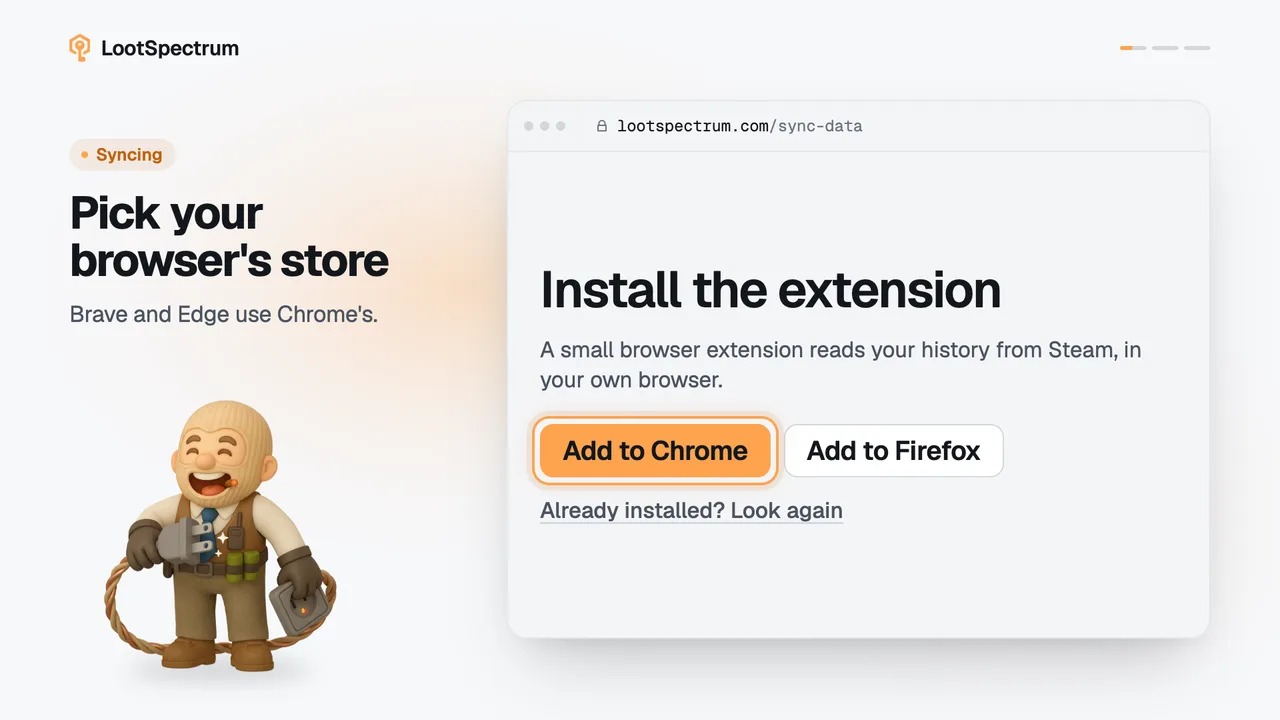
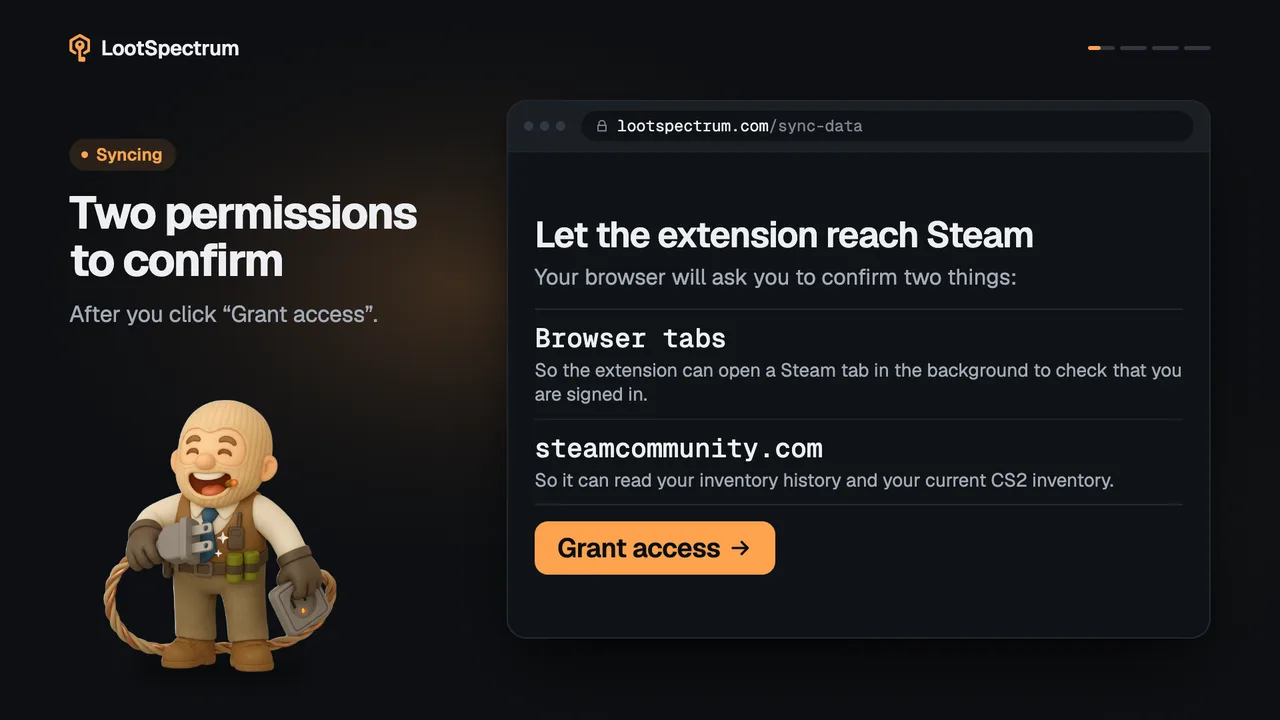
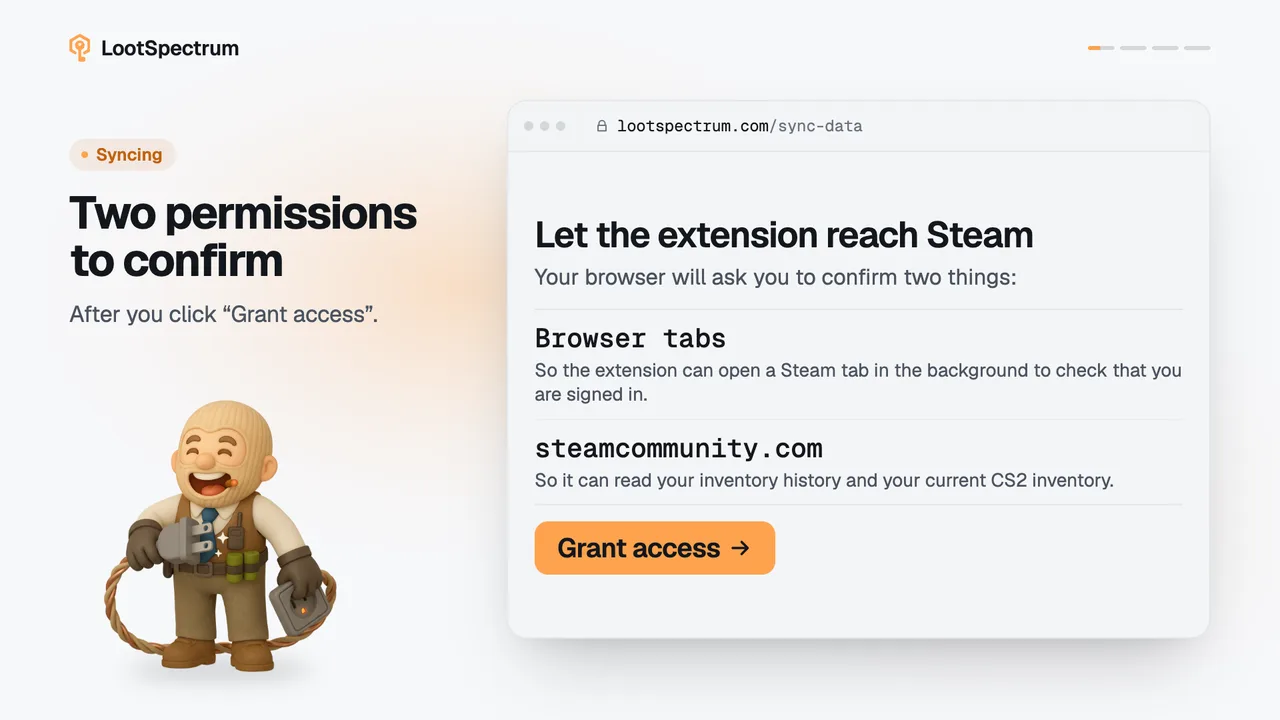
Is the extension safe? Can it see my password or trades?
0:17 · no sound
The extension reads your CS2 inventory history and your CS2 inventory from Steam, and nothing else. It never sees your password, trades or Steam API key, and you can revoke its access at any time.
Step by step
- The extension reads two Steam pages only: your inventory history and your CS2 inventory.
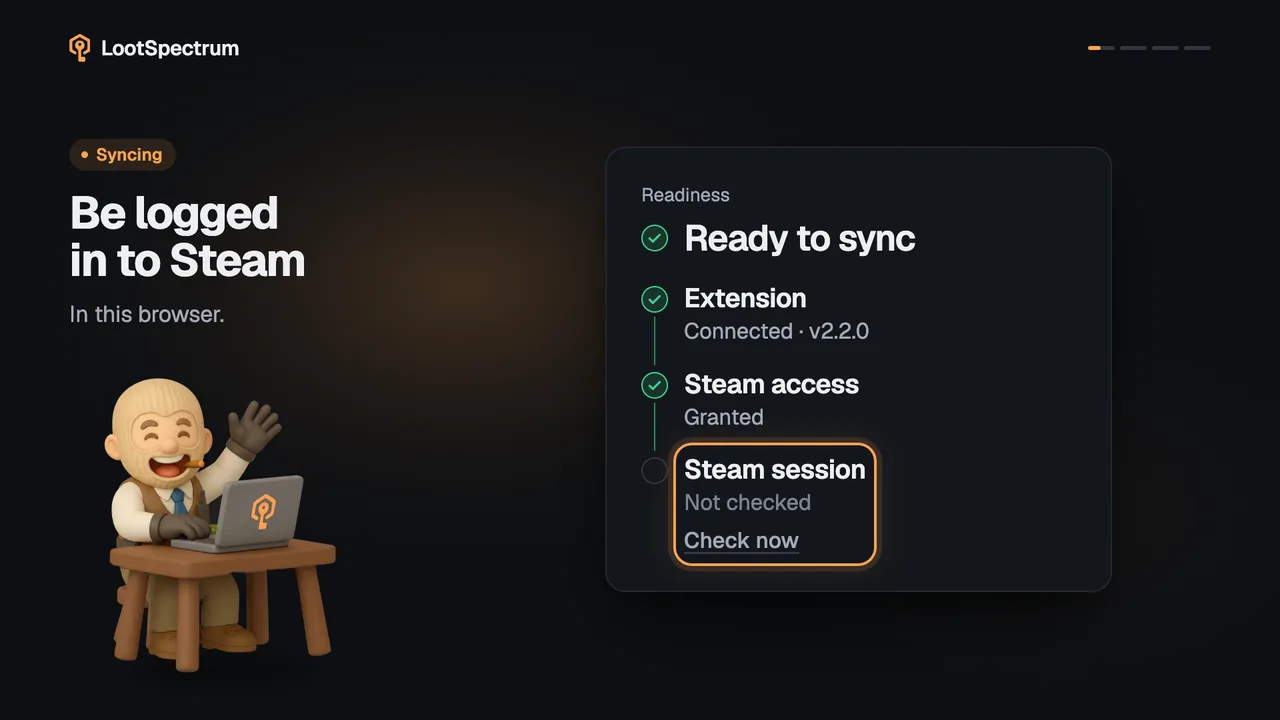
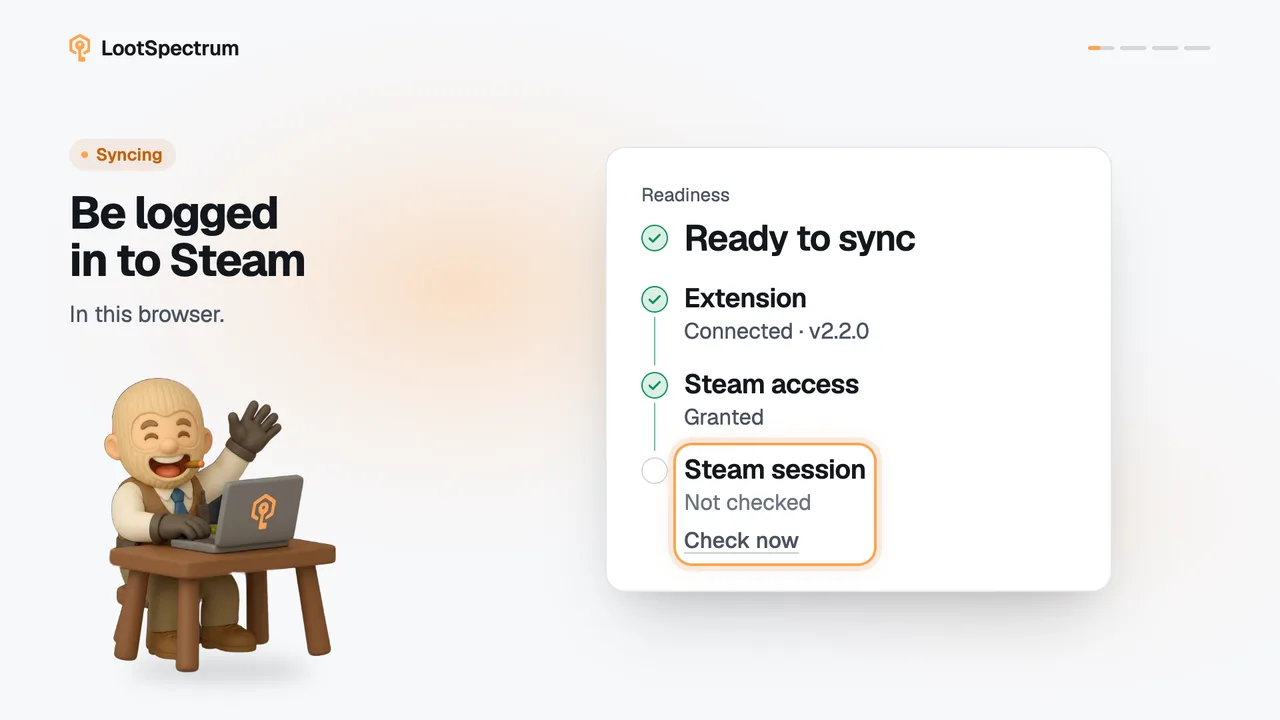
- It uses the Steam session already in your browser, so your password stays with Steam and is never seen by the extension or by LootSpectrum.
- It has no code for trade offers, the market or a Steam API key.
- It only reads: nothing on Steam is changed, and what is sent to LootSpectrum is the list of events and items, plus your inventory when a snapshot is taken.
- To revoke access, open your browser’s extension settings and remove the extension or its access to steamcommunity.com.
Good to know
- It only talks to steamcommunity.com and lootspectrum.com.
- It uses the Steam session already in your browser; you never type Steam credentials on LootSpectrum.
- What is sent to LootSpectrum is the list of events and items, and your inventory when a snapshot is taken.
- In your browser’s extension list it is called “CS2 Case Opening Stats”; look for that name when you remove the extension or its site access.
- Settings under Extension lists the browsers connected for background uploads, with “Disconnect” and “Remove”.
- The privacy policy describes what LootSpectrum stores; it is linked from this page.
Transcript
- 0:00It reads two Steam pages. History and inventory.
- 0:03It never sees your password.
- 0:06No trades, no API key. No code for them.
- 0:09It only reads. Nothing on Steam is changed.
- 0:12Revoke access any time. In your browser’s extension settings.