What does my inventory value mean?
0:11 · no soundSupporter
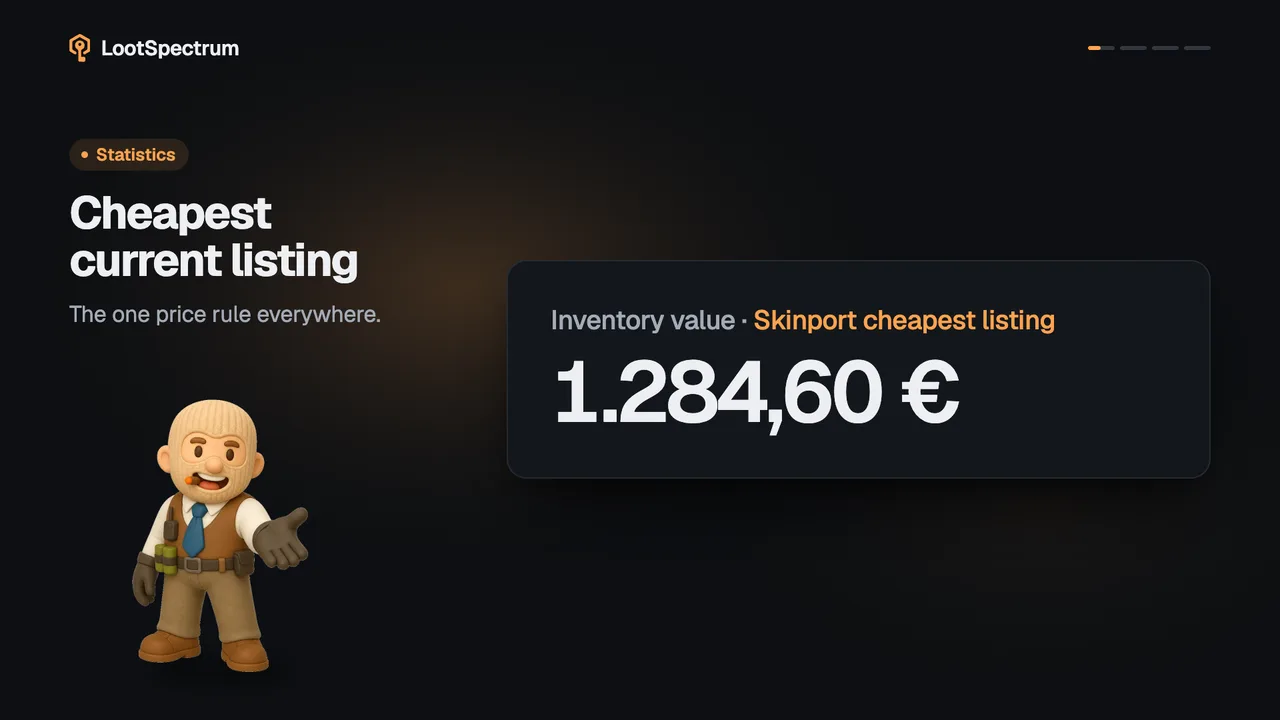
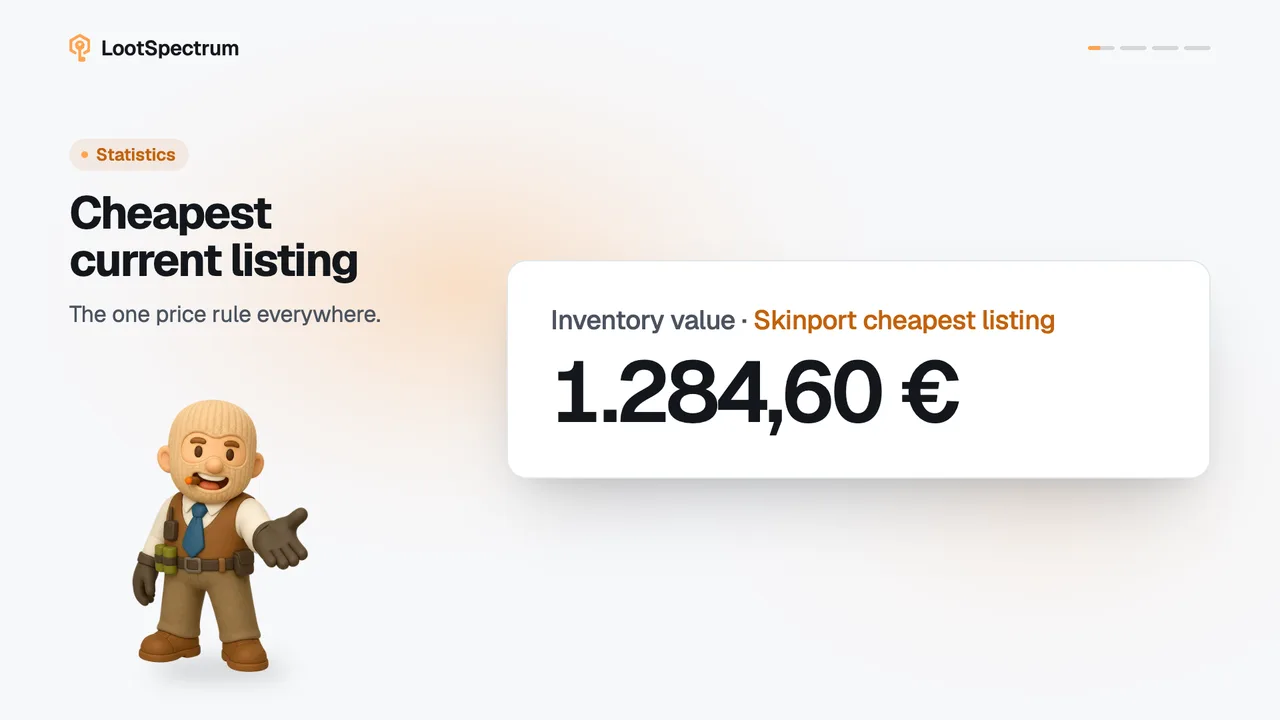
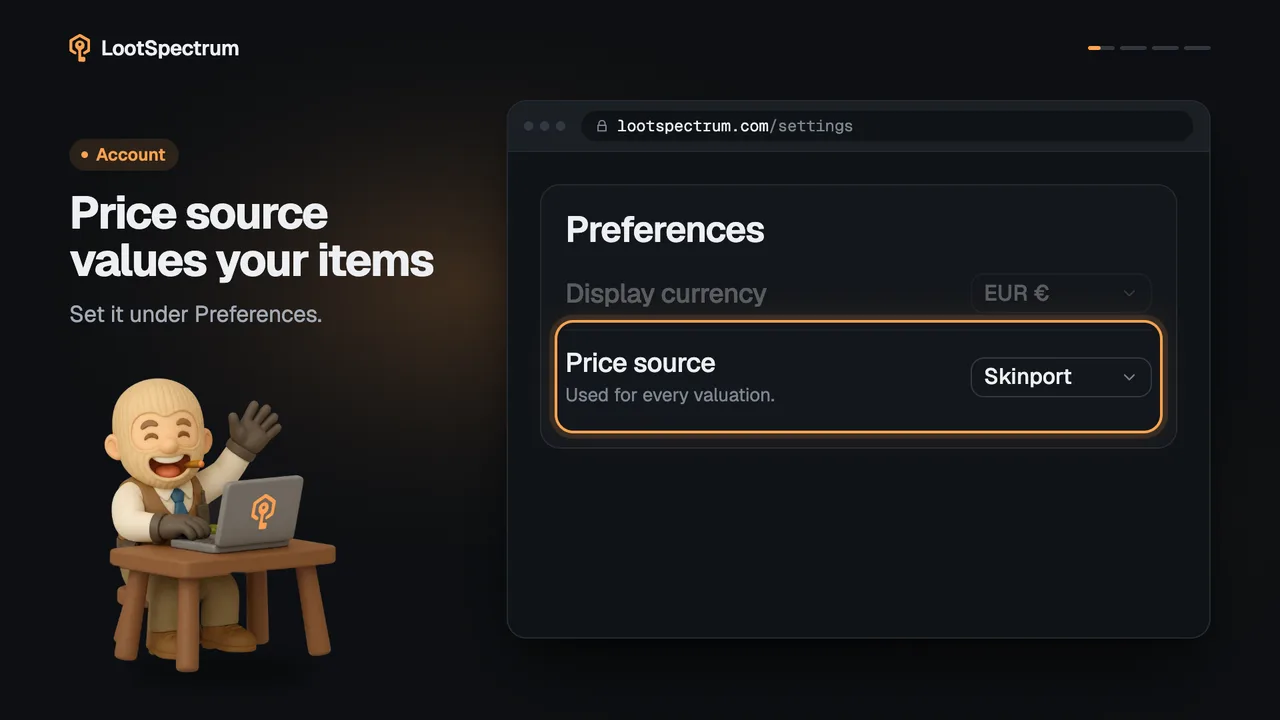
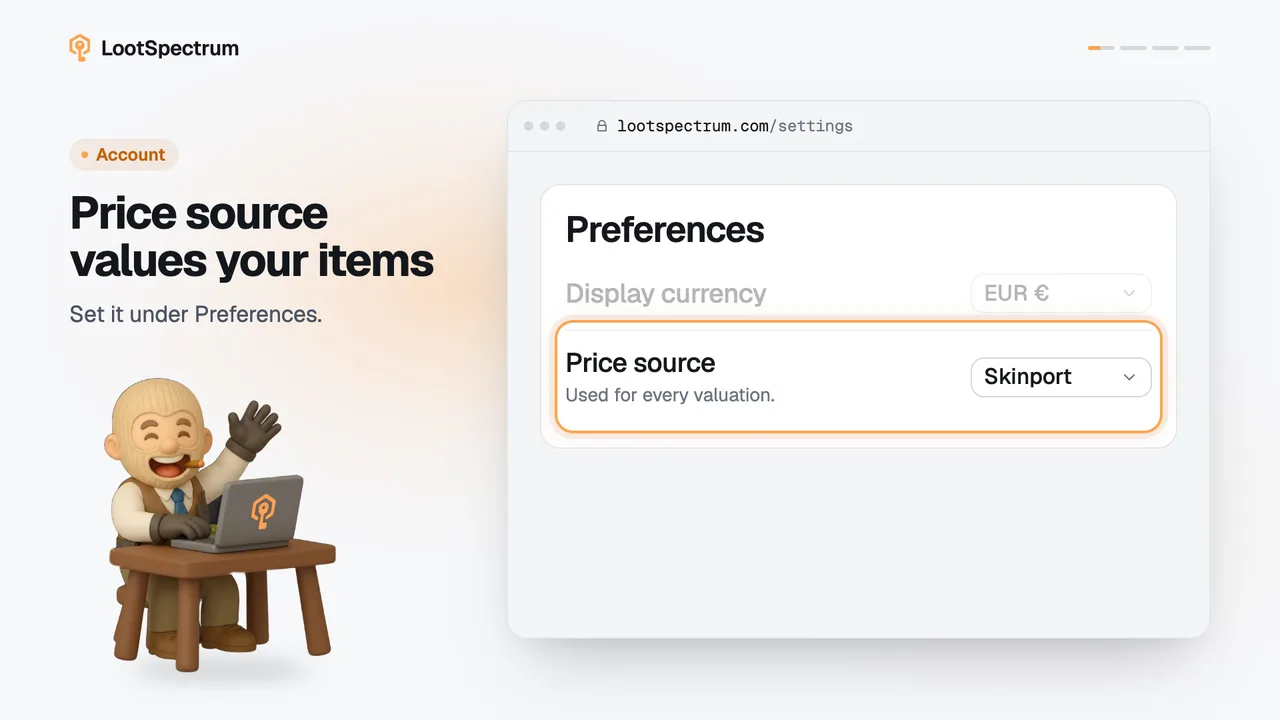
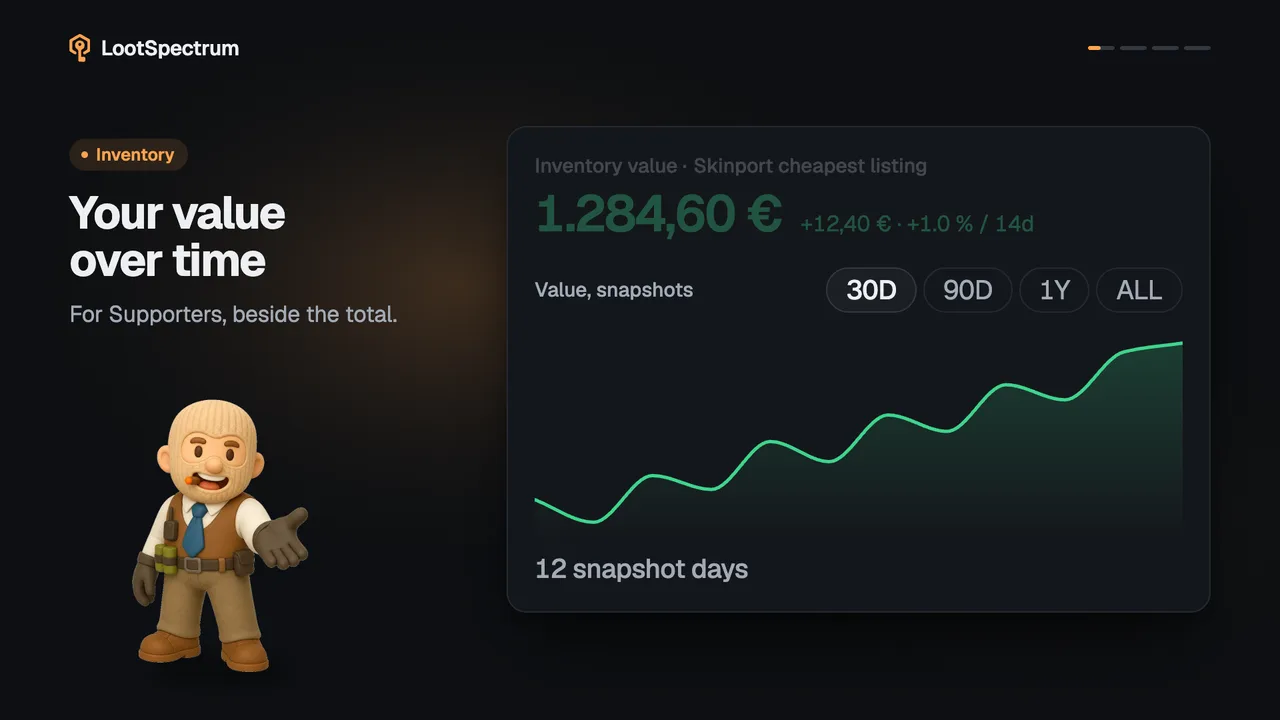
Inventory value is every item you hold, quantity times its cheapest current listing on your chosen market, added up. It is a listing price, not what you would get after selling.
Before you start
- A Supporter plan: How do I become a Supporter?
- An inventory snapshot: What is a snapshot, and why does my inventory say “Estimated”?
Step by step
- Open Inventory. The large number under “Inventory value” is your total; the label names the market, for example “Skinport cheapest listing”.
- Each item counts as its quantity times its cheapest current listing; in Table view the “Qty”, “Unit” and “Value” columns show the sum for every row.
- Read the line under the number: it gives the number of items, the number of distinct items, and whether the list is “estimated” or “from your snapshot”.
- Fourteen copies of one case are 14 items but 1 distinct item, so the item count is always at least the distinct count.
Good to know
- The pill by the heading says whether the list is “Estimated” or from a snapshot; see the snapshot page for the difference.
- Inventory value, the per-item values, the 30-day change and value over time are Supporter figures. Without Supporter you see a hatched bar and a note that says why; see the plans page.
- It is a listing price, not what you would receive after selling: market fees are not deducted.
- Why the total can look low: an item with no listing today shows “—” and adds nothing; an estimate can miss items; a snapshot leaves out the contents of storage units; snapshot items the catalogue cannot match are not counted.
- Item pages show the best price across all markets, so they can differ from the value here.
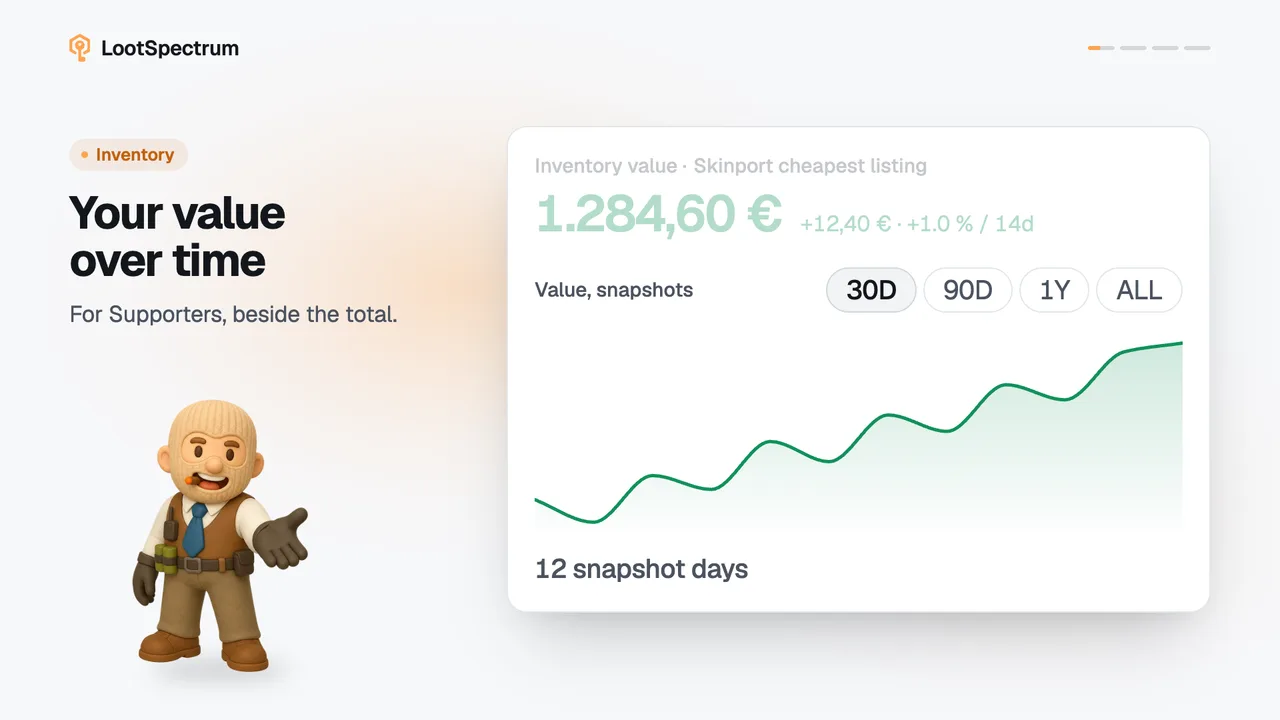
- Supporters with snapshots from two different days see a change beside the number, such as “+12,40 € · +1.0 % / 14d”.
- The currency follows your display currency.
- The menus for rarity, type and wear appear only when your inventory has more than one rarity, type or wear to choose from.
- Sorting by value or by 30-day change needs Supporter; a free account sorts by name.
- The list loads 60 items at a time.
How do I filter, sort and switch between grid and table in my inventory?
Above the list, the search box “Filter items” narrows it by name. The menus “All rarities”, “All types” and “All wears” narrow it by what you hold; each shows how many items match, and a menu only appears when there is more than one choice.
The “Sort” menu offers Highest value, Lowest value, Biggest 30d gain, Biggest 30d drop, Most copies, Recently acquired and Name A–Z. The value and 30-day sorts need Supporter; a free account sees only Name A–Z. “Grid” or “Table” on the right changes the layout, and the list loads 60 items at a time.
What does the “30d” number on an inventory item mean?
“30d” is how much that item's own price moved over the last 30 days, in percent, in green for a rise and red for a fall. It is the price of the item, not the value of your holding and not your profit.
It stays blank (“—”) when the price a month ago was under 0,50 €, or when the move is smaller than 0.05 %. On a past “As of” date it compares that date's price with the price 30 days before it. It is a Supporter figure.
Transcript
- 0:00Your inventory, added up. The big number on Inventory.
- 0:03Quantity times unit price. At its cheapest listing.
- 0:06Items versus distinct items. 14 cases, 1 distinct.