Which price source should I pick, and what does it change?
0:14 · no sound
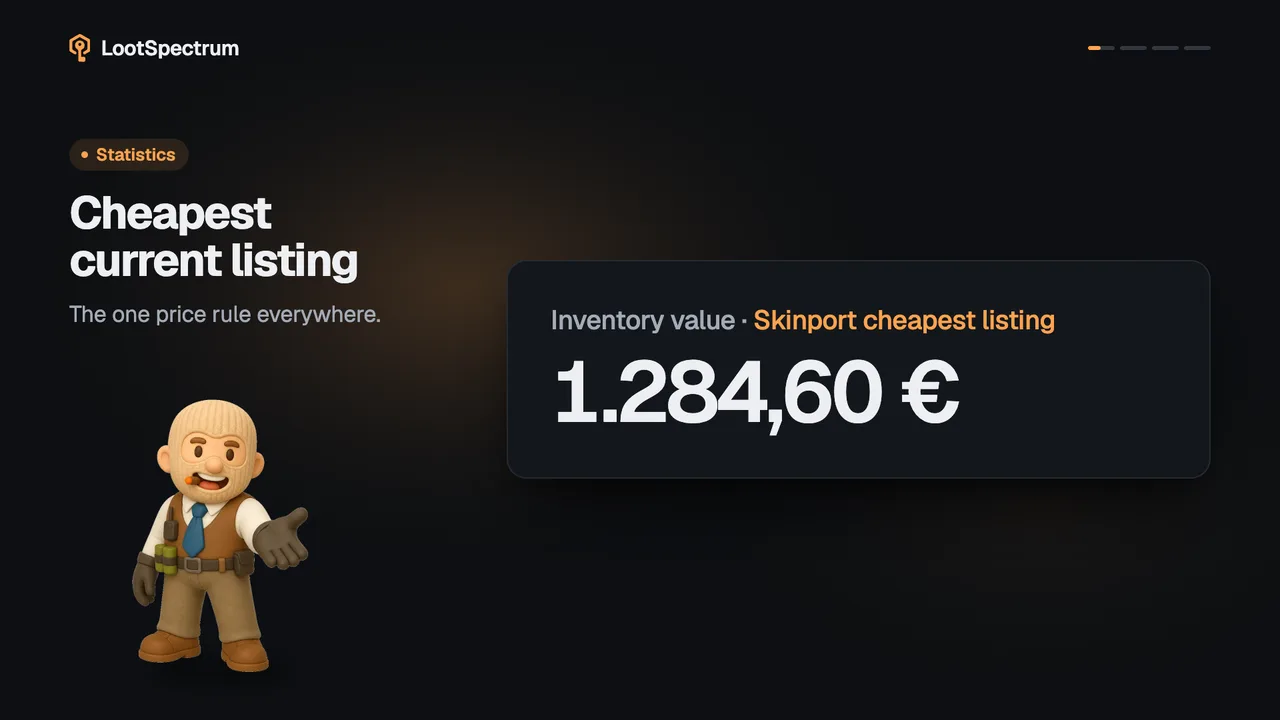
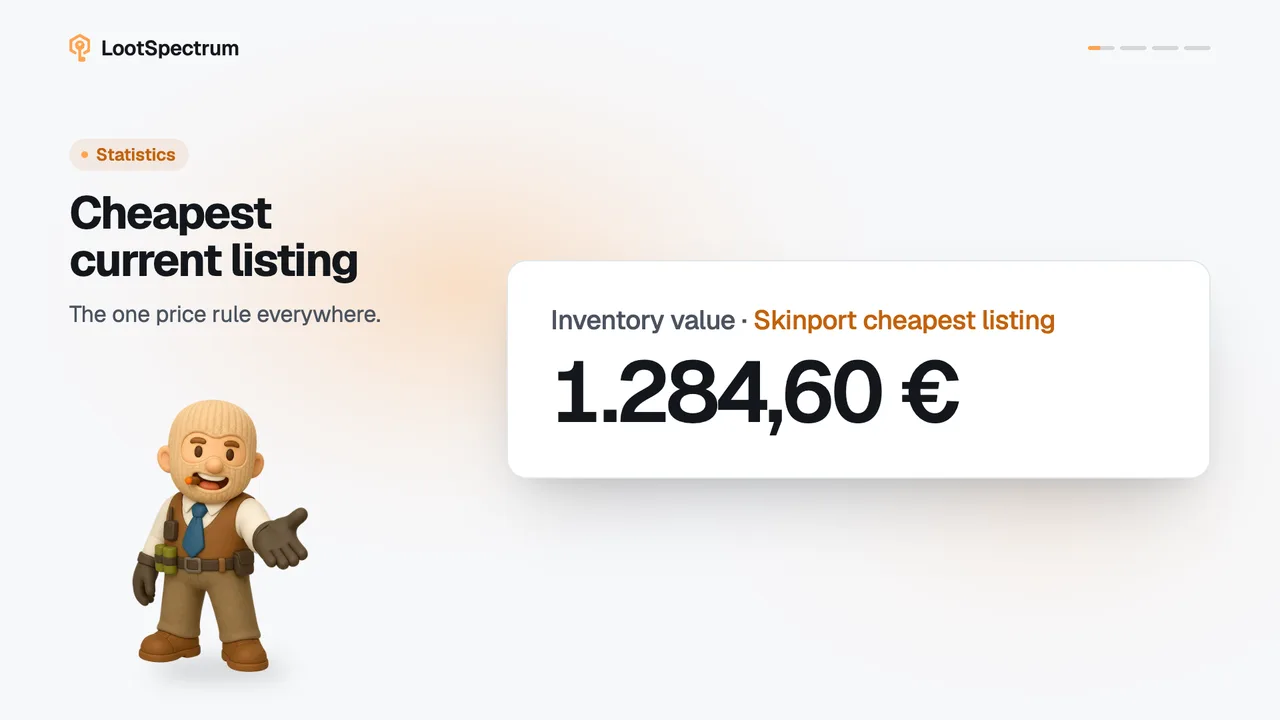
Price source is the market whose cheapest listing values your items. Set it under Settings, Preferences, Price source; Skinport is the default, and item pages ignore it.
Before you start
- A LootSpectrum account: How do I create an account, and can I sign in with Steam?
Step by step
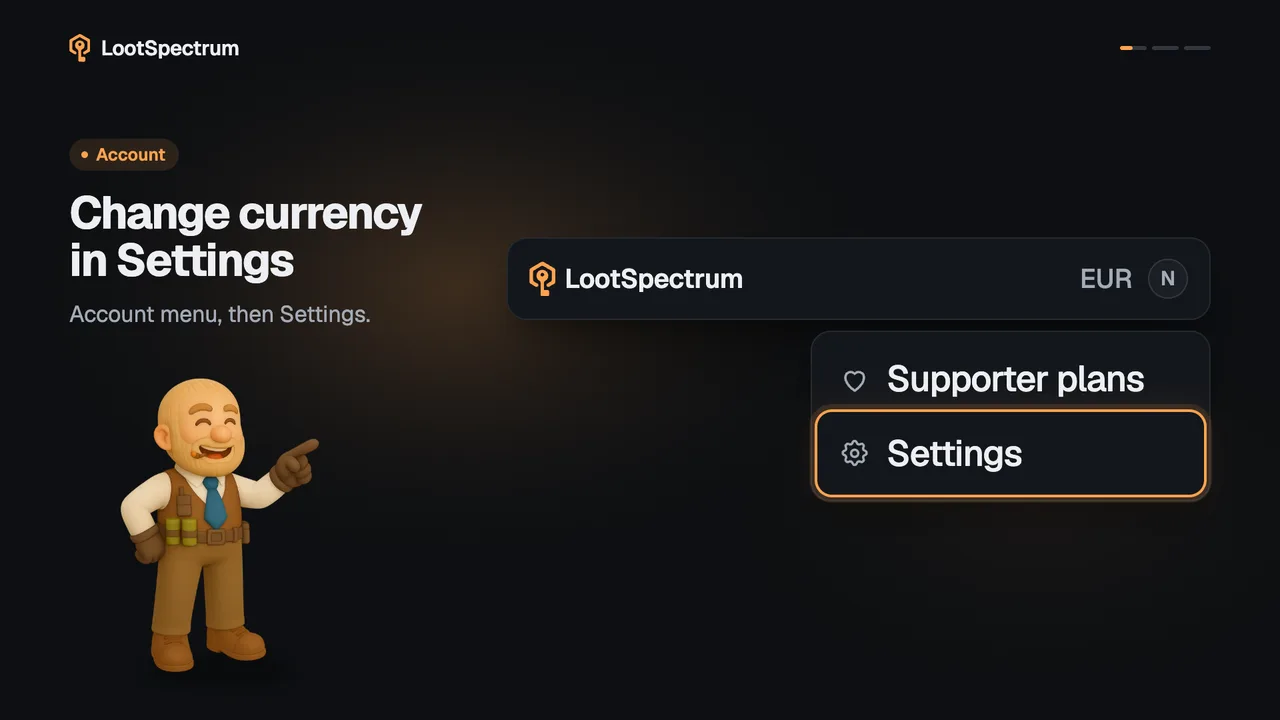
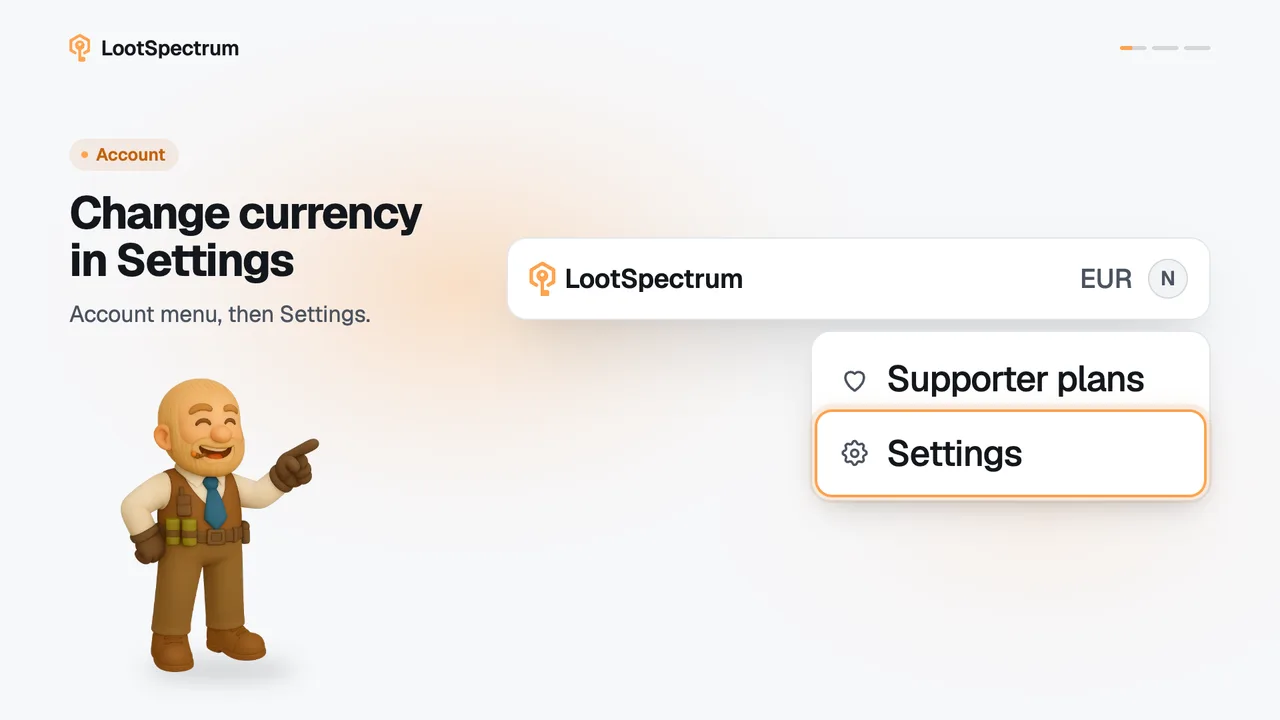
- Open Settings and find “Price source” in the “Preferences” card, with the note “Used for every valuation.”
- Open the menu and choose a market: “Skinport”, “Steam”, “CSFloat”, “Tradeit” or “SkinBaron”.
- The choice saves at once; “Saved” appears at the top of the “Preferences” card.
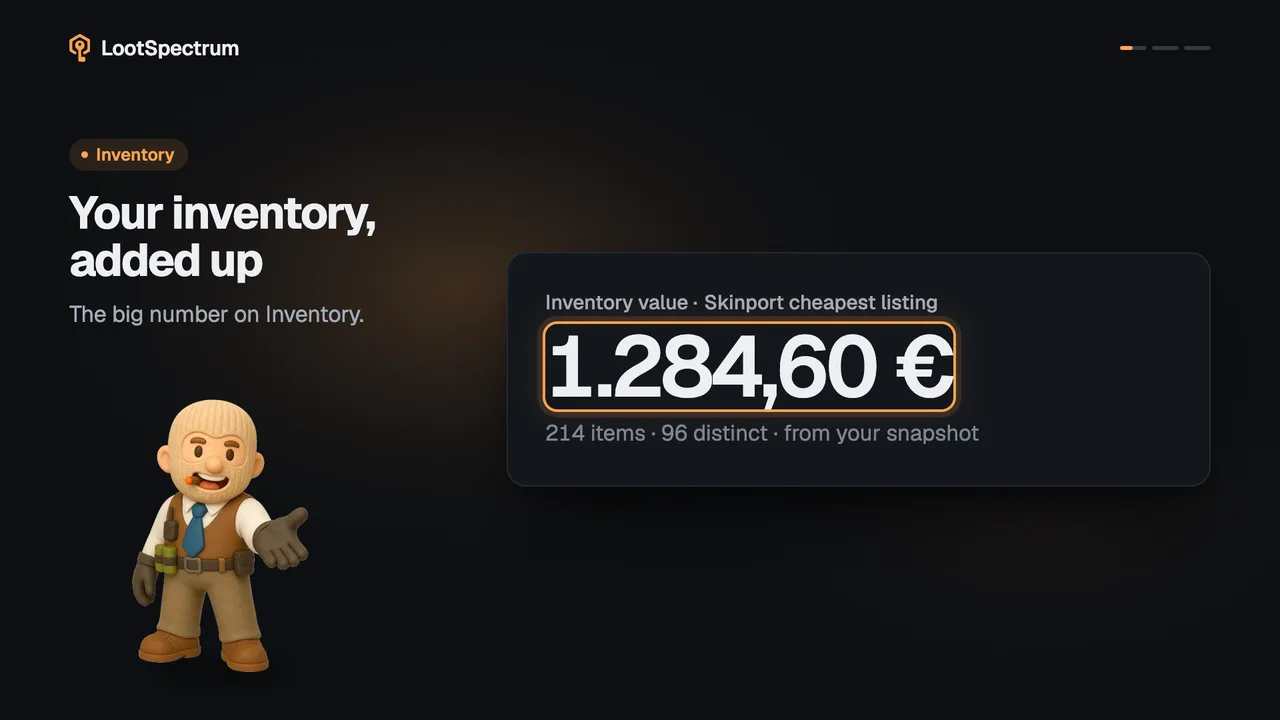
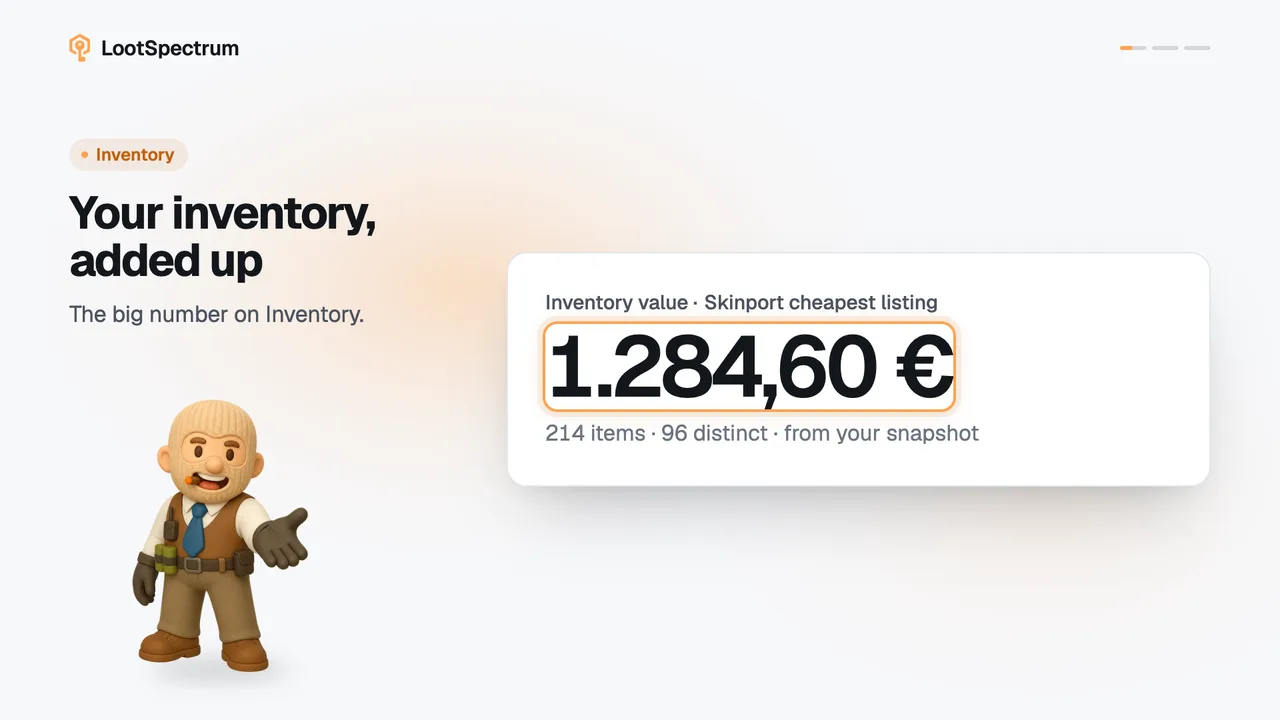
- Inventory value, statistics, activity, watchlist and loadouts now use the cheapest listing on that market, and the label above your inventory value names it.
- Open an item page: it still compares all markets, whatever you picked.
Good to know
- Skinport is the default.
- The five markets differ in price and in which items they list, so your totals change when you switch.
- An item with no listing on your market shows “—”.
- Pick the market you actually trade on; no market is the best one.
- Four places do not follow the setting: item pages and Compare always compare all markets, the item price chart is Skinport only, and a collection's “Cheapest set” is Skinport only.
- Watchlist and loadout prices do follow the setting.
Transcript
- 0:00Price source values your items. Set it under Preferences.
- 0:03Skinport is the default. Pick where you trade.
- 0:06Every value follows. Cheapest listing on that market.
- 0:09Item pages ignore it. They always compare all markets.