How do I share a loadout?
0:14 · no sound
Open a loadout, click “Share”, then “Enable sharing” and copy the link. Anyone with it can view the build read-only, without prices, until you revoke or replace the link.
Before you start
- A LootSpectrum account: How do I create an account, and can I sign in with Steam?
Step by step
- Open the loadout you want to show and click “Share” in the row above the slots.
- In the “Share loadout” window, click “Enable sharing”. This creates an unguessable public link.
- Click “Copy link” beside the “Share link” field and send the link to a friend or post it.
- To stop sharing, open “Share” again (it reads “Sharing on” while a link is active) and click “Revoke link”.
- To replace a link, click “Generate new link”. The old link stops working at once.
Good to know
- Anyone with the link can view the build without signing in, and cannot edit it.
- The shared page shows no prices, whatever your plan. It does show which slots you own and marks the others “not owned”.
- The link is shown only while the window is open. Once you close it, the link cannot be shown again; “Generate new link” makes a new one and the old one stops working.
- A revoked or replaced link shows “This link is no longer active”.
- Sharing is free, within your first three loadouts.
- A loadout that is locked after Supporter ends cannot get a new link, but its existing link stays public until you revoke it, which is always possible.
Transcript
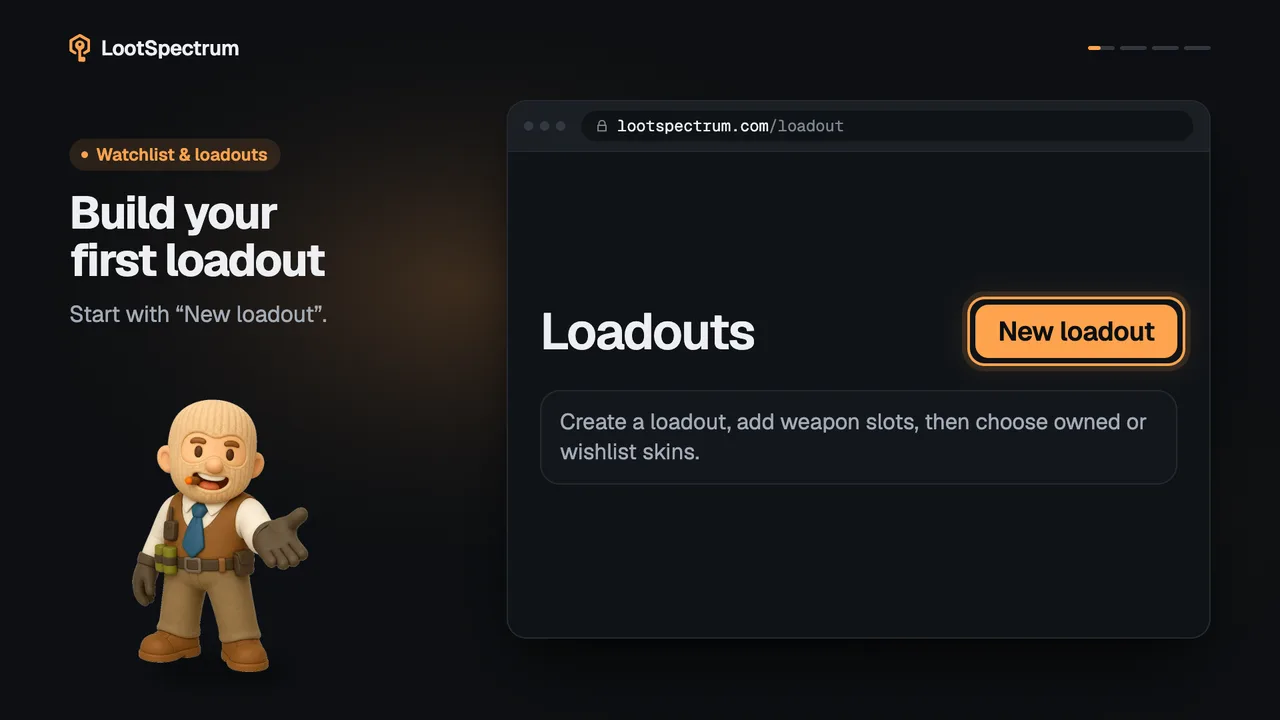
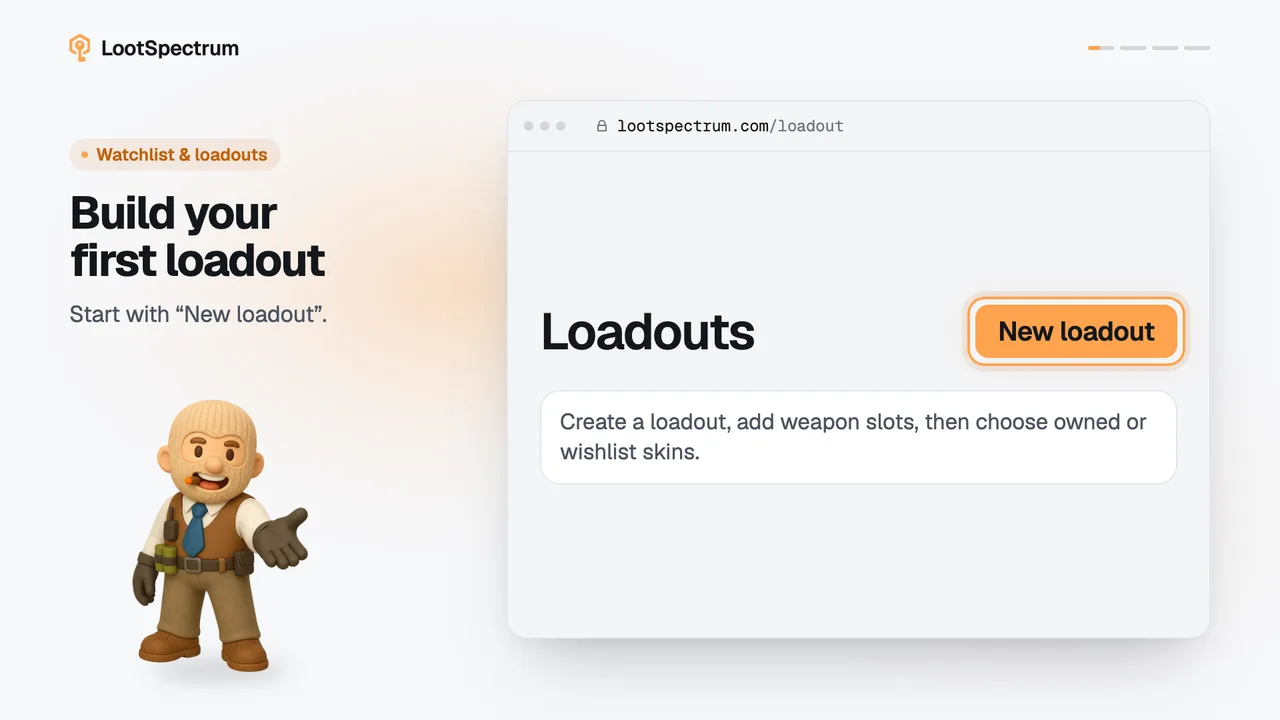
- 0:00Share a loadout by link. Open it, click “Share”.
- 0:03Click “Enable sharing” It creates a public link.
- 0:06Copy the link. Read-only, and no prices shown.
- 0:09Revoke or replace it. Old links stop working.