How do I compare skins side by side?
0:14 · no sound
Open Compare in Market mode, add up to four items, pick a condition for each, and read one shared price timeline plus a table of the cheapest price on every market.
Before you start
- A LootSpectrum account: How do I create an account, and can I sign in with Steam?
Step by step
- Switch to Market mode and open “Compare” in the top navigation.
- Click “Choose an item” (later “Add item”), type at least two characters in “Search skins, cases, stickers…” and pick a result; repeat for up to four items.
- On each item's card, open the “Variant” menu and pick the wear, or the StatTrak™ and wear combination, you care about; “Best current” shows the cheapest price and its market.
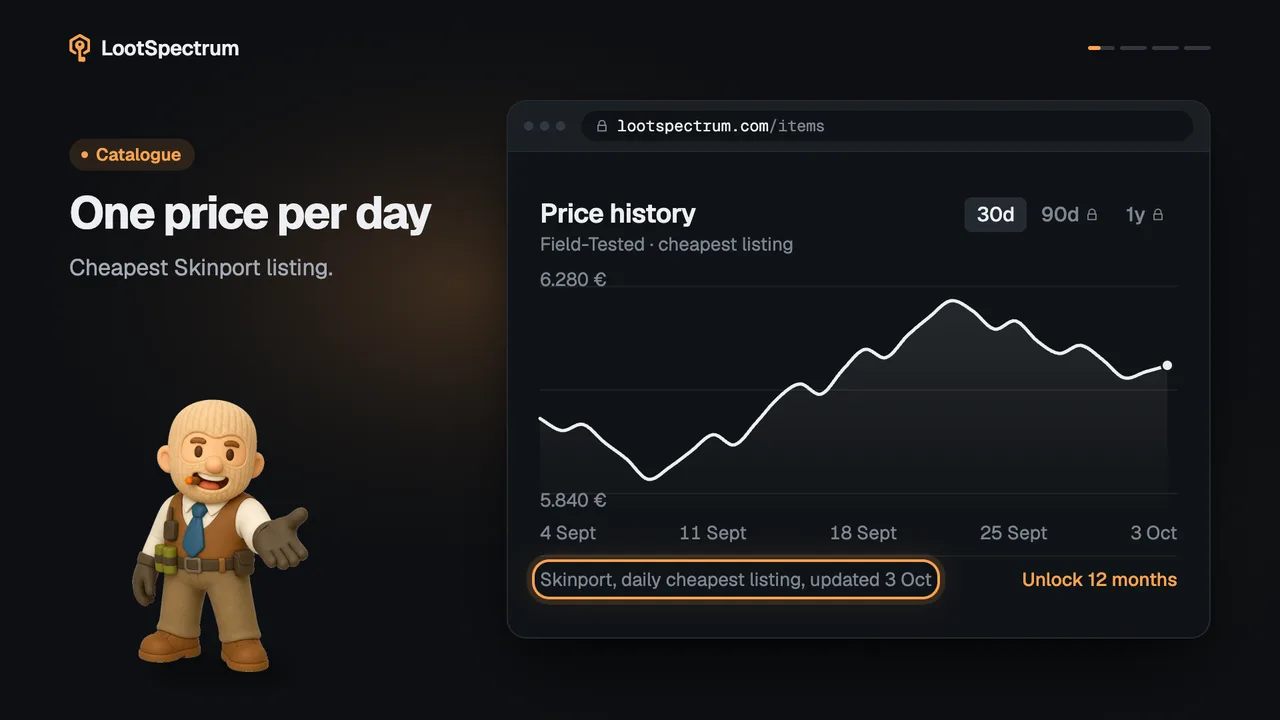
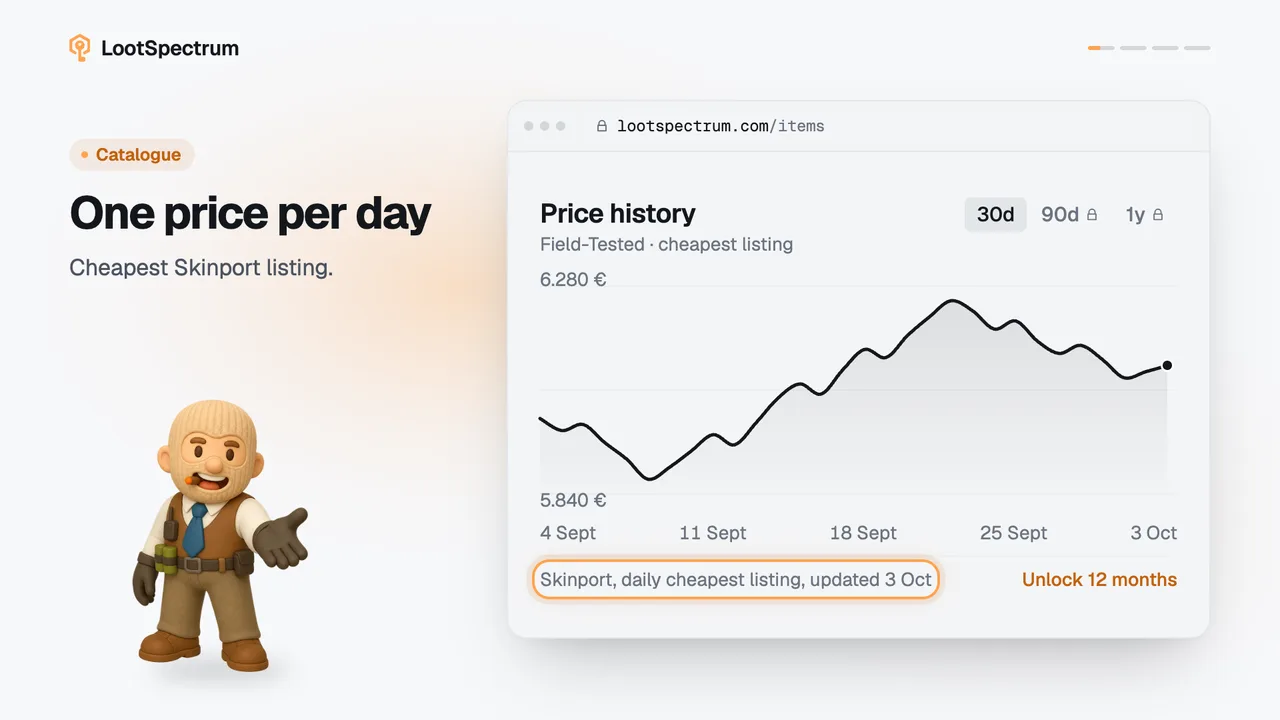
- Read “Price history”, which draws all items as overlaid lines on one timeline.
- Read “Market spread” for the cheapest listing on each market; the cheapest price in each item's column is green.
Good to know
- Compare is in Market mode, and you must be signed in; signed-out visitors are sent to sign-in.
- The address can be shared and reopens the same items. Items beyond four are dropped, and duplicates are removed.
- One item already works, although the empty card says “Start with two items.”
- At four items the button reads “Four items selected”. Remove one with × on its card, or use “Clear all”.
- Free accounts see Skinport history for 30 days. Supporters get a “History market” menu with five markets and 12 months.
- Compare always shows euros and all markets, whatever display currency and price source you set in your settings.
- “Market spread” shows the listed prices and ignores fees, so what you would net after selling differs.
- The “Variant” menu lists every wear and StatTrak™ combination of that item, for example “StatTrak™ · Field-Tested”.
- Each card also shows the item's Collection, Float range, Finish and number of Markets.
Transcript
- 0:00Compare up to four items. Open Compare, add items.
- 0:03Choose a condition per item. Each card's Variant menu.
- 0:06One timeline for all. Free accounts see 30 days.
- 0:09Which market is cheapest. Cheapest per item is green.