How do Doppler phases work on an item page?
0:11 · no sound
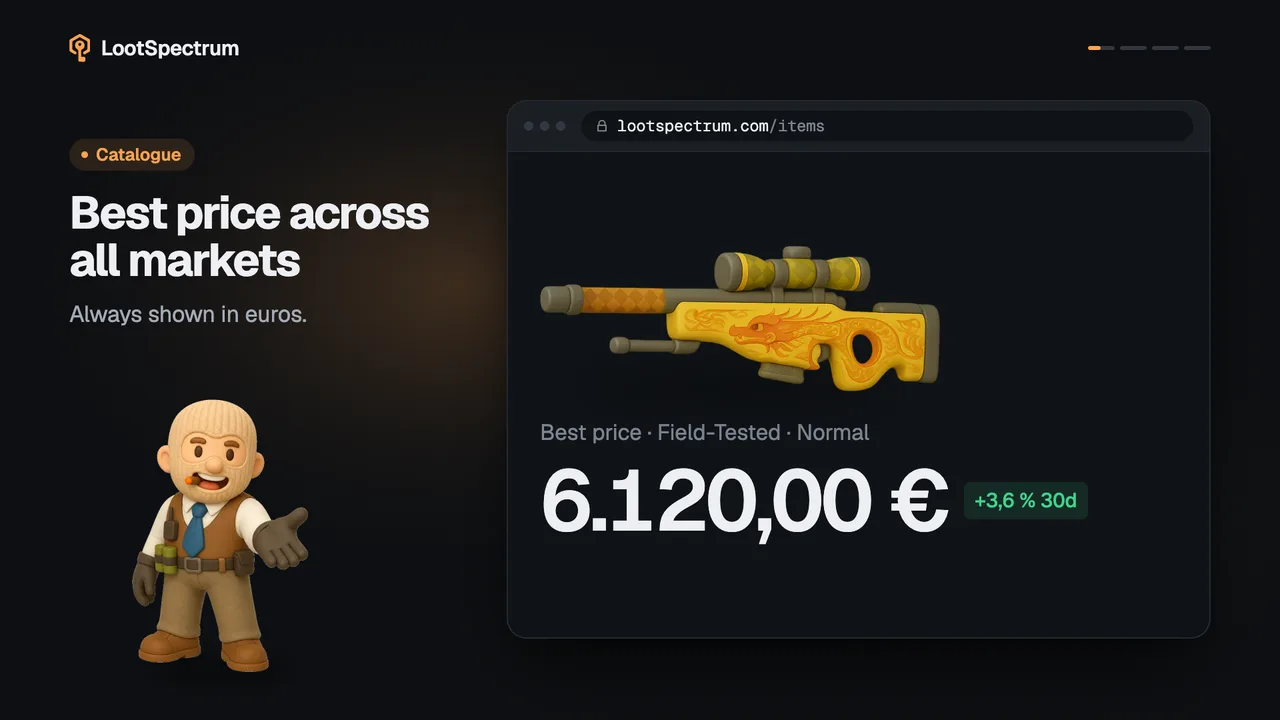
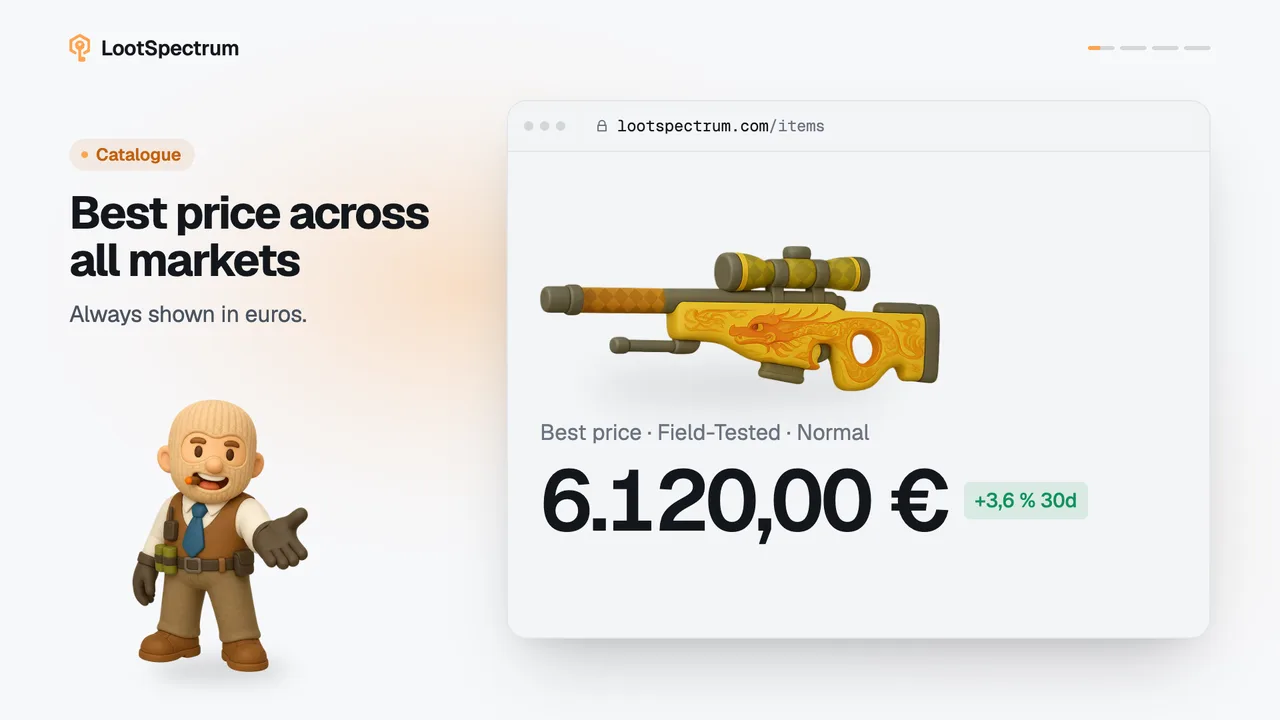
On Doppler and Gamma Doppler items the finish, a phase or a gem, is the first choice on the item page. It sets the picture, the price, the Buy button and the chart, and “Price by finish” compares them all.
Step by step
- Open the item page of a Doppler or Gamma Doppler knife and find the “Finish” picker: four tiles, “Phase 1” to “Phase 4”, each with the cheapest price at your condition.
- Look under “Gems” for the rarer finishes, such as Ruby, Sapphire and Black Pearl; a gem is tagged “Gem” on the label over the item picture.
- Click a tile to choose that finish. The picture, the big price, the chart and the orange button, for example “Buy Phase 2 on Skinport · 238 €”, all switch to it.
- Read the note under the price, such as “×1,8 the cheapest finish”, to see how far that finish sits above the cheapest one.
- Scroll to “Price by finish” to compare every finish at once: one bar per finish with its price, and “Floor” on the cheapest ones.
- Click any row of “Price by finish” to switch to that finish.
Good to know
- The finish is the first choice on these items. The quality and wear you pick still apply, and every tile and bar shows the price at that condition.
- A finish with no tracked listing for your condition shows a dash on its tile and “no data” in “Price by finish”.
- The address keeps the finish, so a shared link opens on the same one.
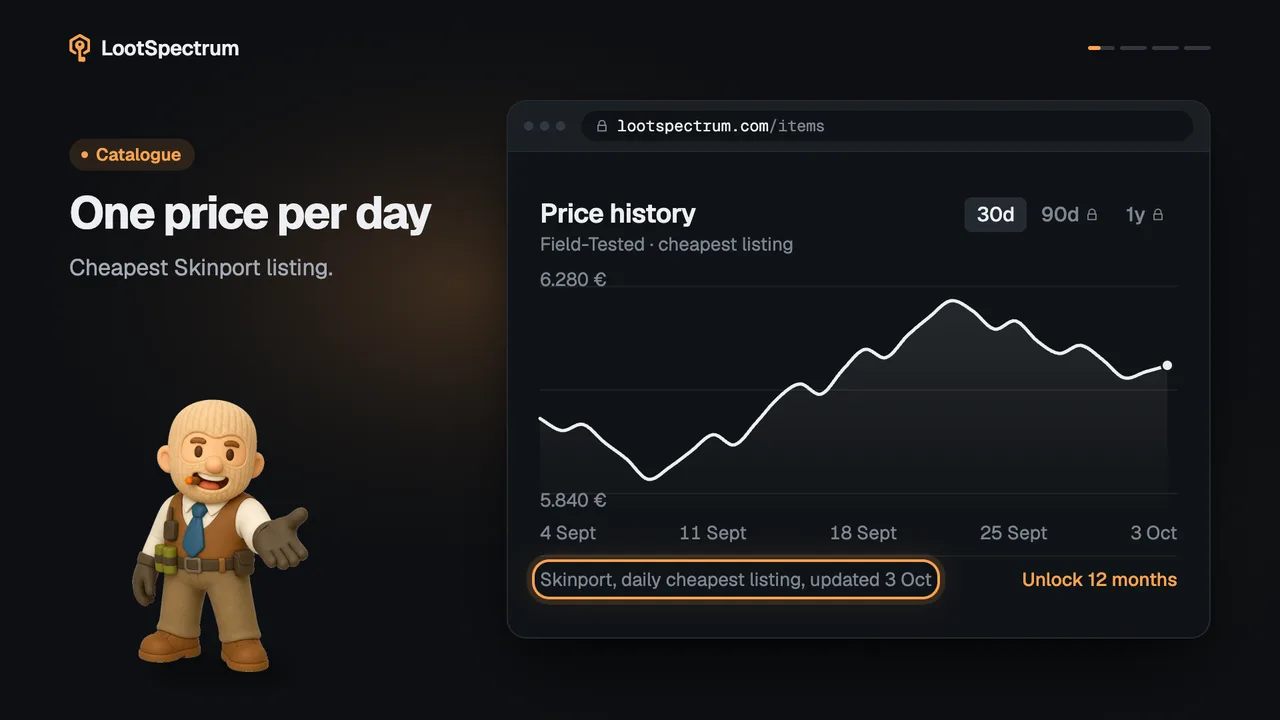
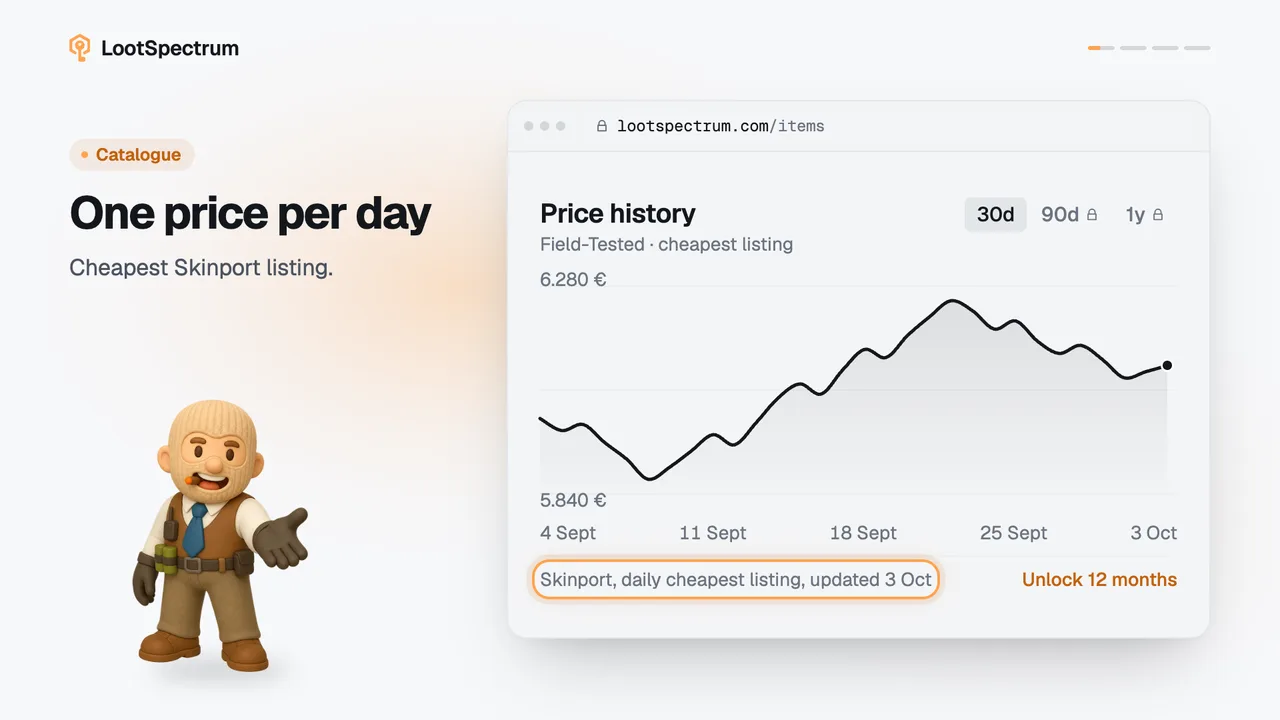
- The price chart shows the finish you chose. For StatTrak™ it falls back to the Normal curve and labels it “· Normal”.
- The “All finishes” tab holds the full table of finish by quality by wear.
- “Floor” means a finish is within 5 % of the cheapest finish.
- On a phone the tiles become a scrolling row of chips under the picture.
- Items without special finishes have no picker; condition is then the first choice. Previewing a phase in 3D is covered in the 3D preview topic.
Transcript
- 0:00Pick the finish first. Phases first, then the gems.
- 0:03Price follows the finish. Image, price and Buy button.
- 0:06Compare every finish. Floor marks the cheapest.