How do I see my inventory on a past date?
0:11 · no soundSupporter
On the Inventory page, pick a day in “As of” above the list. The total and prices follow that day. It is an estimate rebuilt from your history unless you took a snapshot on that day. Needs Supporter.
Before you start
- A Supporter plan: How do I become a Supporter?
- An inventory snapshot: What is a snapshot, and why does my inventory say “Estimated”?
Step by step
- Open Inventory and find “As of” in the row above the list.
- Click the date next to it and pick a past day. You cannot pick a day after today.
- Read the total at the top: it now shows your inventory value for that day, and the prices in the list follow.
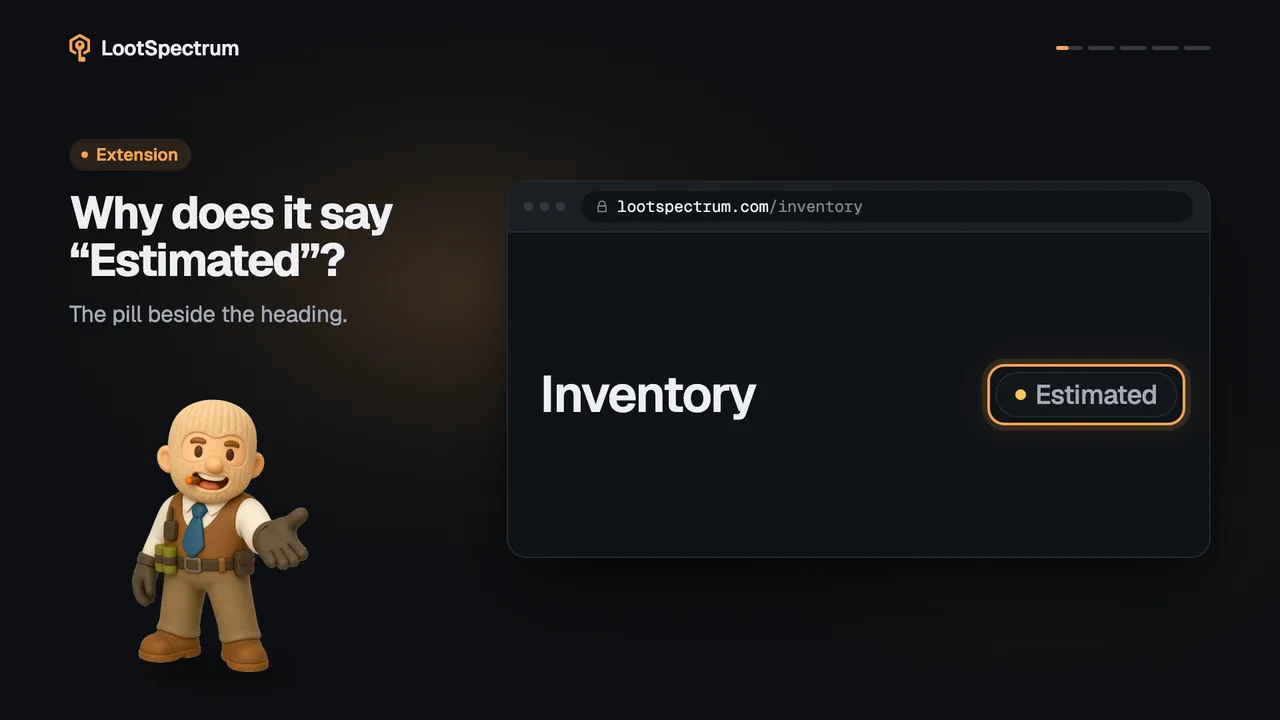
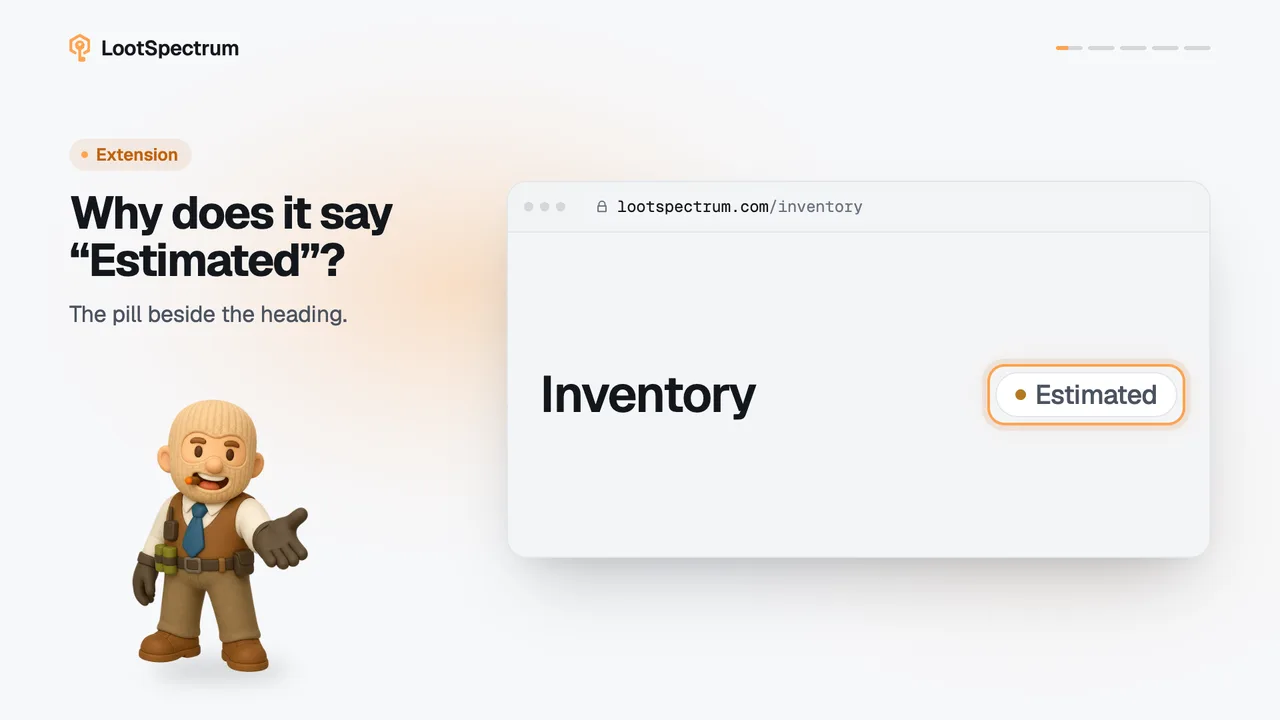
- Check the pill beside the page title. “Estimated” means the list was rebuilt from your events; “Snapshot · 3 Oct” means it comes from a snapshot taken that day.
- Click “Back to today” to return to your current inventory.
Good to know
- Today's view uses your newest snapshot whatever its age; a past date uses only a snapshot taken on that day, otherwise the list is rebuilt from your events up to that day.
- Prices come from the first daily price on or after the date, and today's price if there is none, so old dates can be approximate.
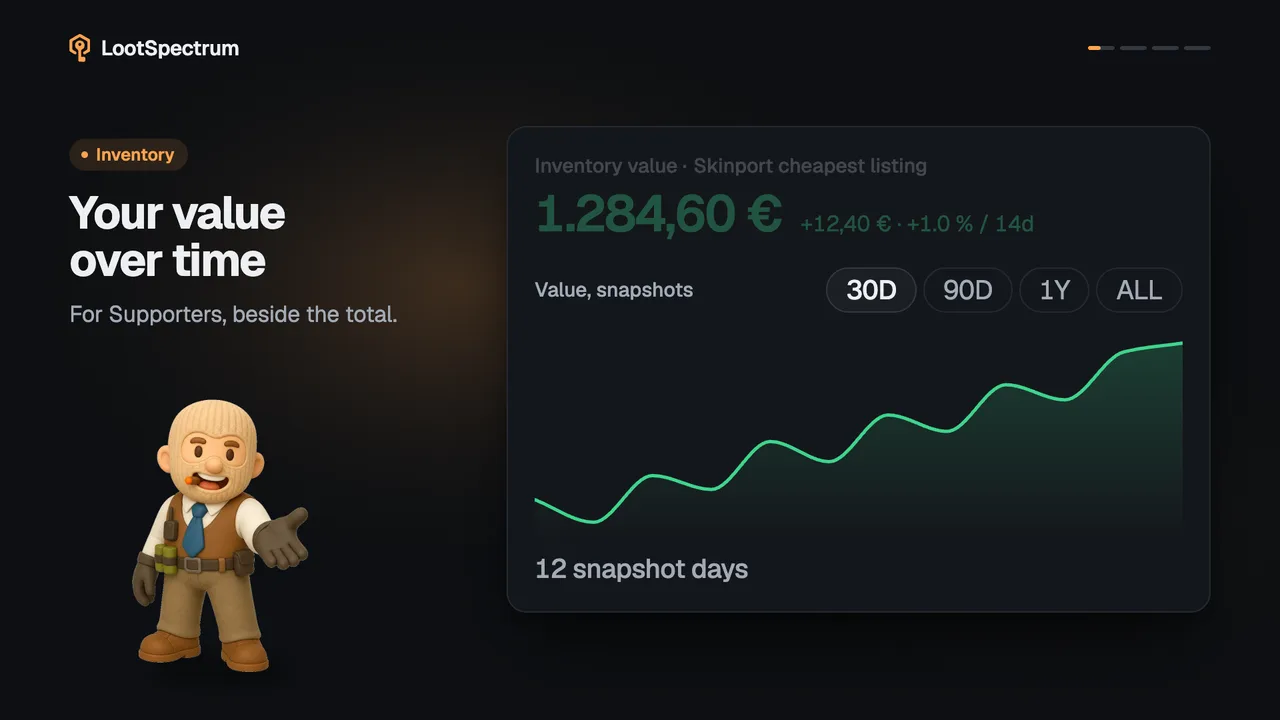
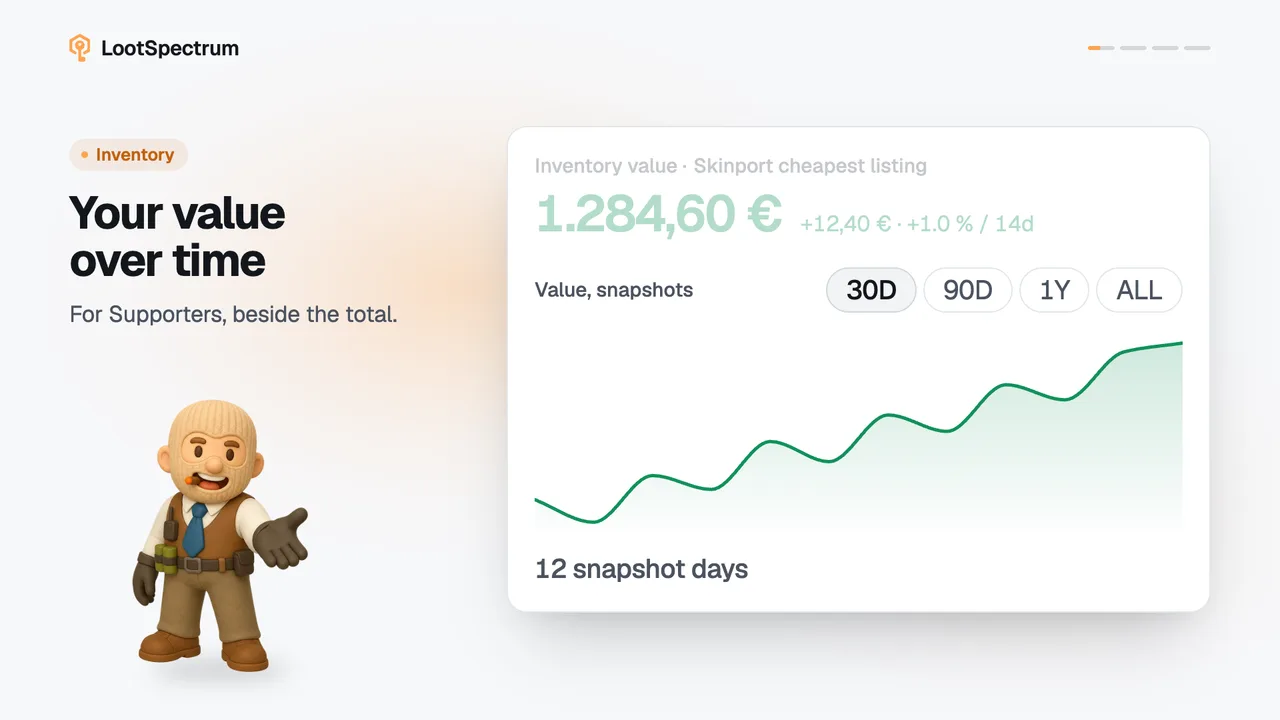
- The value-over-time block next to the total does not change with the date.
- The prompt to take a snapshot is hidden while a past date is chosen.
- Without Supporter the control reads “As of Today” with a lock, and clicking it opens an explanation. See the plans page to subscribe.
Transcript
- 0:00Pick a past day. “As of”, above the list.
- 0:03Values follow the date. Prices from that day.
- 0:06No snapshot that day? Estimated. The pill says which.