My sync is slow. Is it stuck?
0:11 · no soundExtension
Probably not stuck. When Steam asks the extension to slow down, it waits 10 seconds and asks again by itself, so the counter on the Sync page pauses. Keep the tab open and let it run.
Step by step
- Look at the large number on the Sync page: it counts the “events pulled from Steam”. A sync that is working can hold the same number for a while.
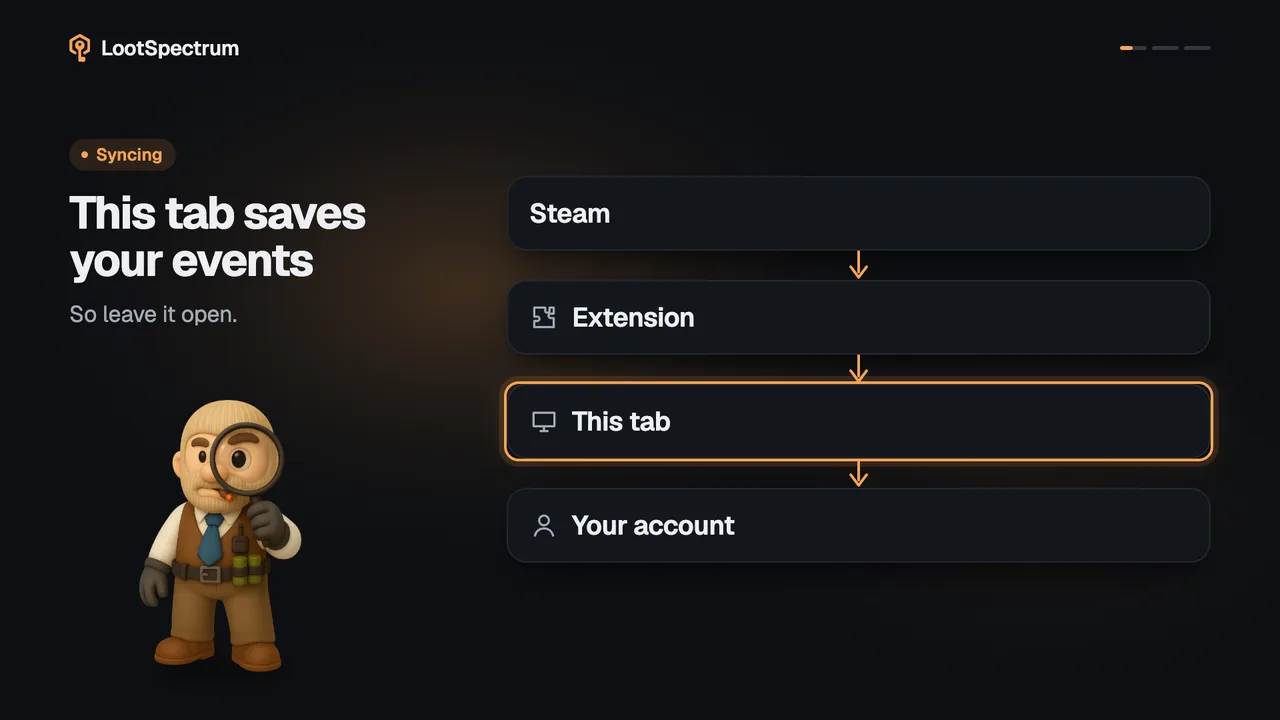
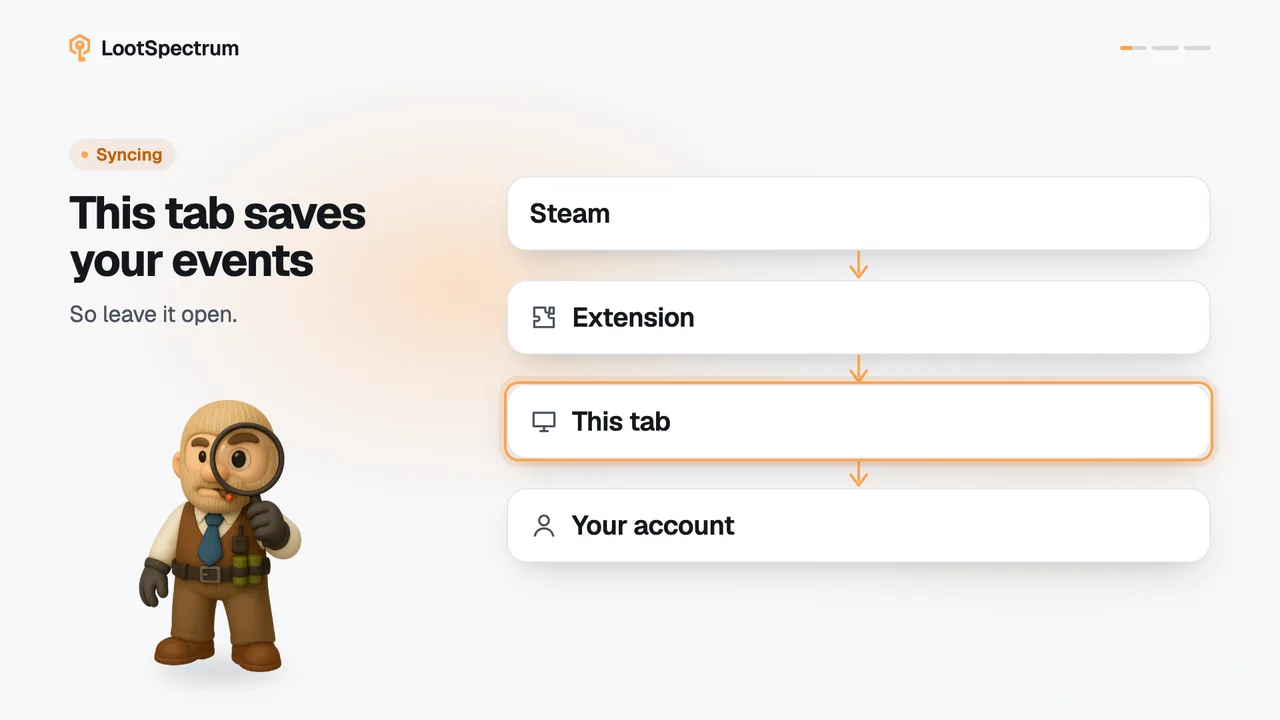
- Do not reload and do not close the tab. Reloading would cut the run short.
- When Steam asks the extension to slow down, the extension waits 10 seconds and asks again; you do nothing.
- Once Steam answers, the counter climbs again and the bar moves on.
- Leave the tab open until the done screen appears. If you must stop, click “Stop & save” and everything pulled so far is kept.
Good to know
- The Sync page shows no “rate limited” message; all you see is the counter standing still.
- For one page of history the extension tries up to ten times, waiting 10 seconds between tries, before it gives up on that page.
- Long histories and very active accounts take longer; no duration is promised.
- If the sync ends with clearly too few events, Steam stopped answering. Running the full sync again later is safe, because events already stored are skipped; the Coverage block in the Readiness list shows what is still missing (see sync-coverage).
- “Catch up now” does not repair an early end, because it only reads back to your latest saved event.
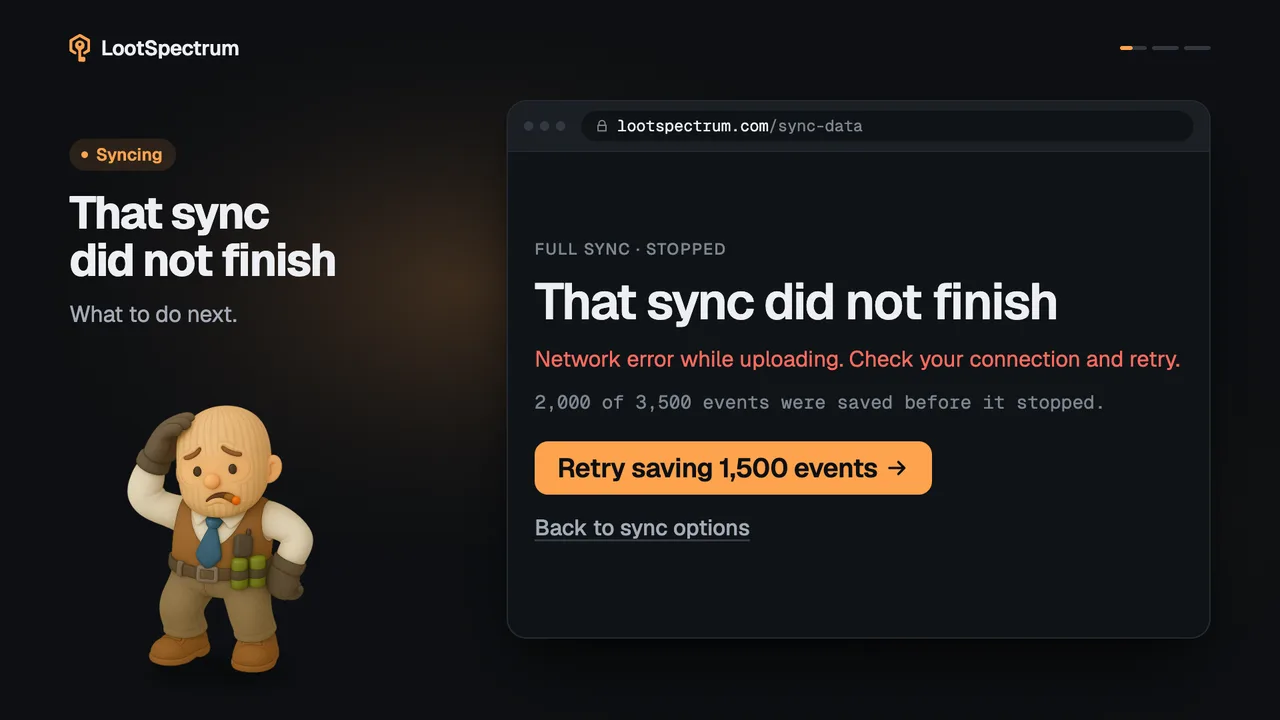
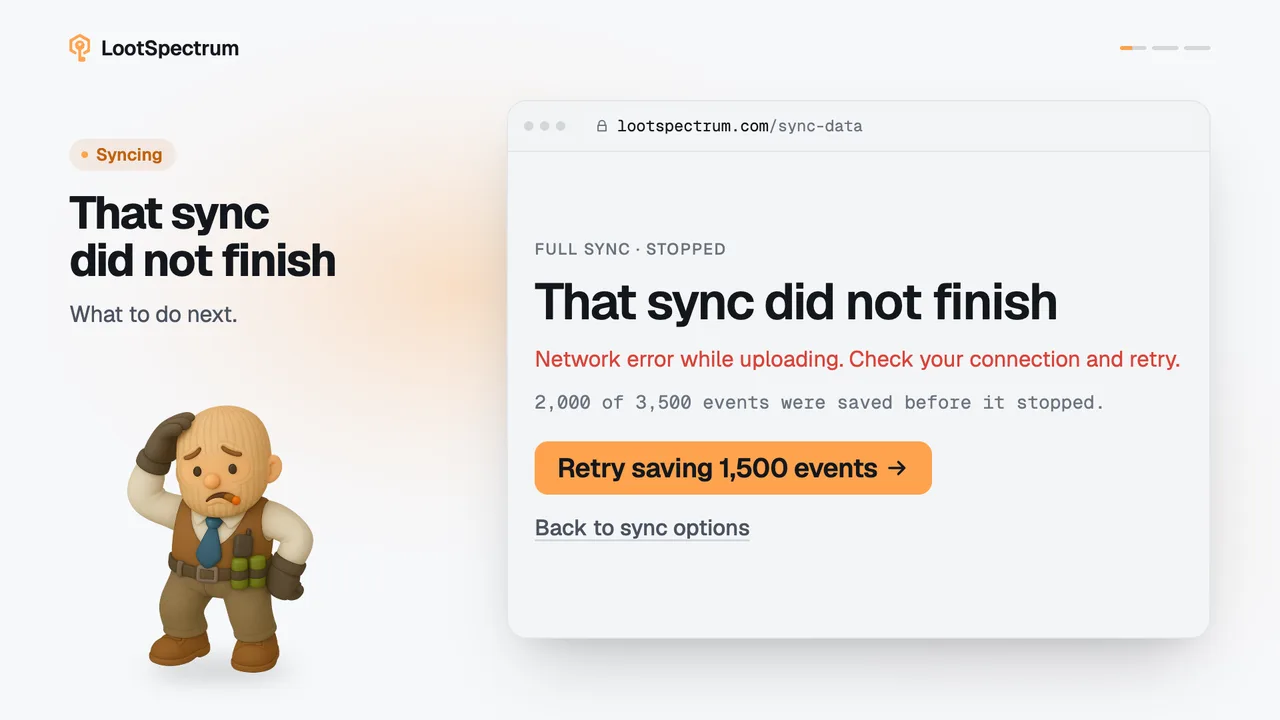
- If an error screen appears instead of the counter, see sync-failed.
Transcript
- 0:00Slow is not stuck. Steam asks for a pause.
- 0:03It waits 10 seconds, then retries. No action needed.
- 0:06It carries on by itself. Keep the tab open.