My sync failed halfway. How do I continue?
0:11 · no sound
If the Sync page says “That sync did not finish” and offers “Retry saving N events”, click it to save what was already pulled. If there is no such button, run the sync again: events you already have are skipped.
Before you start
- Logged in to Steam in this browser: Do I need to be logged into Steam, and how do I check?
Step by step
- Read the red message on the “That sync did not finish” screen; it says what stopped the sync.
- Look at the line “N of M events were saved before it stopped.” to see how far it got.
- If the screen offers “Retry saving N events”, click it and keep the tab open until it finishes.
- If there is no retry button, click “Back to sync options” and start the sync again.
- Check “Recent syncs” on the Sync page: your failed run is listed in red, with the number saved as “+N”.
Good to know
- “Network error while uploading. Check your connection and retry.” means the connection or our server had trouble; the app has already retried twice, so check your connection and retry.
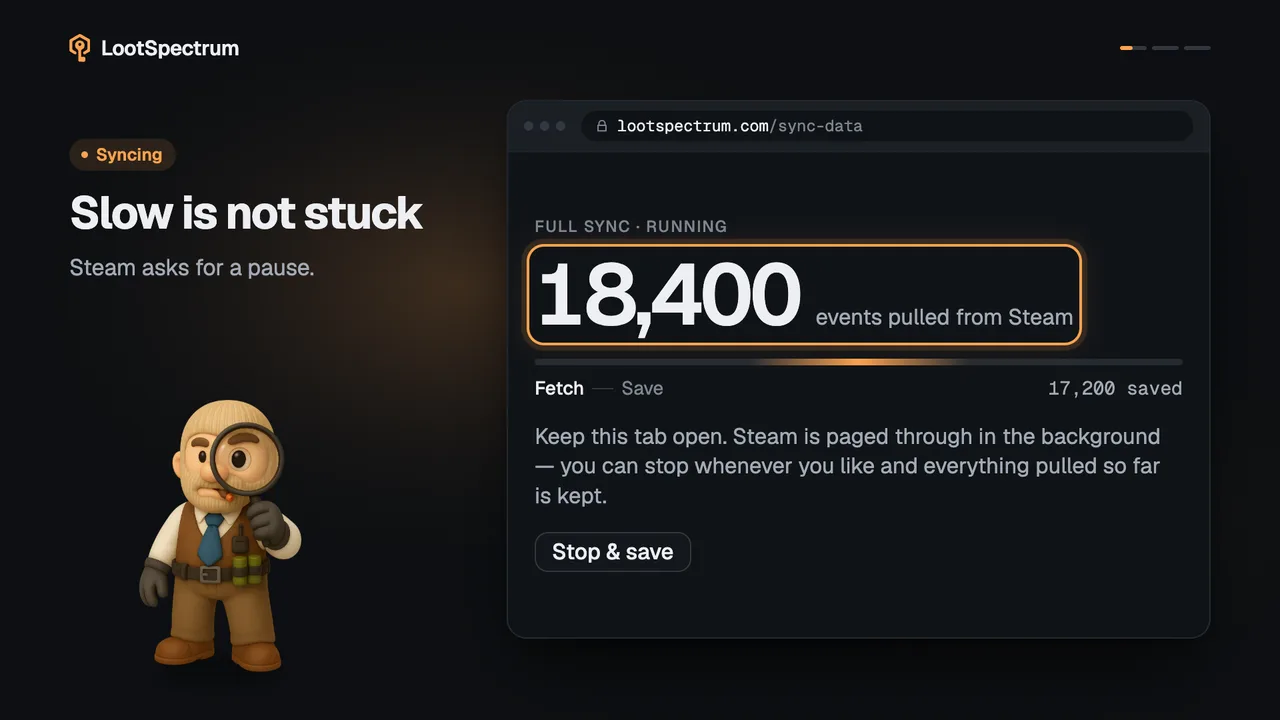
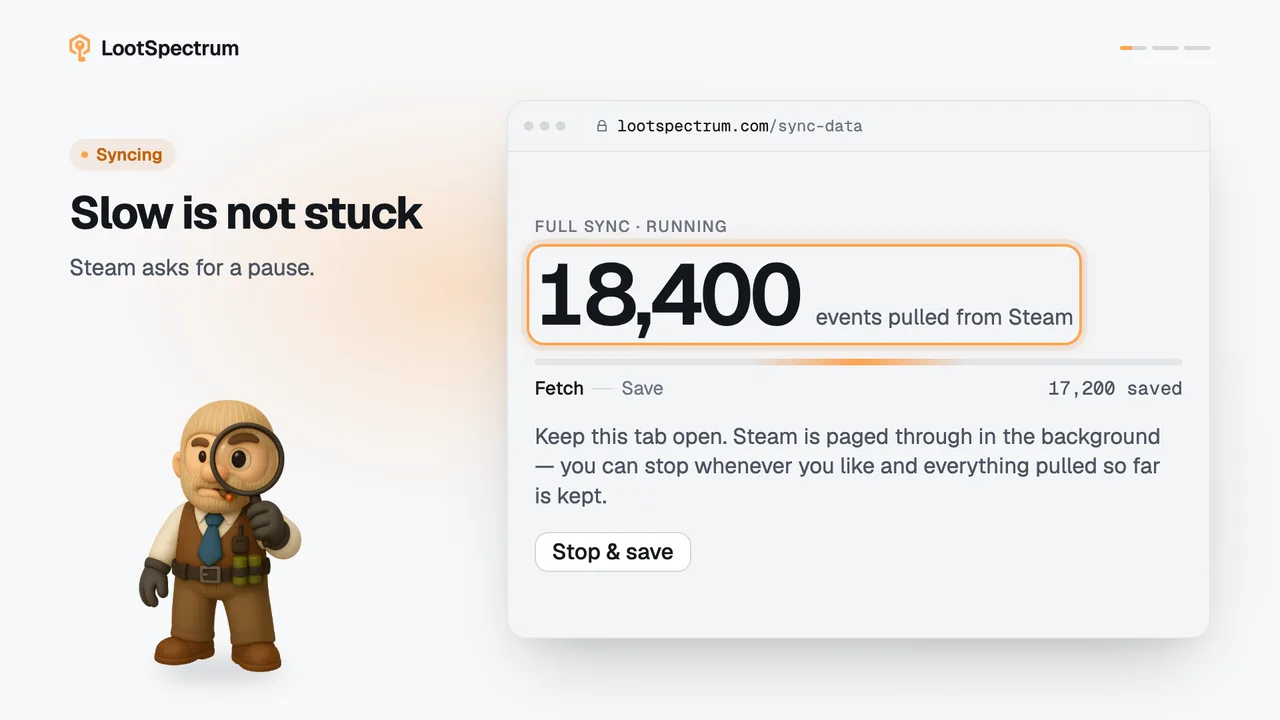
- “Sync upload is temporarily busy. Try again in N seconds.” means our server asked for a pause; wait that long, then retry.
- “Your session is still loading. Please try again in a moment.” also resolves by waiting a moment and trying again.
- “Please sign in to Steam in your browser, then try again.” means the extension could not read Steam as you; see the Steam login check. “Update the extension to use live or range sync.” means your extension is too old for that mode.
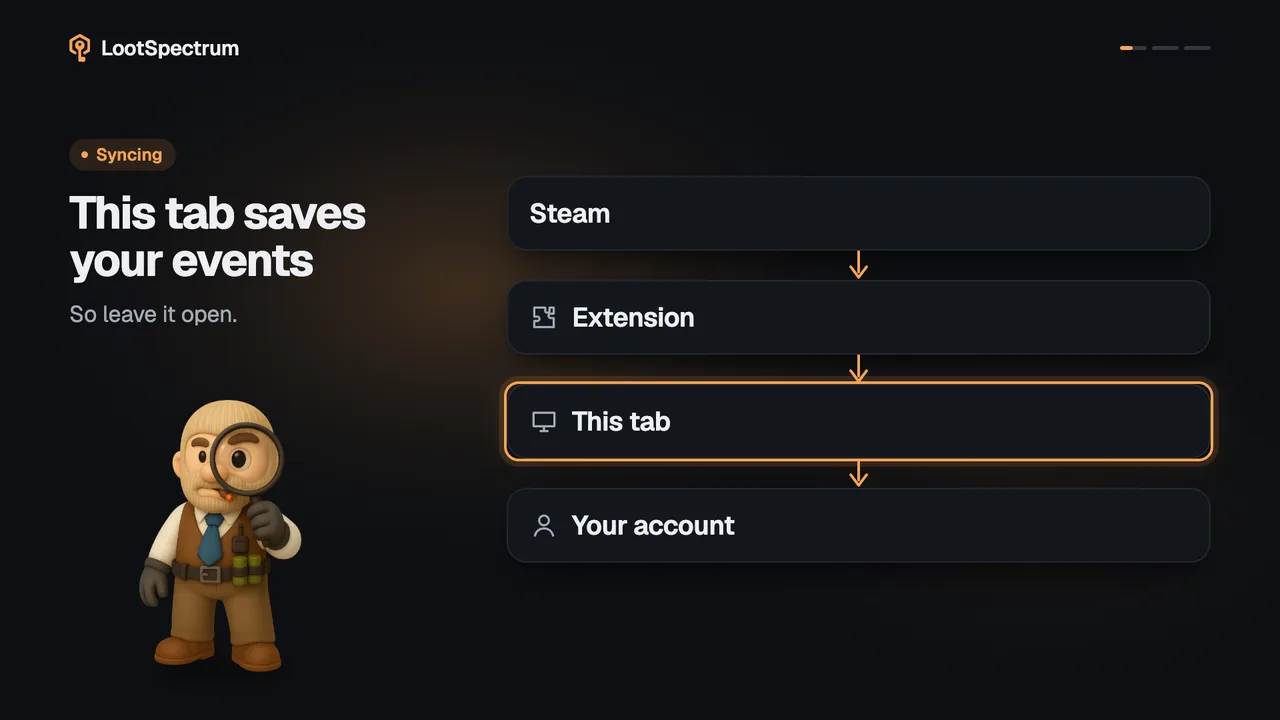
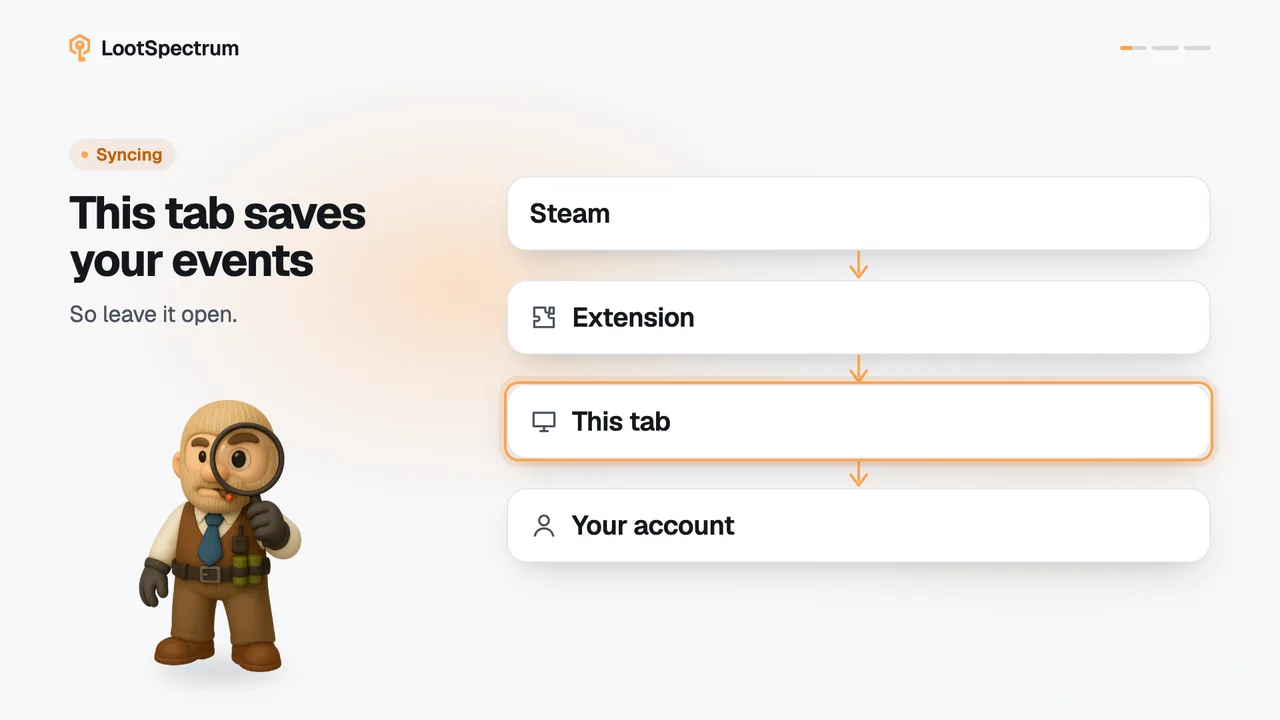
- “Retry saving N events” only appears when events were pulled but not yet saved. They are held in the open tab: closing the tab or clicking “Back to sync options” drops them, and the next run starts clean.
- Events are read and saved newest first, so after a failed full sync the older part of your history can be missing. “Catch up now” will say the history is up to date and does not repair this.
- To repair it, run a full sync again with “Rebuild everything instead”, or use “Fill first gap” in Coverage. A failed run is not counted as checked time, so Coverage shows the gap.
- “Recent syncs” lists each run with its time, mode and “+N” saved; failed runs are shown in red, and “Full log” shows up to 50 runs.
Transcript
- 0:00That sync did not finish. What to do next.
- 0:03Click “Retry saving 1,500 events” Keep this tab open.
- 0:06No retry button? Run it again. Duplicates are skipped.