What does “Coverage” mean, and how do I fill a gap?
0:14 · no soundExtension
Coverage shows the date range you have stored and whether a finished sync has checked all of it. When it is amber, click “Fill first gap” or “Verify this range” to read that stretch from Steam.
Before you start
- Your history synced at least once: How do I run my first full sync?
- The extension installed and connected: How do I install the extension and connect it?
- Steam access granted to the extension: What permissions does the extension ask for, and why?
Step by step
- Find “Coverage” in the Readiness list on the Sync page. It shows your stored date range and how many events are stored.
- Read the line under it. “No gaps detected.” means a finished sync has checked the whole range.
- If the line is amber, part of the range is unchecked: “2 gaps detected.” or “Coverage has not been verified yet.”
- Click “Fill first gap”, or “Verify this range” when the line says it has not been verified.
- Wait for the run to end. Coverage updates by itself and reads “No gaps detected.” when the stretch is checked.
Good to know
- The four states read: “No events stored yet.”, “N events stored. No gaps detected.”, “N events stored. Coverage has not been verified yet.” with the link “Verify this range”, and “N events stored. K gaps detected.” with the link “Fill first gap”.
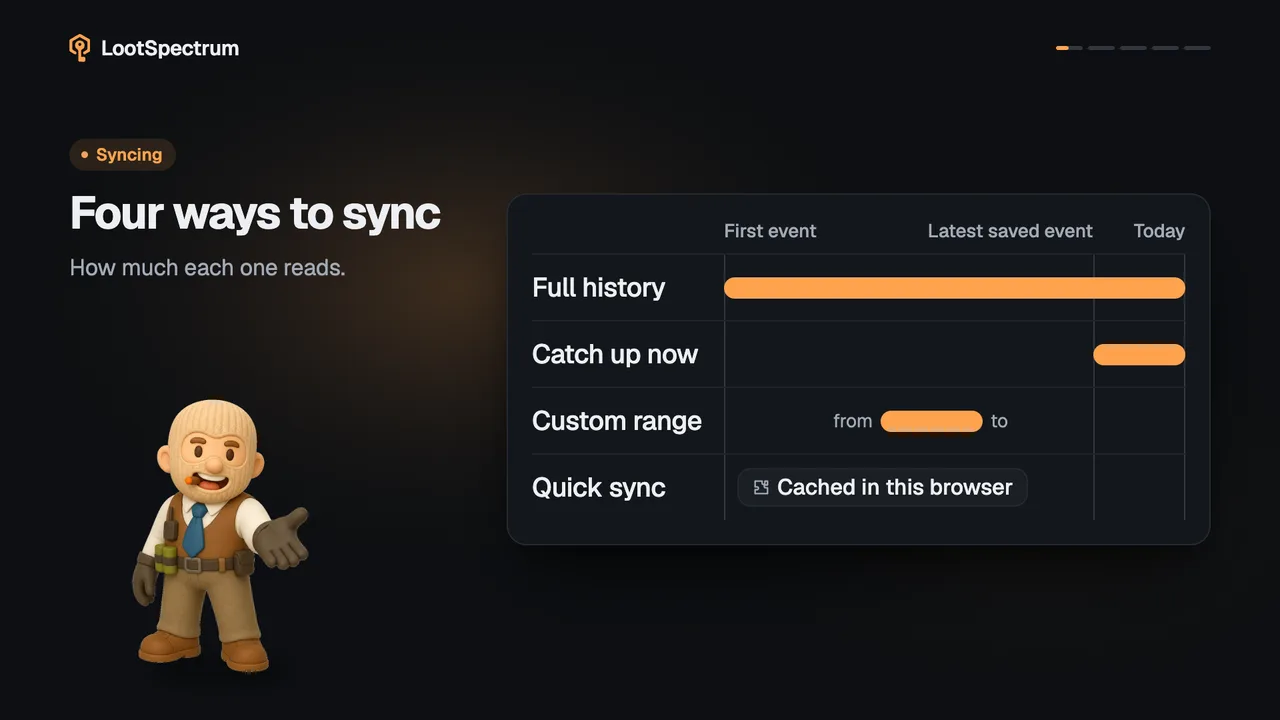
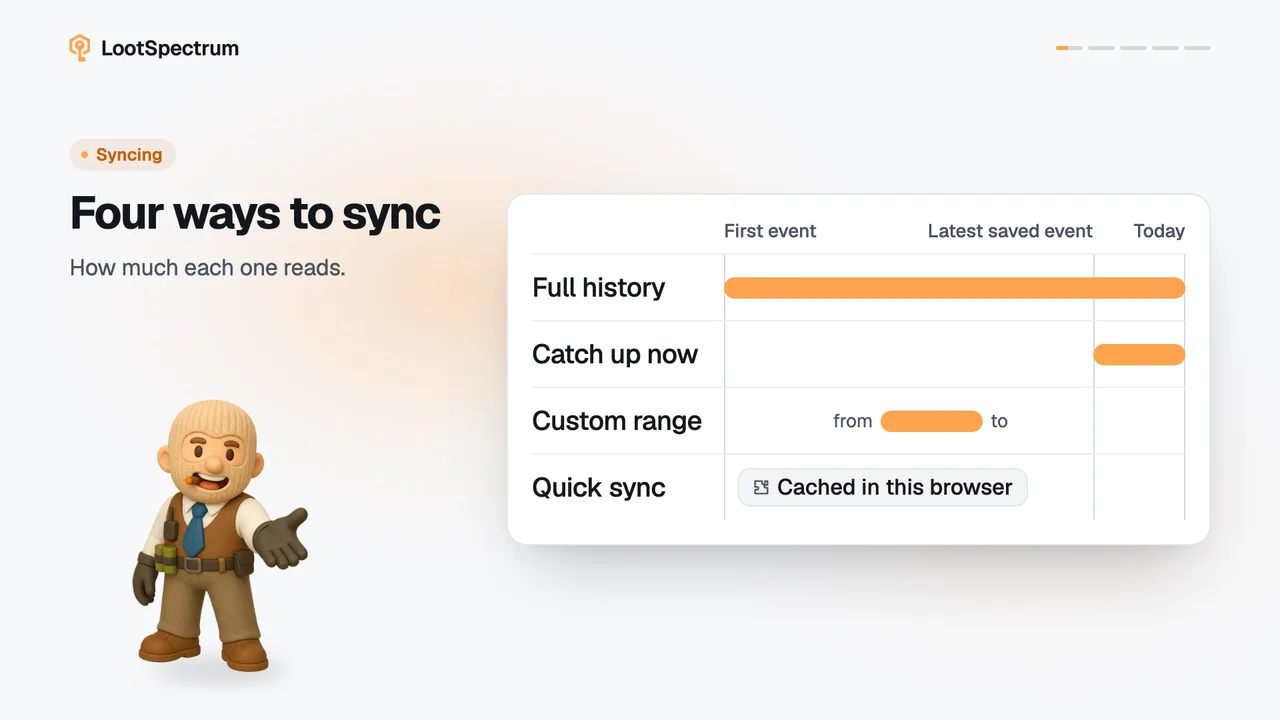
- A stretch counts as checked when a finished Full sync, Catch-up or Custom range covered it. Stopped and failed runs do not count, and Quick sync never counts.
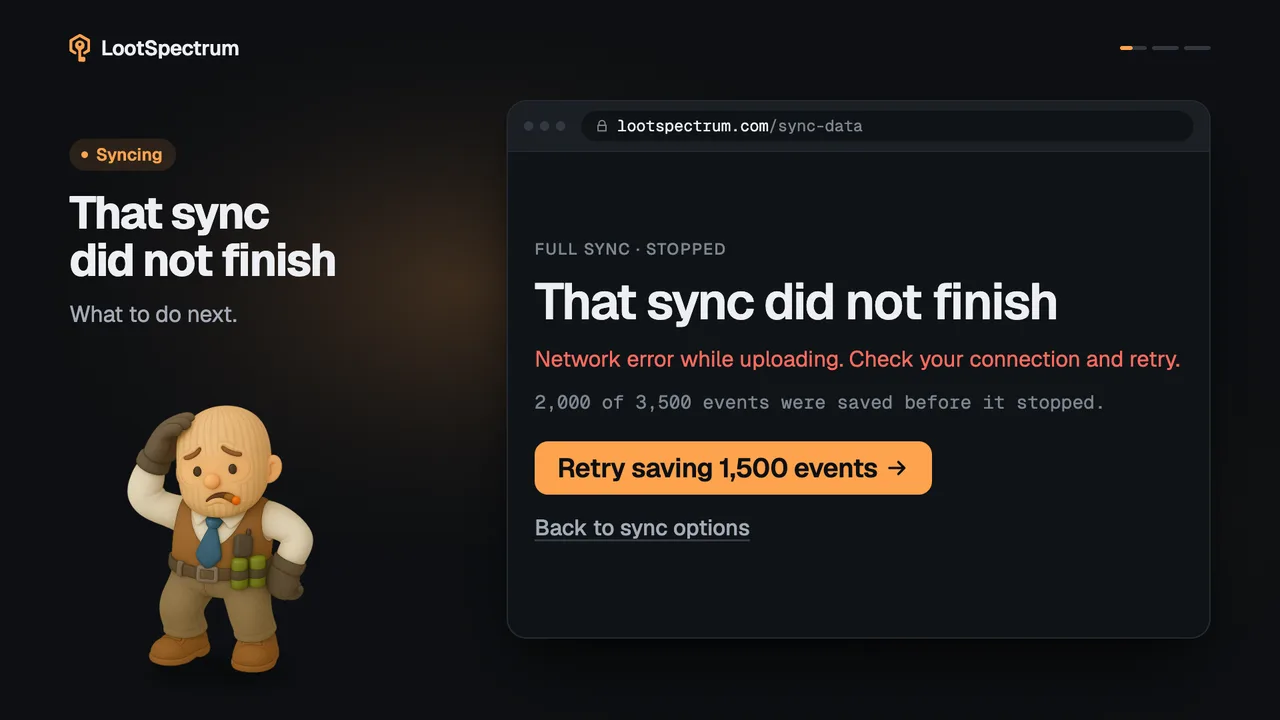
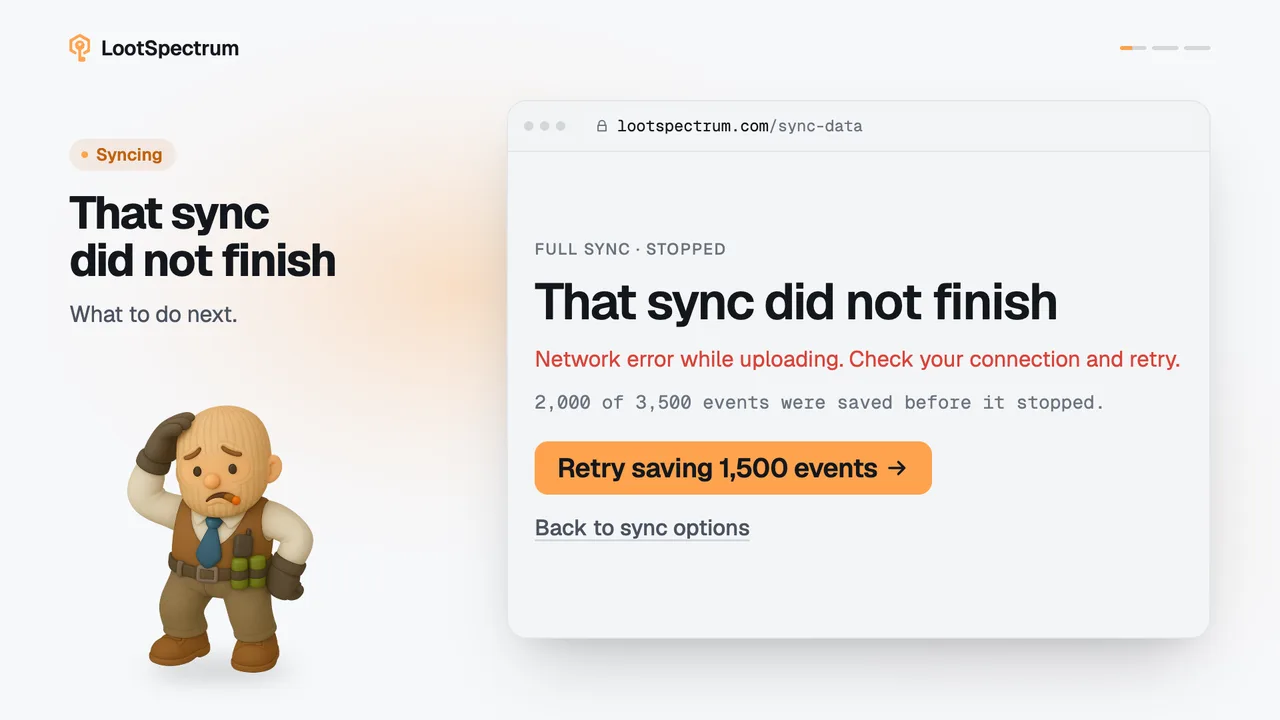
- Typical causes of a gap are a first sync ended with “Stop & save”, a failed sync, or events that arrived only through Quick sync, including events read on the Steam page.
- “Fill first gap” works on the oldest gap only. Run it again for the next gap.
- “Verify this range” is the same action, run over the whole stored range.
- The run is a Custom range, so it appears under “Recent syncs” as “Custom range”.
- The link is hidden with an older extension, and it is disabled while a sync runs or until Steam access is granted.
Transcript
- 0:00Coverage: your stored date range. Plus any gaps found.
- 0:03Amber means unchecked time. No finished sync covers it.
- 0:06Click “Fill first gap” Or “Verify this range”.
- 0:09Done: no gaps detected. It ran a custom range.