How do I look at an inspect link someone sent me in 3D?
0:14 · no sound
Paste the inspect link into the site search. If it is a self-contained link, the result opens the skin in the 3D viewer with that exact float, pattern and stickers. Classic S, A and D links cannot be read.
Before you start
- A desktop browser.
Step by step
- Open the search from the top of any page, or press Ctrl K (Cmd K on a Mac).
- Paste the whole inspect link into the field that says “Search items, collections…”.
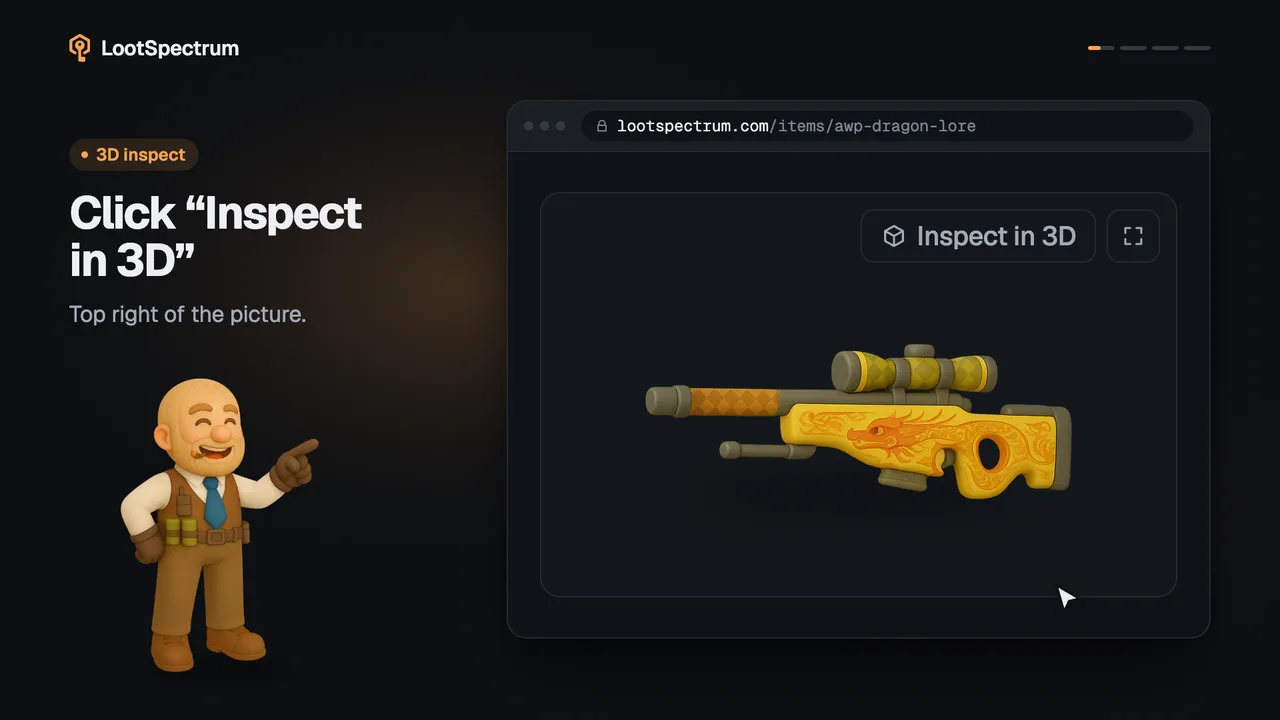
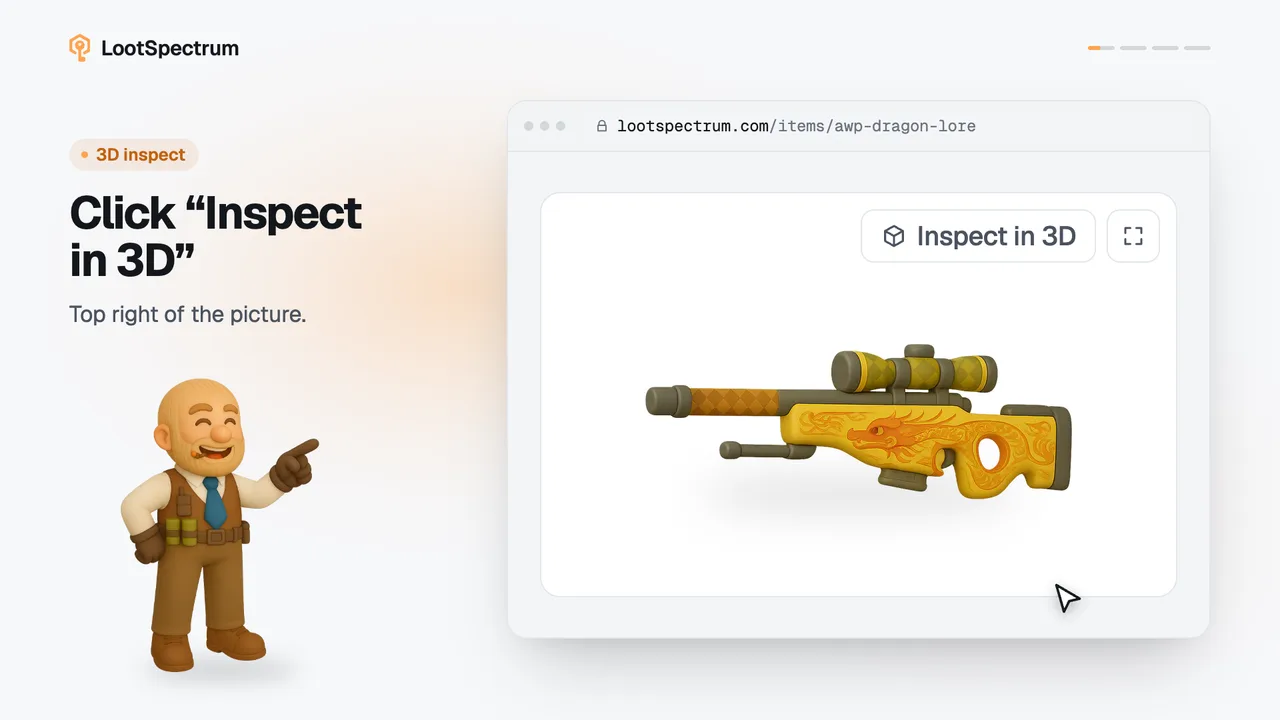
- Under “Inspect link” the result shows the skin with its float, pattern and sticker count, and the label “Inspect in 3D”.
- Press Enter, or click the result, to open the item page. On a desktop browser the 3D viewer opens with that exact float, pattern and stickers.
Good to know
- The link must be self-contained, meaning it carries the skin's details in the link itself. Accepted forms are links starting “steam://rungame/730/” or “steam://run/730/”, the bare preview command, and the self-contained code on its own.
- Classic links with S, A and D numbers, the kind most market listings carry, cannot be read in the browser. The result says so: “Classic S…A…D… and M…A…D… inspect links need Steam's servers and can't be read here.”
- The viewer runs on desktop only. On a phone the result opens the item page without the viewer.
- Other refusals are stated in the result itself, for example “This inspect link couldn't be read.” or “This skin isn't supported for 3D inspect yet.” If it says “Couldn't check this skin right now.”, click “Try again”.
- Some details of a link are not shown, and the result says which: “This charm can't be shown”, “StatTrak module isn't shown” and “Name tags aren't shown”.
- You do not need to be signed in. The link text is read in your browser; only the skin's numeric ids are looked up.
Transcript
- 0:00Paste the link into search. Any self-contained inspect link.
- 0:03See what the link holds. Float, pattern and stickers.
- 0:06Enter opens it in 3D. On a desktop browser.
- 0:09Classic links can't be read. They need Steam's servers.