How do I look at one of my own skins in 3D?
0:11 · no sound
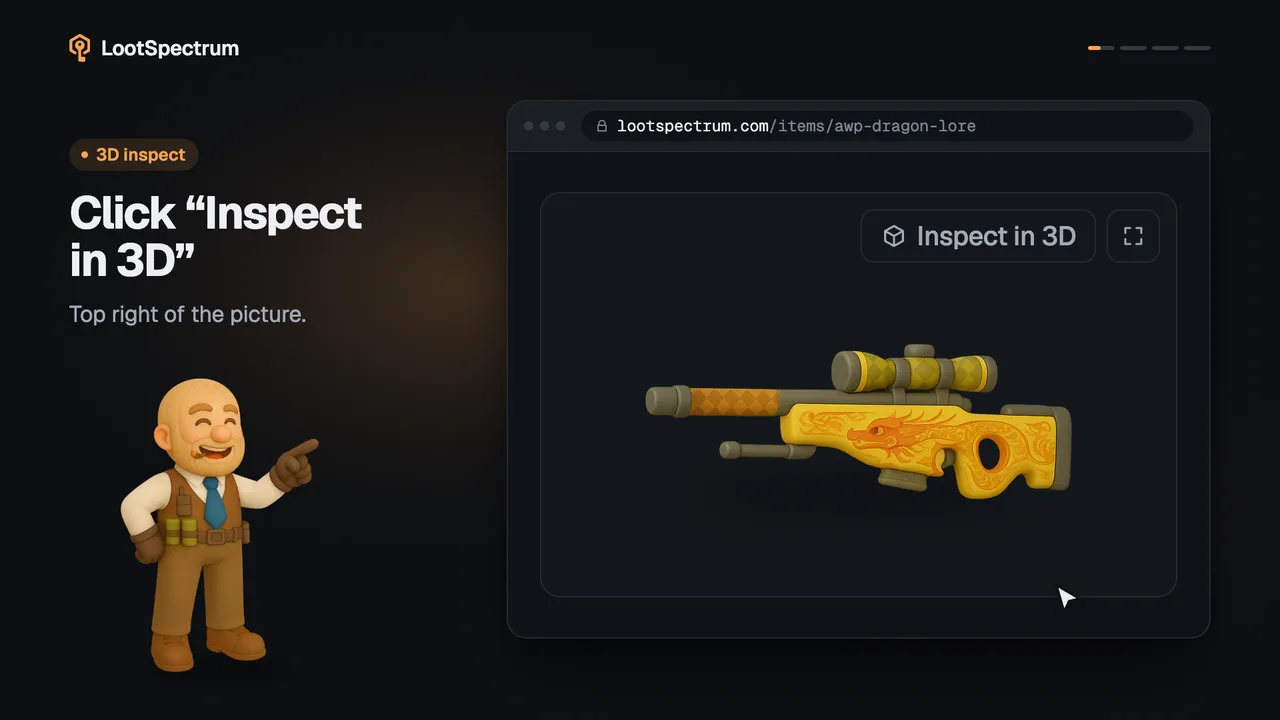
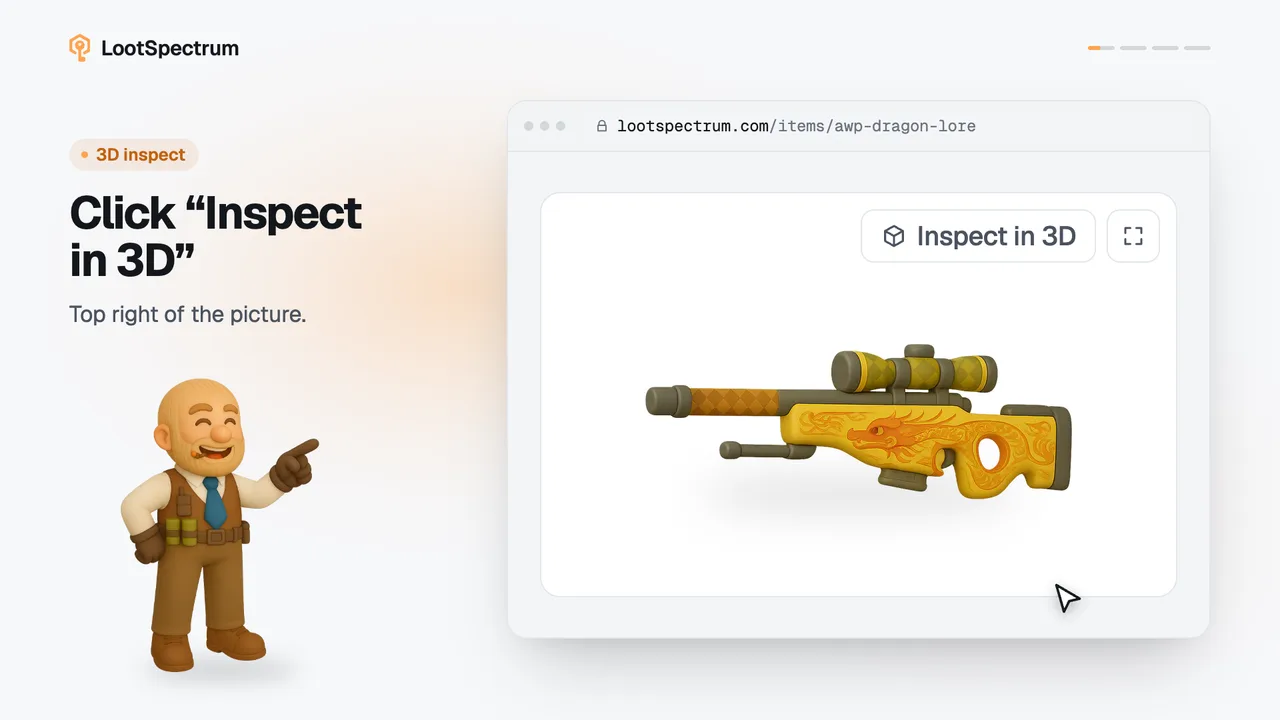
On the Inventory page, click “Inspect” on a row to open the 3D viewer on your exact copy, with its own float, pattern and stickers. It needs a stored snapshot and a desktop browser.
Before you start
- An inventory snapshot: What is a snapshot, and why does my inventory say “Estimated”?
- A LootSpectrum account: How do I create an account, and can I sign in with Steam?
- A desktop browser.
Step by step
- Open the Inventory page while signed in and make sure the label beside the total starts with “Snapshot ·”, not “Estimated”; if it reads “Estimated”, take a snapshot first.
- Find the row of the skin you want to turn. Rows the viewer can show have an “Inspect” button at the right end.
- Click “Inspect”. With one copy the viewer opens at once on that copy.
- With several copies the button first opens a list headed “3 copies · pick one to inspect”; each line shows the copy's float, pattern and stickers, so click the one you mean.
- If the button changes to “No 3D yet”, that skin is not in the viewer yet and nothing opens.
- Close the viewer with “Close” or Esc when you are done.
Good to know
- The button appears only on a desktop browser: a window at least 1024 px wide and a mouse or trackpad.
- The button appears only when the Inventory is showing a stored snapshot. A list marked “Estimated”, and any past date rebuilt from your history, has no copies to open, so it has no buttons.
- Only skins the viewer supports get the button, and only when your snapshot holds a readable inspect link for the copy. A row without the button shows no message that says why.
- “No 3D yet” appears only after you click, when the lookup finds no model for that skin.
- Copies are listed with the lowest float first, and a row lists at most 25 copies.
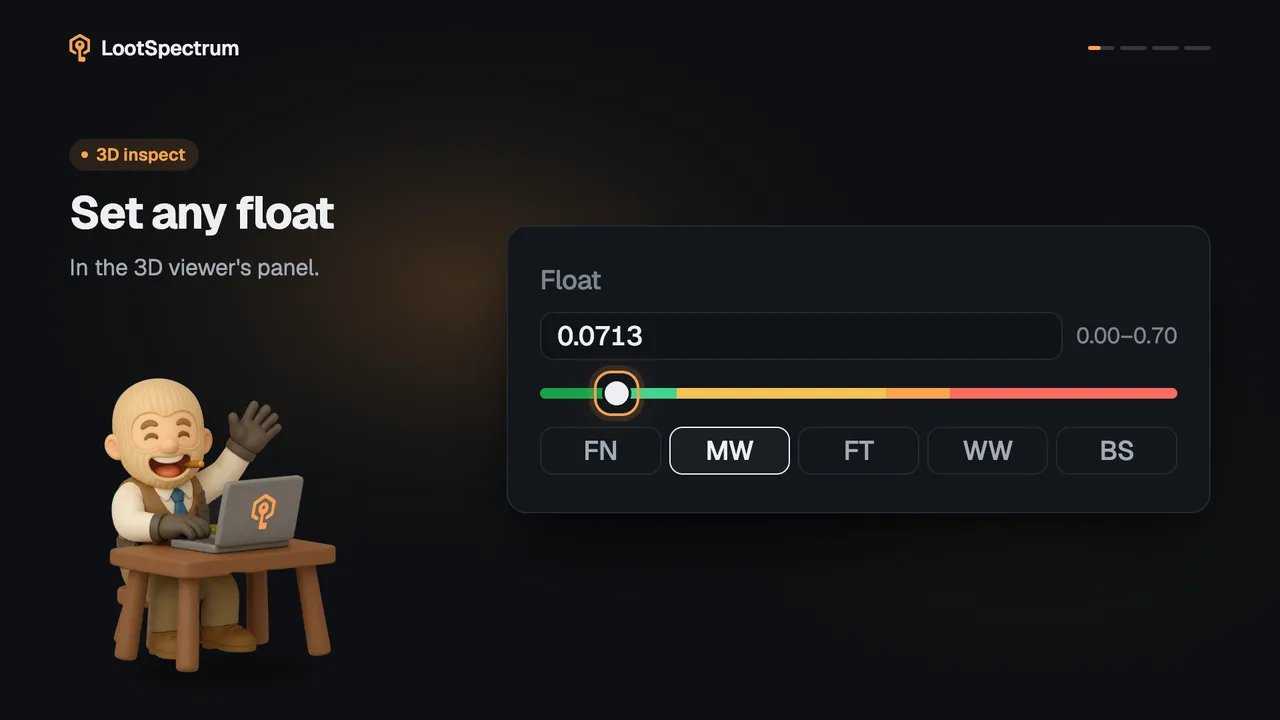
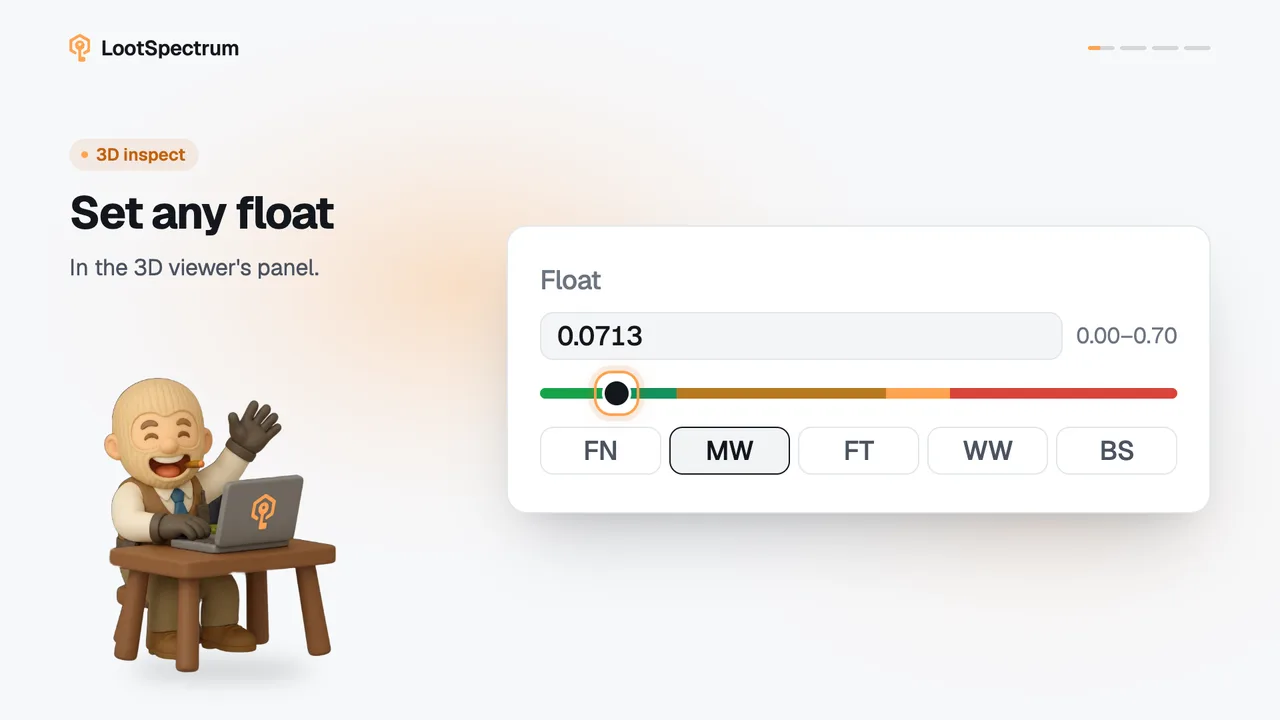
- The viewer opens on your copy's float, pattern and stickers, and from there every viewer control works as usual.
- The open viewer is part of the page address: Back closes it and a reload reopens it.
- In the grid view the button is a small cube icon without the word “Inspect”.
Transcript
- 0:00Inspect your own skin. Click “Inspect”; needs a snapshot.
- 0:03Several copies? Pick one. Each shows float and pattern.
- 0:06“No 3D yet” This skin has no model yet.