How do I delete my synced data and start over?
0:14 · no sound
Open Settings, go to Your data and click “Clear data”, then confirm with “Yes, delete everything”. This deletes every synced event and your sync history. Your account, snapshots, watchlist and loadouts stay, and you can sync again.
Before you start
- A LootSpectrum account: How do I create an account, and can I sign in with Steam?
Step by step
- Open Settings and scroll to the last card, “Your data”.
- Next to “Clear synced data”, click “Clear data”.
- Confirm with “Yes, delete everything”, or click “Cancel” to keep your data.
- Wait for the message “Deleted N events. You can re-sync anytime from the sync page.”
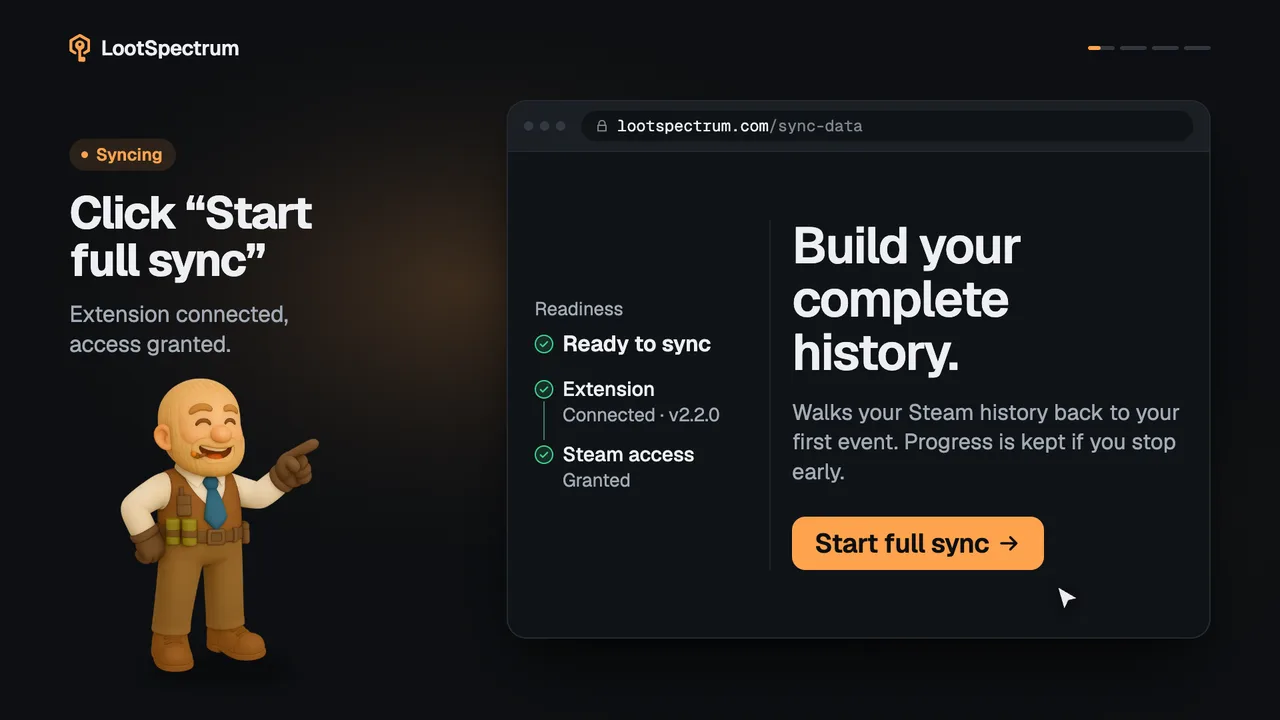
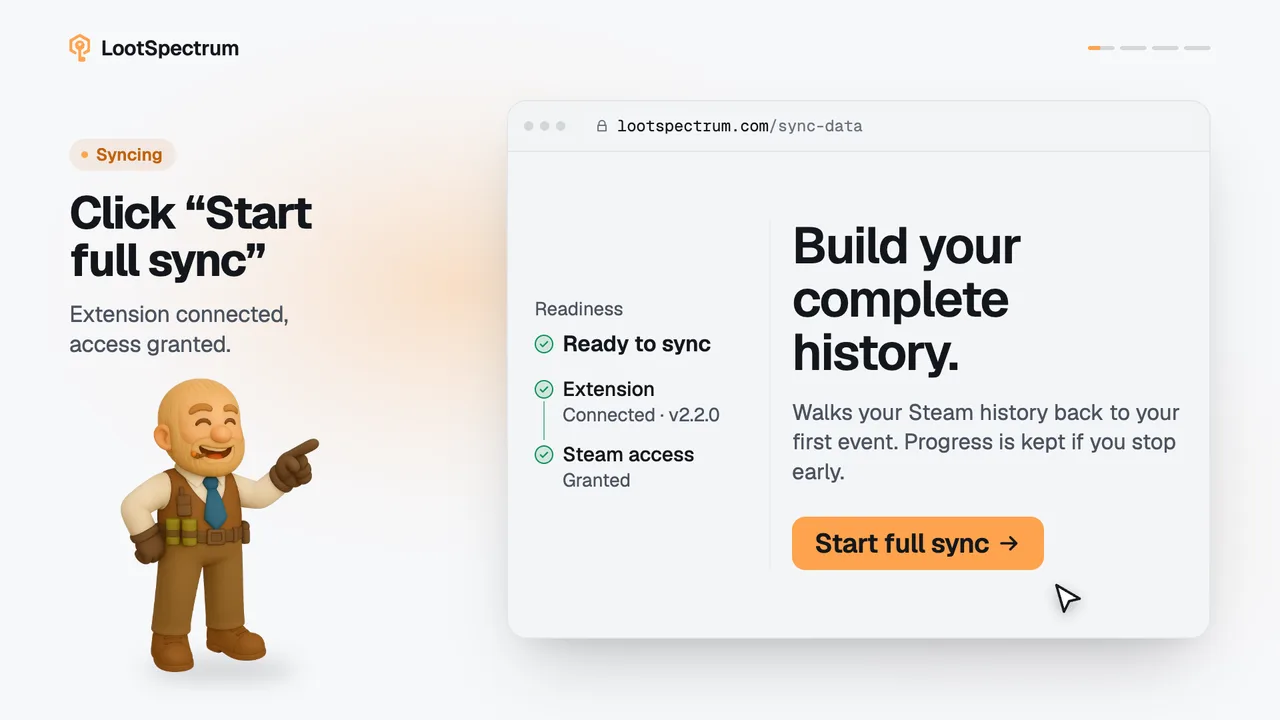
- Open lootspectrum.com/sync-data and run a full sync to load your history again.
Good to know
- Deleted: every synced event with its items, and the list of past syncs.
- Not deleted: your account, settings, billing and Supporter plan, inventory snapshots, watchlist and loadouts. Steam's own history is never touched.
- There is no undo. The history comes back only through a new full sync, and that needs the extension.
- Until the next sync, Statistics, Activity and Luck are empty. Inventory can still show items, because snapshots stay.
- If the message reads “Couldn't clear your data”, a limit was hit. Try again later.
- Deleting the whole account is a request by email; see the account topic.
Transcript
- 0:00Open Settings, Your data. Then click “Clear data”.
- 0:03Confirm the deletion. Click “Yes, delete everything”.
- 0:06Events and sync history go. Snapshots, watchlist, loadouts stay.
- 0:09Then sync again. Run a full sync any time.