How do I change my email or password, or delete my account?
0:11 · no sound
Open Settings, then Account, and click “Manage account” to change your email or password in the sign-in window. Deleting the account is not a button: you ask for it by email.
Before you start
- A LootSpectrum account: How do I create an account, and can I sign in with Steam?
Step by step
- Open Settings from the account menu and find the “Account” card.
- Click “Manage account” on the “Email” row, which shows the email on your account.
- In the sign-in window that opens, change your email or your password.
- To delete the account, write to the address in the controller section of the Privacy page and say which account you mean.
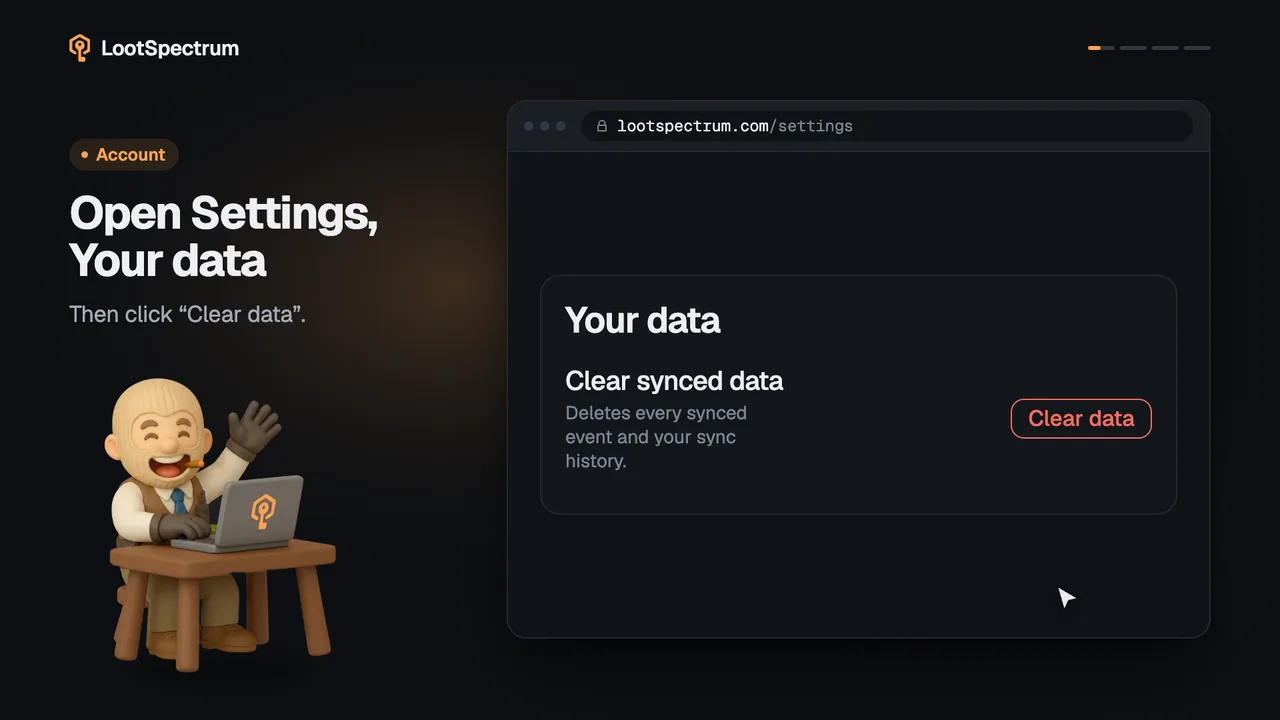
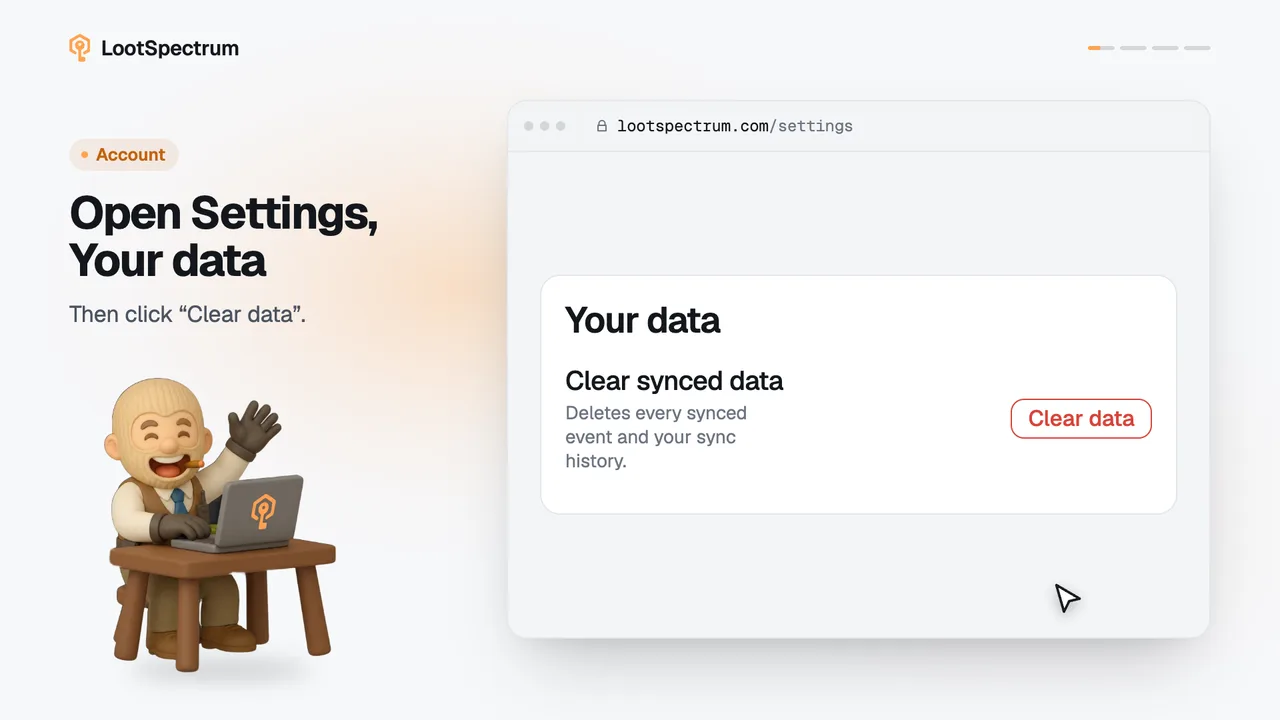
- To keep the account but remove your synced events, use “Clear data” under “Your data” in Settings instead.
Good to know
- The window that opens belongs to the sign-in service; the same window is also reachable from the avatar menu at the top right.
- If you sign in with Google or Discord, you have no LootSpectrum password to change.
- Changing your email here does not change the email Stripe holds for billing.
- There is no delete-account button in LootSpectrum; deletion is a manual request to paul@muenchhausen.dev, and billing and tax records may be kept for the statutory period.
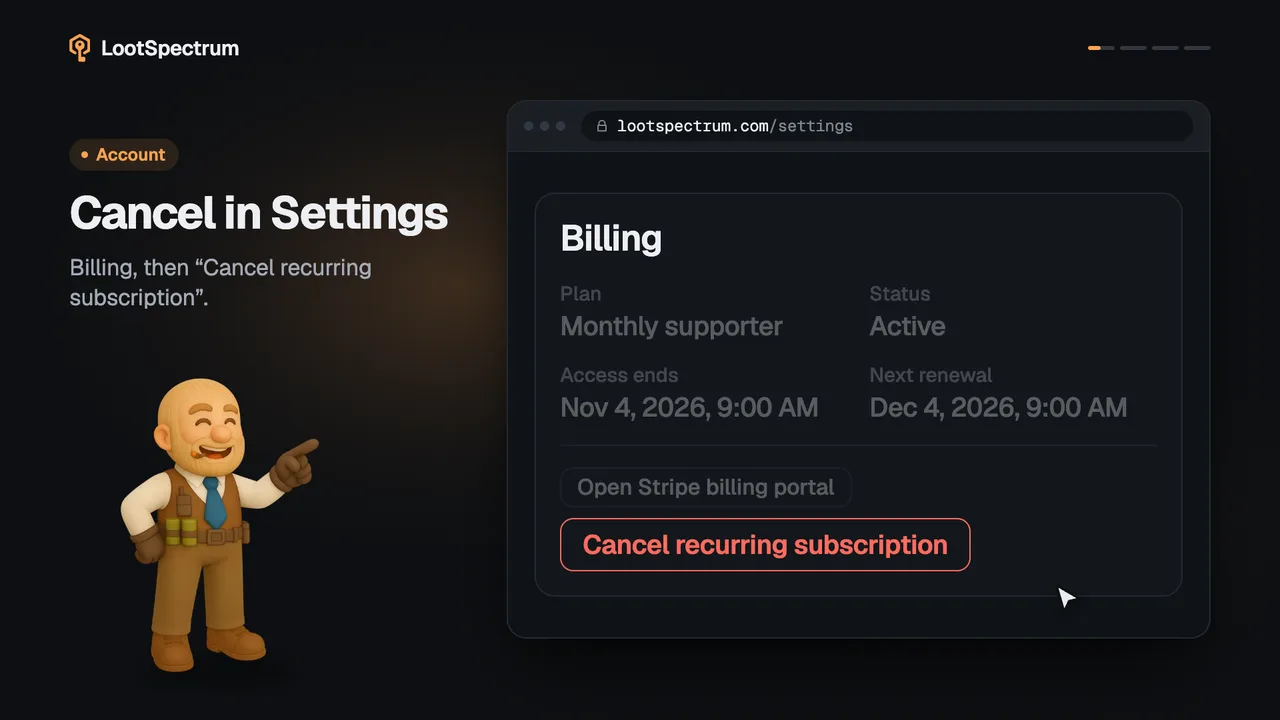
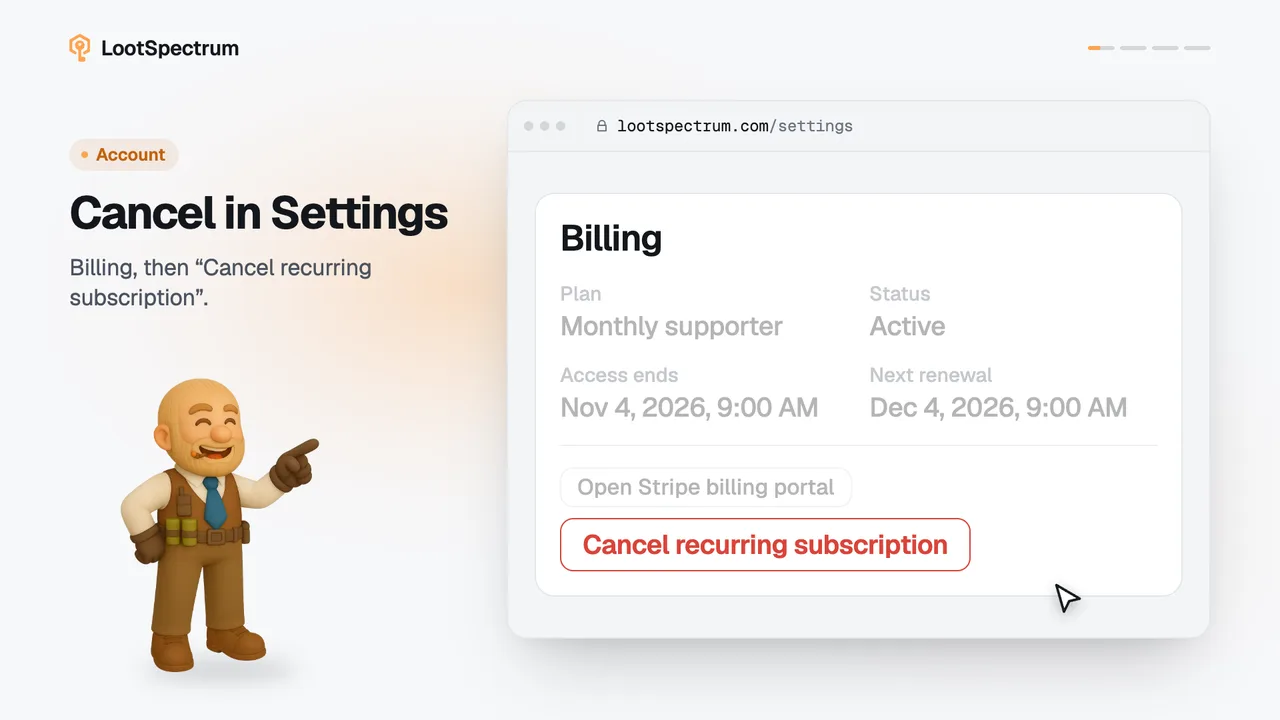
- Cancel a recurring Supporter plan before you leave, so that it does not renew.
- The Supporter “Export CSV” on Activity is a product feature, not a data-protection copy of your data.
What data does LootSpectrum store, and how do I get a copy?
LootSpectrum stores your email address, your synced inventory events (case openings, trade-ups and drops), your preferences such as the price source, and the status of your Supporter plan with its dates. Your card details stay with Stripe; LootSpectrum only receives the plan and its status.
A copy of your data, or its erasure, is a request by email to paul@muenchhausen.dev; the Privacy page has the details and the retention periods. You can remove your synced events yourself with “Clear data” in Settings.
The Supporter “Export CSV” button on Activity downloads your event history, but it is a product feature and not a data-protection copy.
Transcript
- 0:00Open Manage account. Settings, Account section.
- 0:03Change email or password. In the window that opens.
- 0:06Deleting is by email. The address is in Privacy.