Why does the site say my extension is not detected?
0:14 · no soundExtension
Sync shows “Extension missing” when the page gets no answer from the extension. Reload the Sync page, make sure the extension is switched on and allowed on lootspectrum.com, then click “Check again”.
Before you start
- The extension installed and connected: How do I install the extension and connect it?
- A LootSpectrum account: How do I create an account, and can I sign in with Steam?
Step by step
- Reload the Sync page at lootspectrum.com/sync-data; a tab that was open before you installed the extension does not see it.
- Open your browser's extension settings and check that the extension is installed and switched on.
- Make sure the extension is allowed to run on lootspectrum.com (site access).
- Back on Sync, click “Check again” next to Extension in the Readiness list.
- When it works, Extension reads “Connected” with the version number and the status changes from “Extension missing”.
Good to know
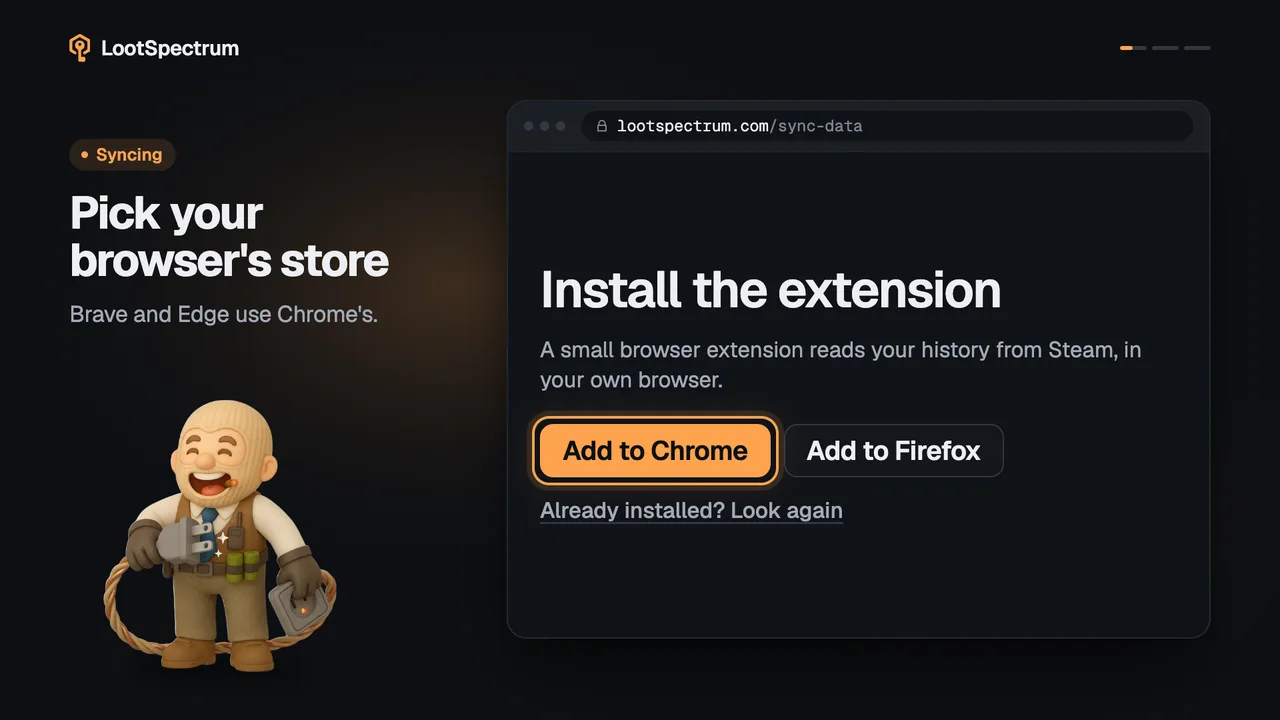
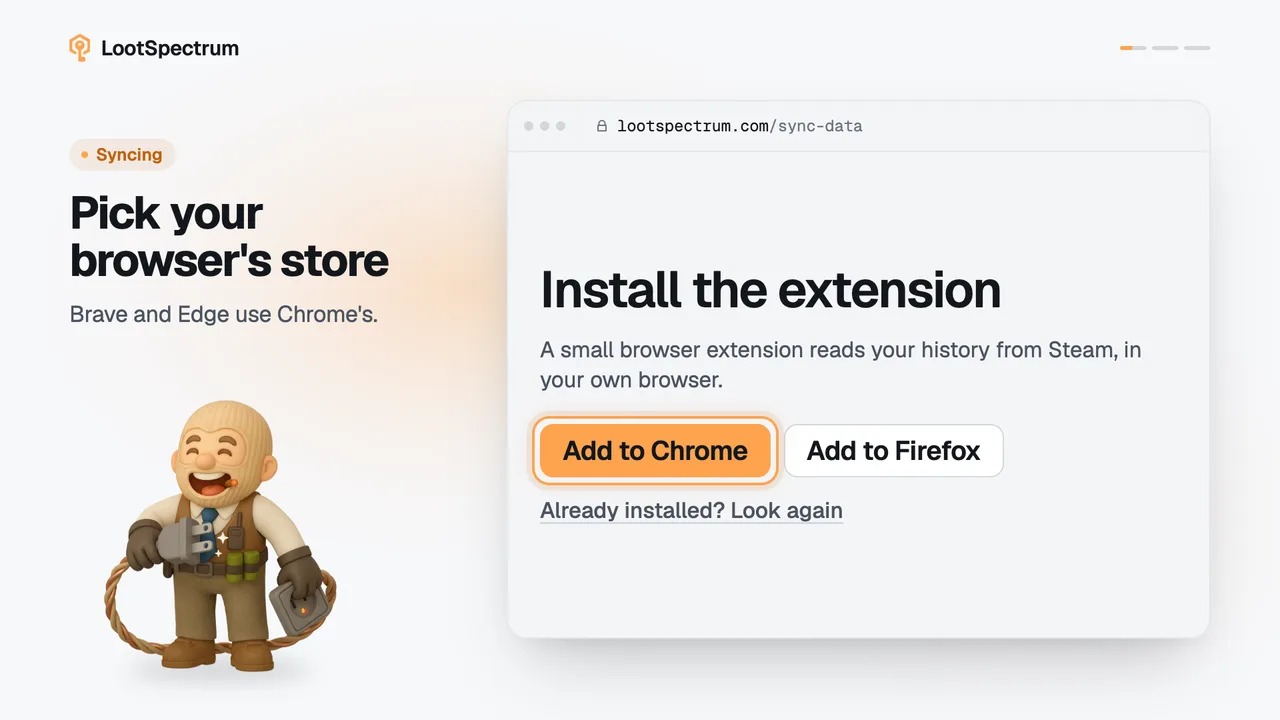
- The button “Already installed? Look again” on the “Install the extension” step does the same as “Check again” in the Readiness list.
- The page can take up to about 15 seconds before it decides the extension is missing.
- A private or incognito window runs extensions only if you allowed that in the browser.
- The extension talks to the website only on lootspectrum.com pages.
- If Sync says “Older extension connected” or “update required” instead, the extension is found but too old; see the update section of install-extension.
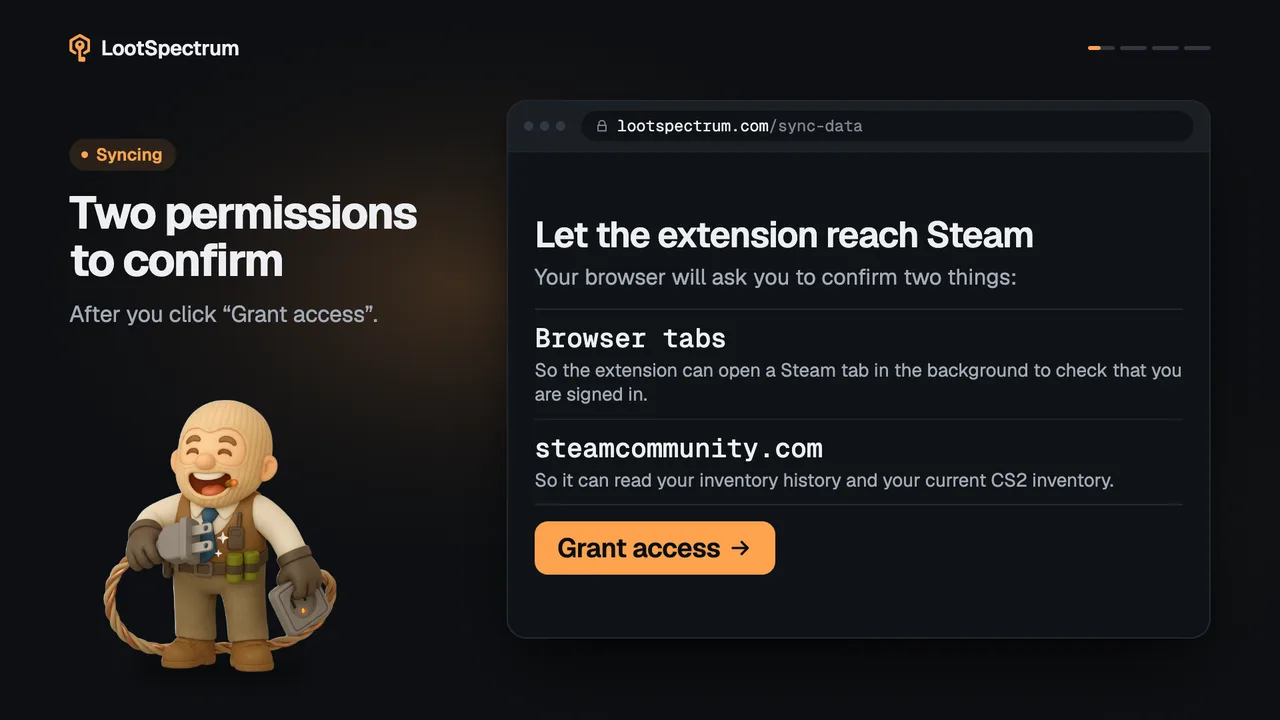
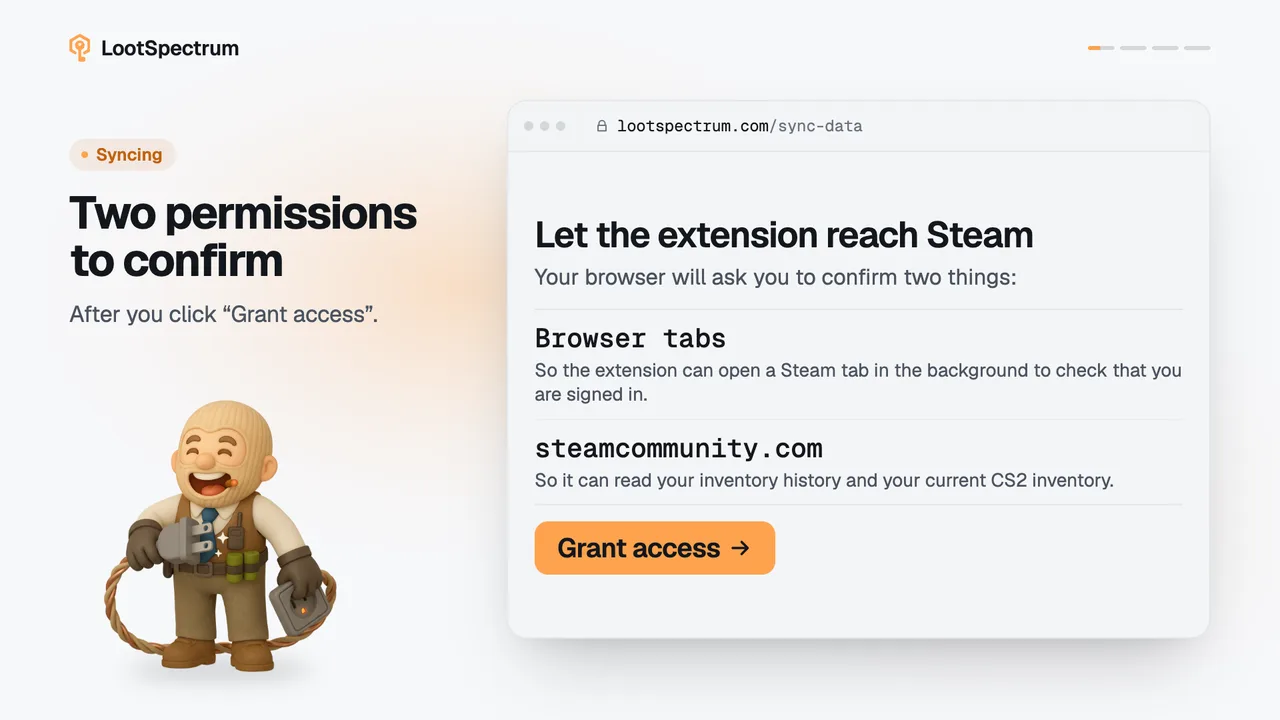
- Once the extension is found, Steam access may read “Needs your approval”. That is the next step, covered in extension-permissions.
Transcript
- 0:00Installed, but not detected? Sync says “Extension missing”.
- 0:03Reload the Sync page. Tabs opened earlier miss it.
- 0:06Allow it on lootspectrum.com. In your browser's extension settings.
- 0:09Click “Check again” Extension should read Connected.