Why are my statistics empty or incomplete after syncing?
0:11 · no sound
Statistics show only what is stored from your syncs. Check that events were saved, that Coverage on the Sync page shows no gaps, and that no filter or minimum is hiding rows.
Before you start
- Your history synced at least once: How do I run my first full sync?
Step by step
- Open a Statistics tab. If it says “No events tracked yet.” or “No openings tracked yet.”, nothing is stored yet: click “Sync your inventory” and run a full sync.
- If the sync finished with “N events could not be imported”, your events were still saved; open Statistics again and check.
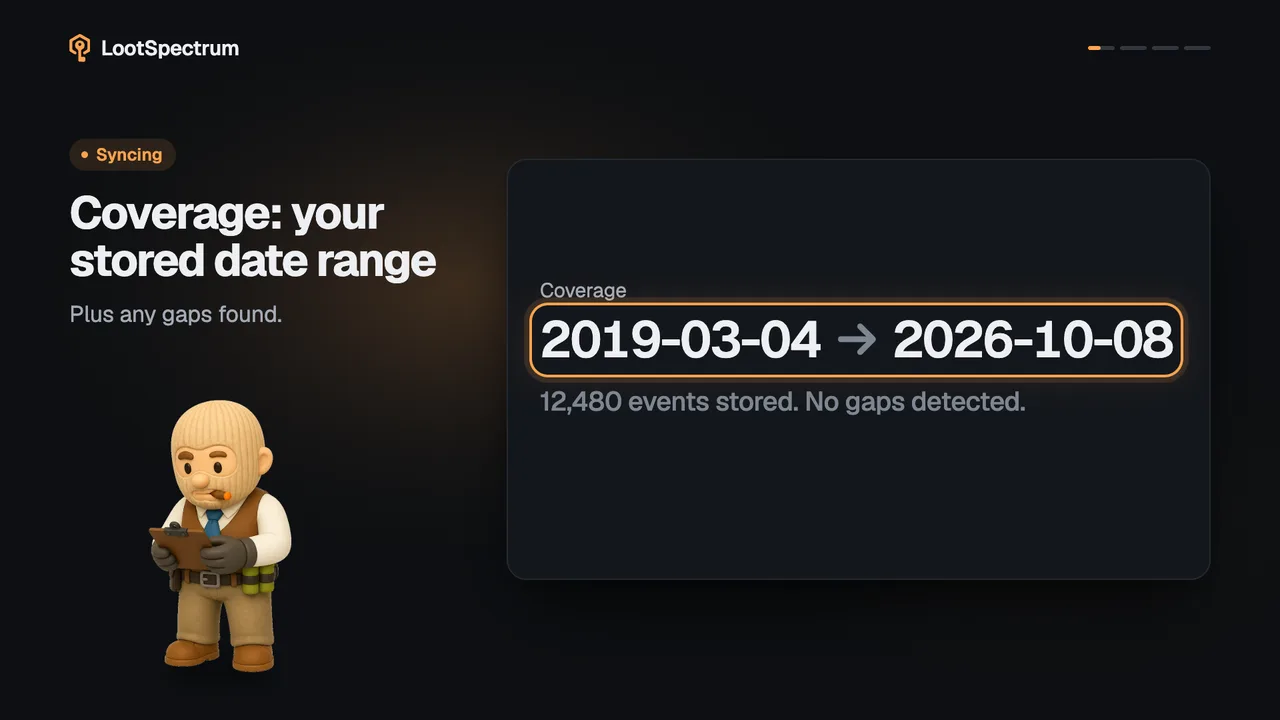
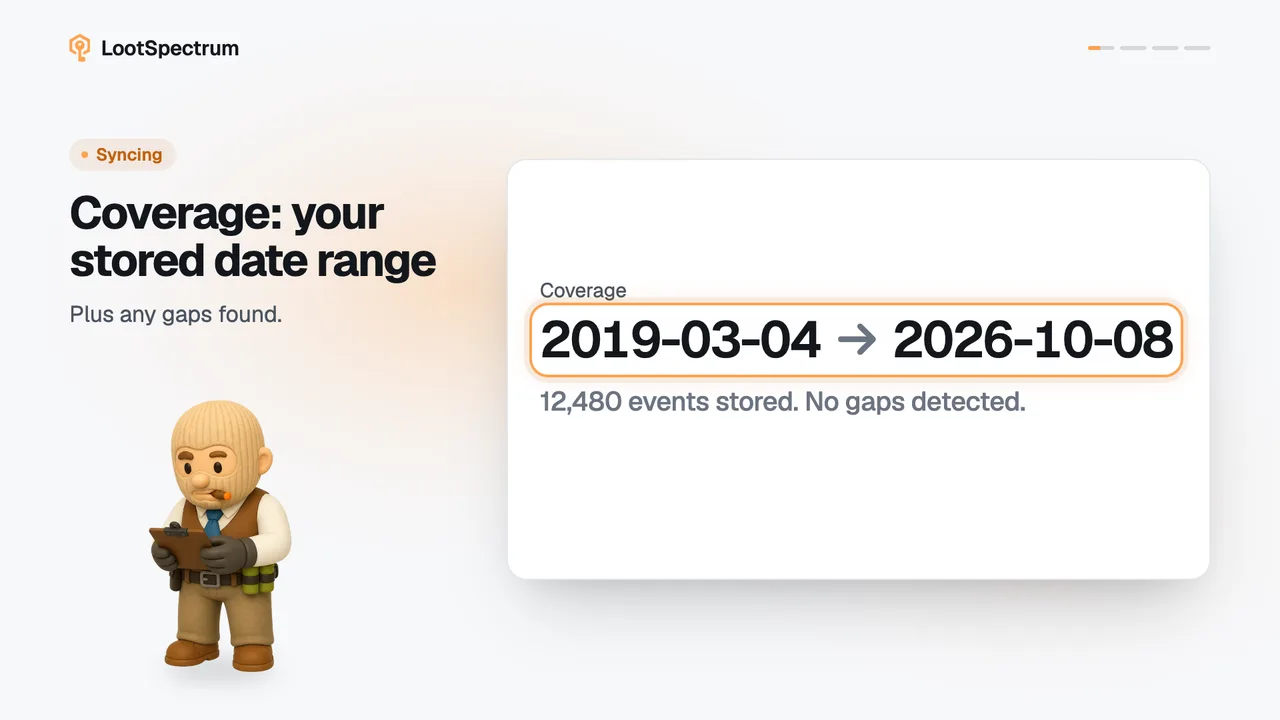
- If figures look too low, open the Sync page and read the Coverage block: the date range, how many events are stored and whether gaps were found.
- If Coverage reports gaps, click “Fill first gap”; if it says the range is not verified yet, click “Verify this range”.
- If a list says “No openings match these filters.”, click “Reset” in the filter row to clear the search, date range, rarity and sort.
Good to know
- “No events tracked yet.” on Overview appears only when the total is zero; if any section has data, Overview shows it.
- Streaks and dry spells depend on a complete history, and Steam only lists what its inventory history still shows, so very old events may never appear.
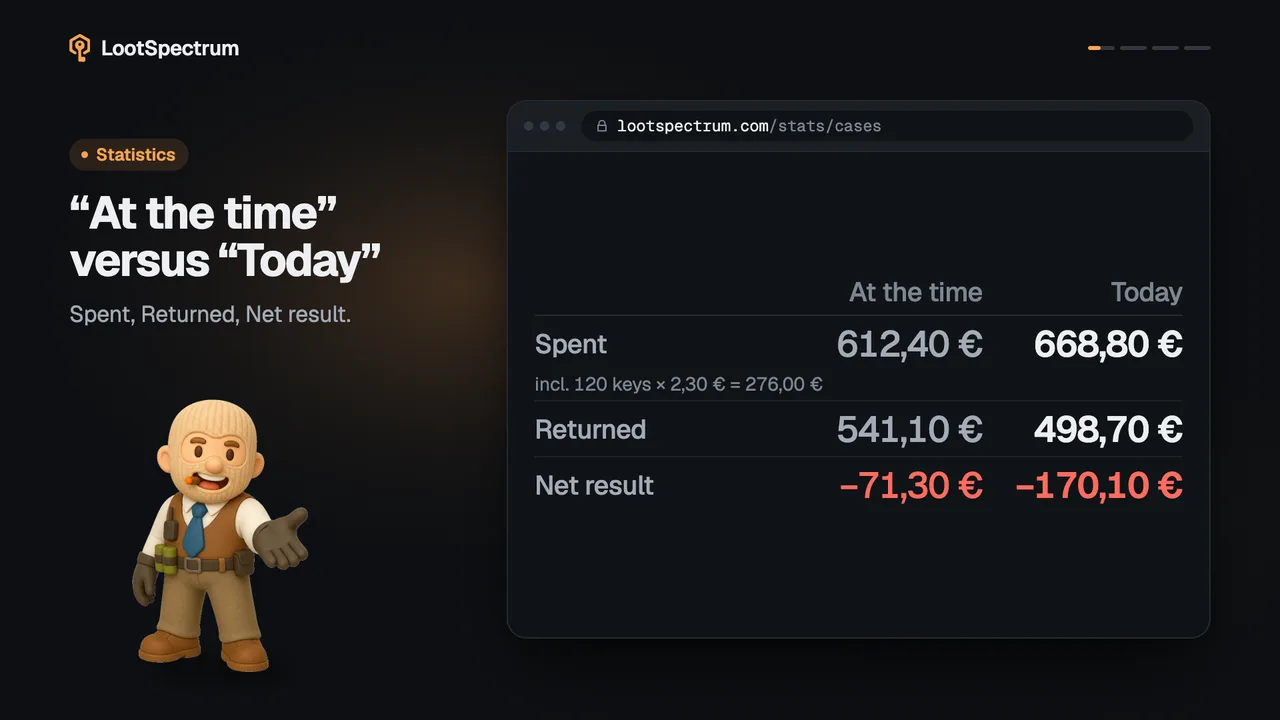
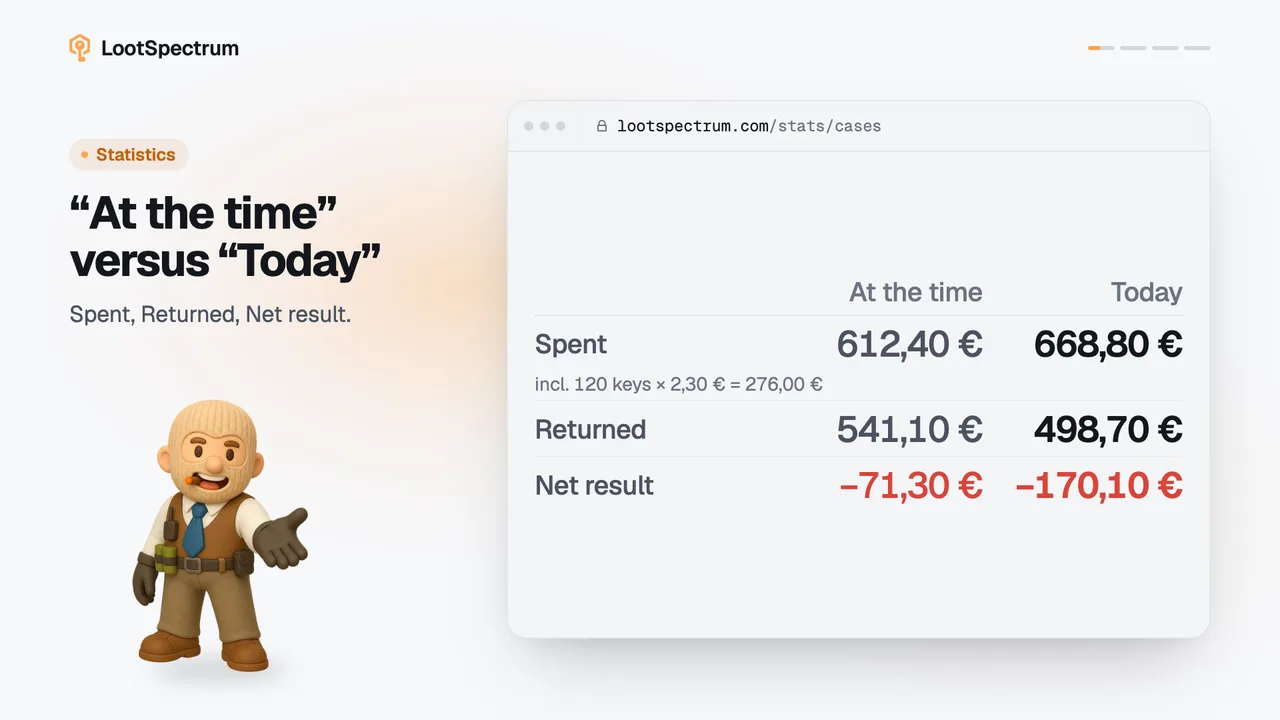
- Events without a price add nothing to Returned. The “N% of openings priced” line on the “Then and now” card measures how many are priced; counts, rarity and luck are not affected.
- Hatched money figures are not an error and not zero: they are Supporter figures that a free account does not see.
- On Luck, “No case reaches 10 openings” means the minimum or the year menu hides every case; lower the minimum or choose “All years”.
- Armory stays empty until you redeem stars in CS2 and sync; it then shows its first activity.
- If a sync ended with “N events could not be imported”, the number counts catalogue items that could not be matched, not lost events; the events are saved.
Transcript
- 0:00Statistics look empty? They show what you have synced.
- 0:03Synced, but figures look low? Check Coverage for gaps.
- 0:06Filters can hide rows. Reset them.