Where are my statistics, and what is on each tab?
0:14 · no sound
Statistics is the first link in Analysis mode. It opens on Overview, and the tab row leads to five per-kind tabs that share one layout (Cases, Souvenirs, Trade-ups, Drops, Stickers), plus Luck and Armory.
Before you start
- Your history synced at least once: How do I run my first full sync?
- A Supporter plan: How do I become a Supporter?
Step by step
- Switch the header to Analysis mode and click “Statistics”; it opens on “Overview”, with the tab row “Overview”, “Cases”, “Souvenirs”, “Trade-ups”, “Drops”, “Stickers”, “Luck” and “Armory” just below the title.
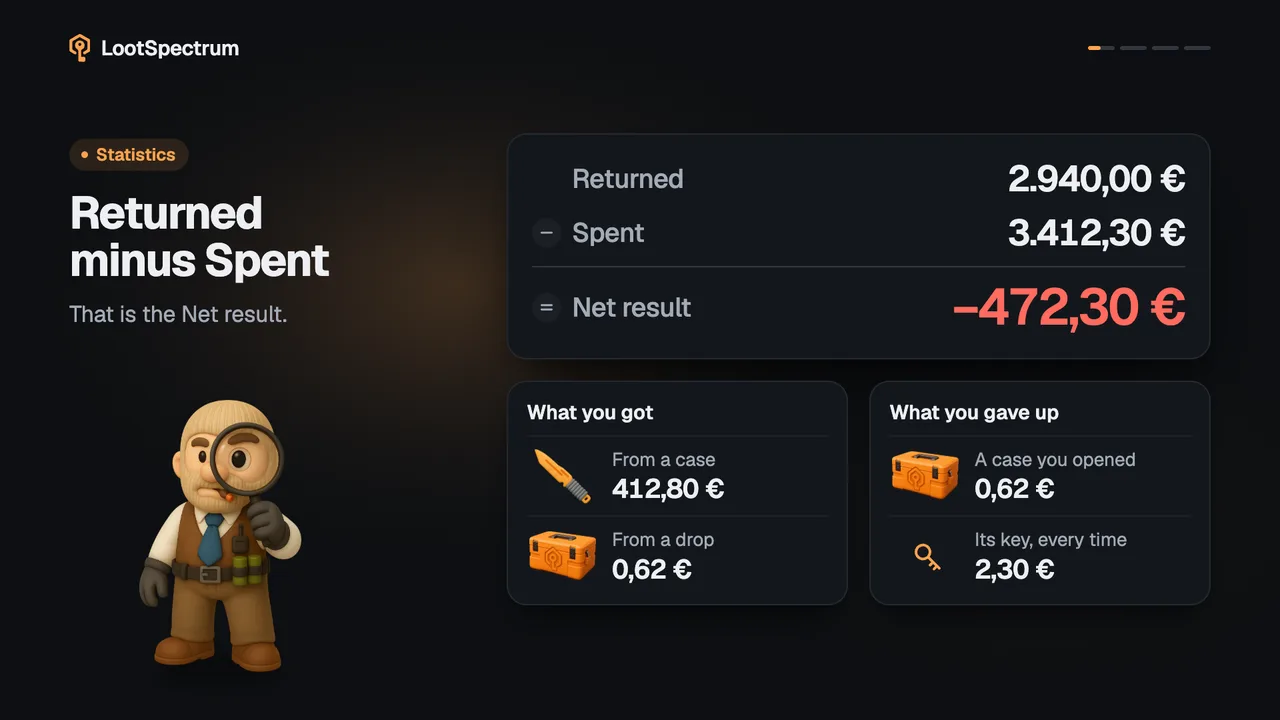
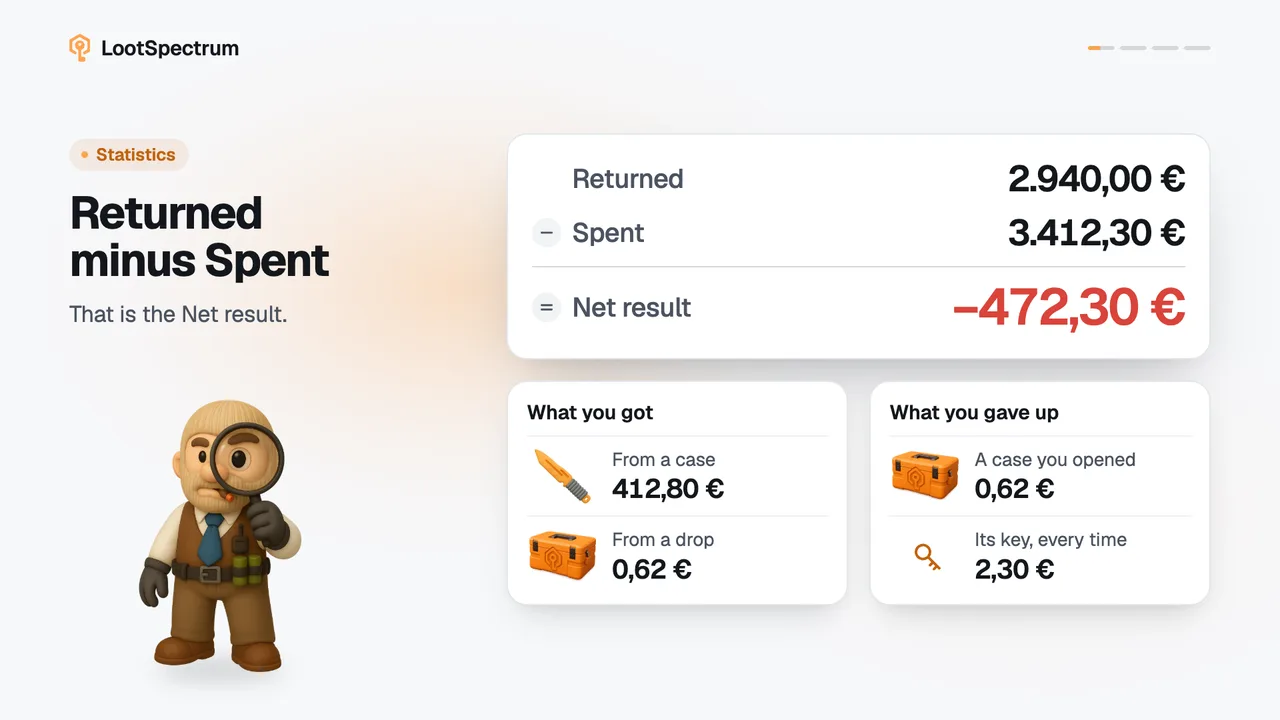
- Read “Overview” for the totals across everything: “Net result, all time”, “Spent” and “Returned”, events per quarter, a tile per section, your luck and your best pull.
- Open “Cases”, “Souvenirs” or “Stickers” to see what you opened, “Trade-ups” for your contracts, and “Drops” for your drops and weekly streak; all five tabs share one layout: totals first, then charts, then the “History” list.
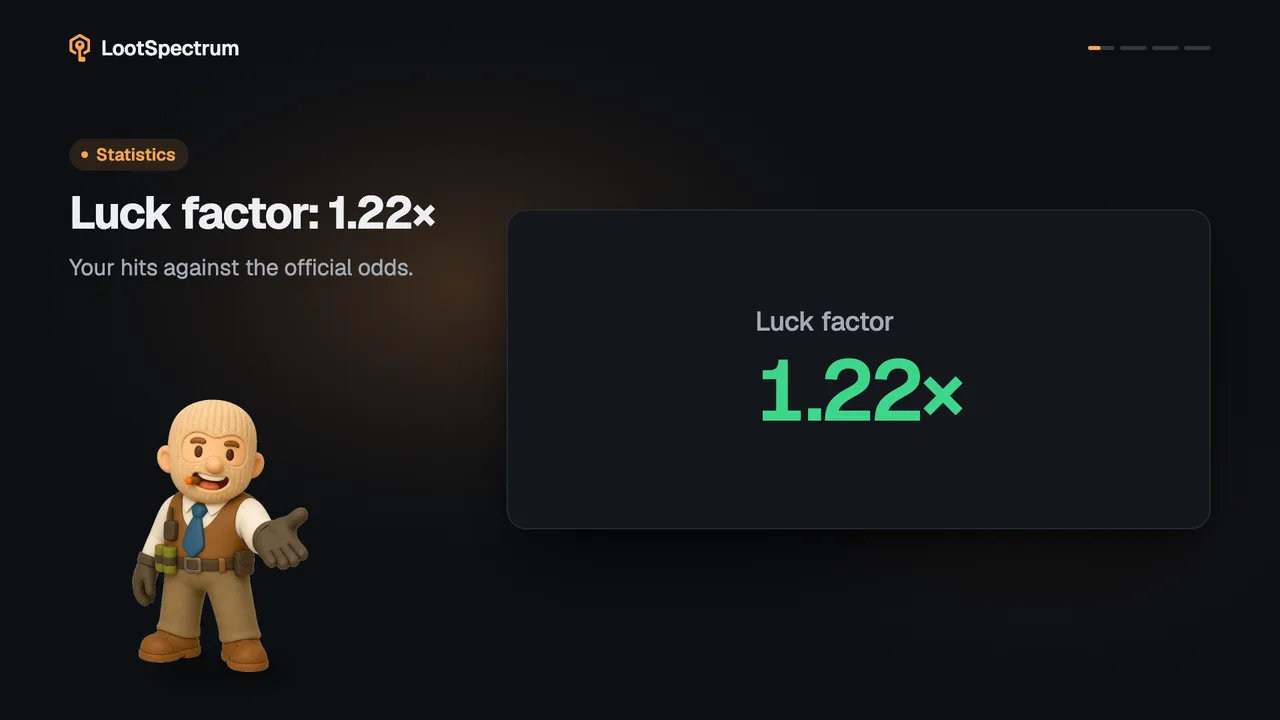
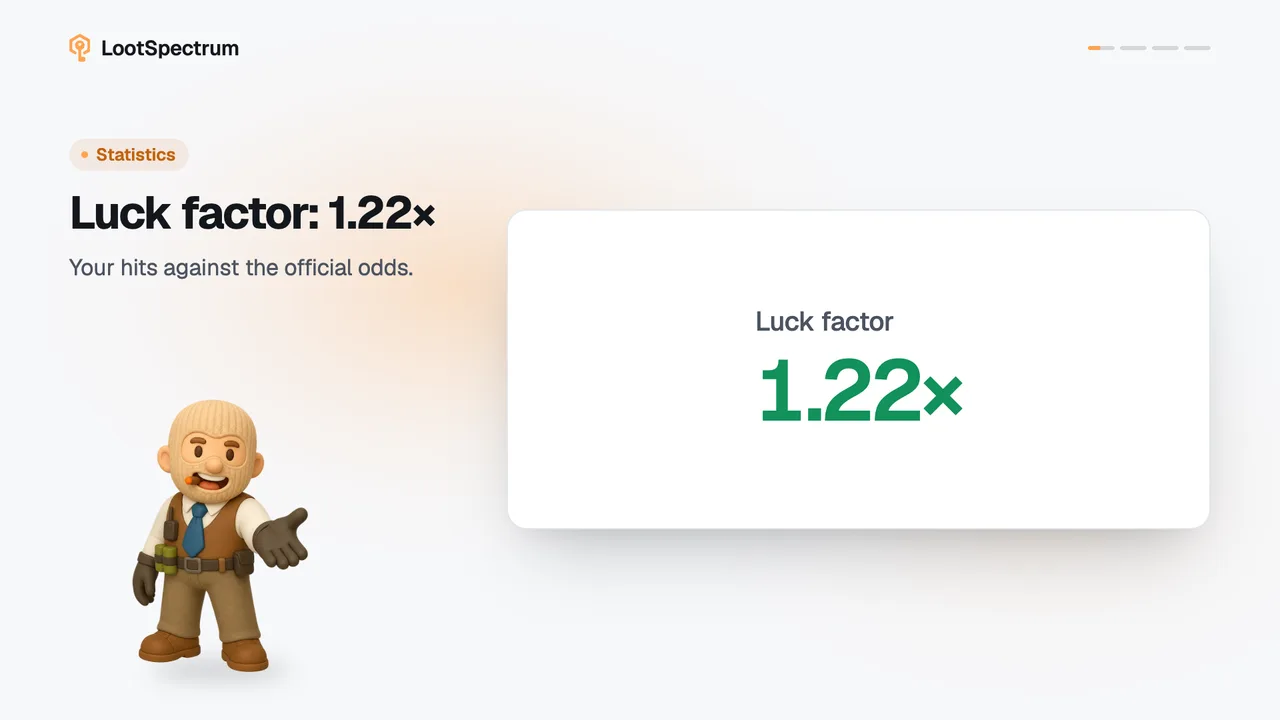
- Open “Luck” to compare your hit rate with the official odds, case by case.
- Open “Armory” for your passes and stars.
- Scroll to “History” at the bottom of a tab to find a single event with the search box, the filters and the “Sort” menu.
Good to know
- Counts, rarity and luck are free. “Spent”, “Returned”, “Net result” and the “By section” table are Supporter figures and show as hatched bars with a Supporter note.
- For a free account the Armory tab shows only a Supporter panel, not a partly filled page.
- The event count on Overview covers openings, trade-ups and drops only; trades, purchases and storage moves are on the Activity page.
- Knives and gloves count as Extraordinary in every rarity figure.
- A tab with no events says “No openings tracked yet.” (the noun follows the tab) and offers “Sync your inventory”; the tabs themselves exist without data.
- Date ranges in the History list are fixed steps: “All time”, “7 days”, “30 days”, “90 days” and “1 year”; there is no custom range.
- Wear and quality filters exist on Cases, Souvenirs and Trade-ups only.
- Sorting by value or profit is for Supporters; a free account has the two date sorts, “Newest first” and “Oldest first”.
- The History list loads 20 rows at a time with “Load more”, and the filters reset when you change tab.
How do I filter and sort the History list?
Every statistics tab ends with a “History” list. Above it is one row of controls: a search box (“Search items…”), a date range, a rarity filter (“All rarities”), and on Cases, Souvenirs and Trade-ups also a wear filter (“All wears”) and a quality filter (“Any quality”: Normal, StatTrak™ or Souvenir). The rarity list only offers the rarities you have. Search and the item filters match the item you received; for a trade-up that is the output.
The “Sort” menu always has “Newest first” and “Oldest first”. “Highest value”, “Highest profit” and “Lowest profit” are Supporter sorts and do not appear on a free account. The date range moves in fixed steps: “All time”, “7 days”, “30 days”, “90 days” and “1 year”.
Once any filter or sort is changed, a “Reset” button appears and puts everything back. The list shows 20 rows at a time, then “Load more”. If nothing matches, it says “No openings match these filters.” (the noun follows the tab). Filters start over when you switch tab.
Transcript
- 0:00Statistics has eight tabs. Overview comes first.
- 0:03Overview: totals for everything. Plus luck and best pull.
- 0:06Five tabs, one layout. Totals, charts, then History.
- 0:09Luck: your odds, per case. Armory: your passes.