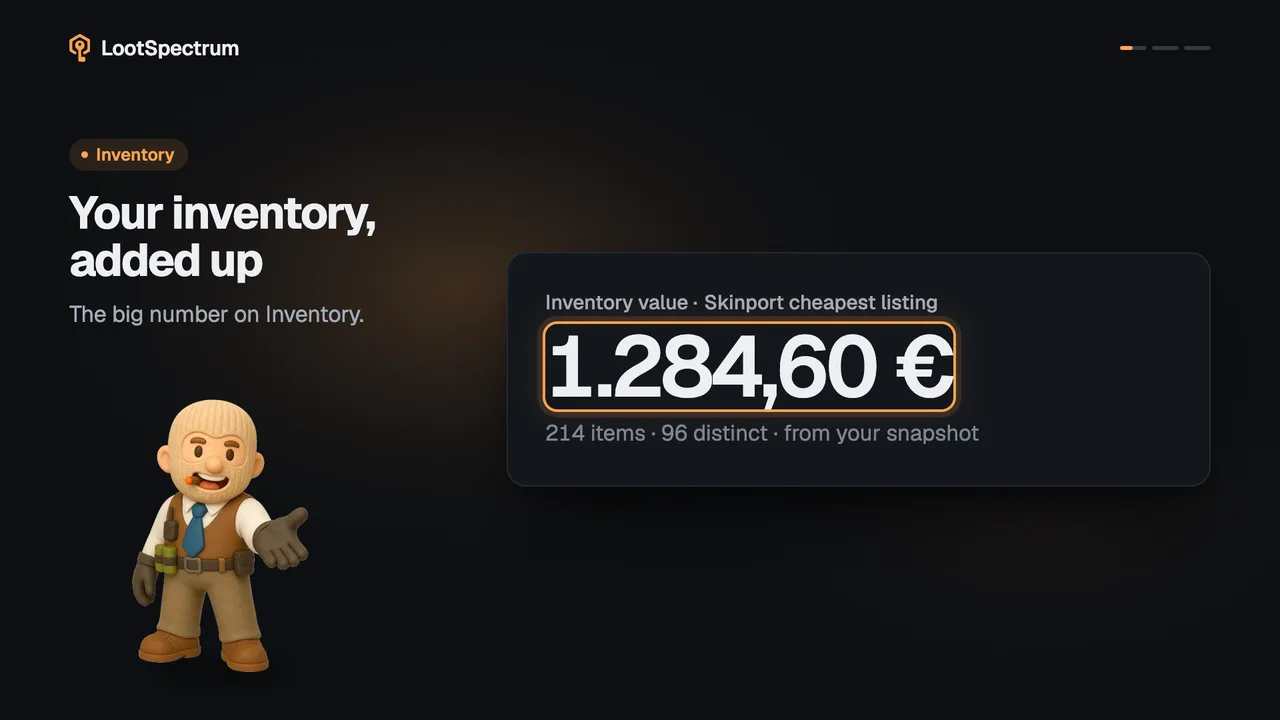
What does a full set cost, and which skins do I own?
0:14 · no sound
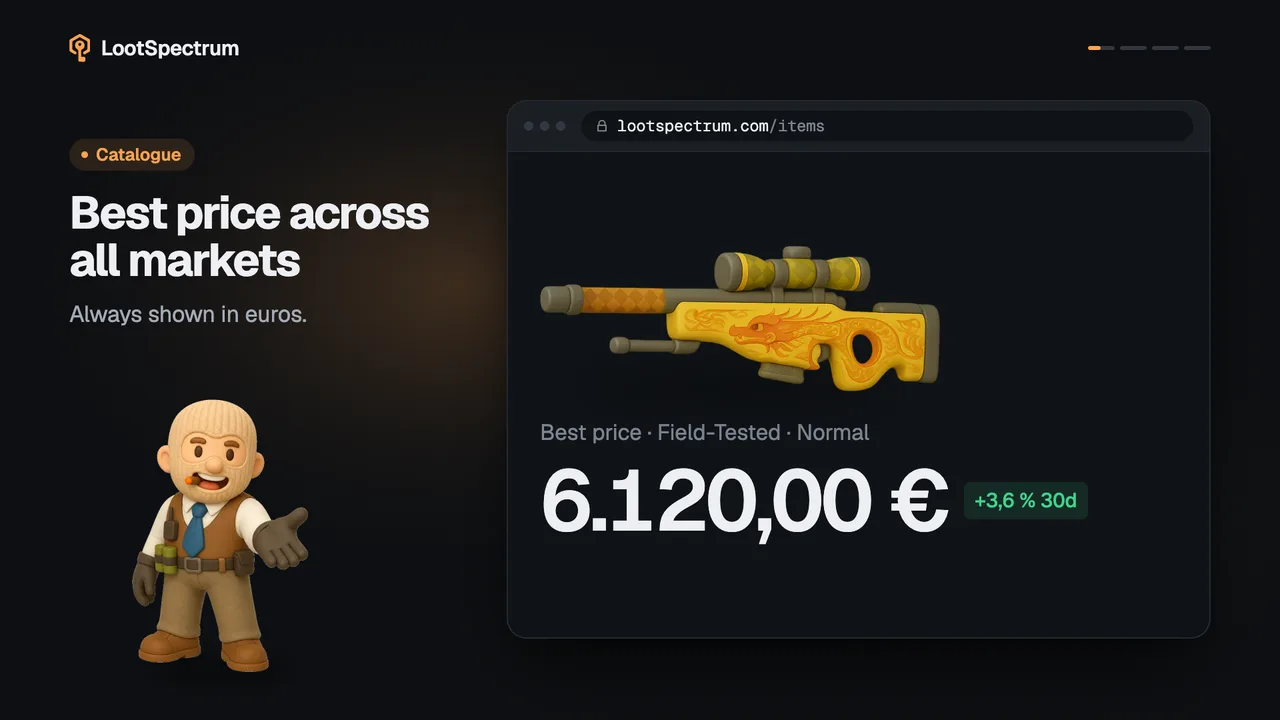
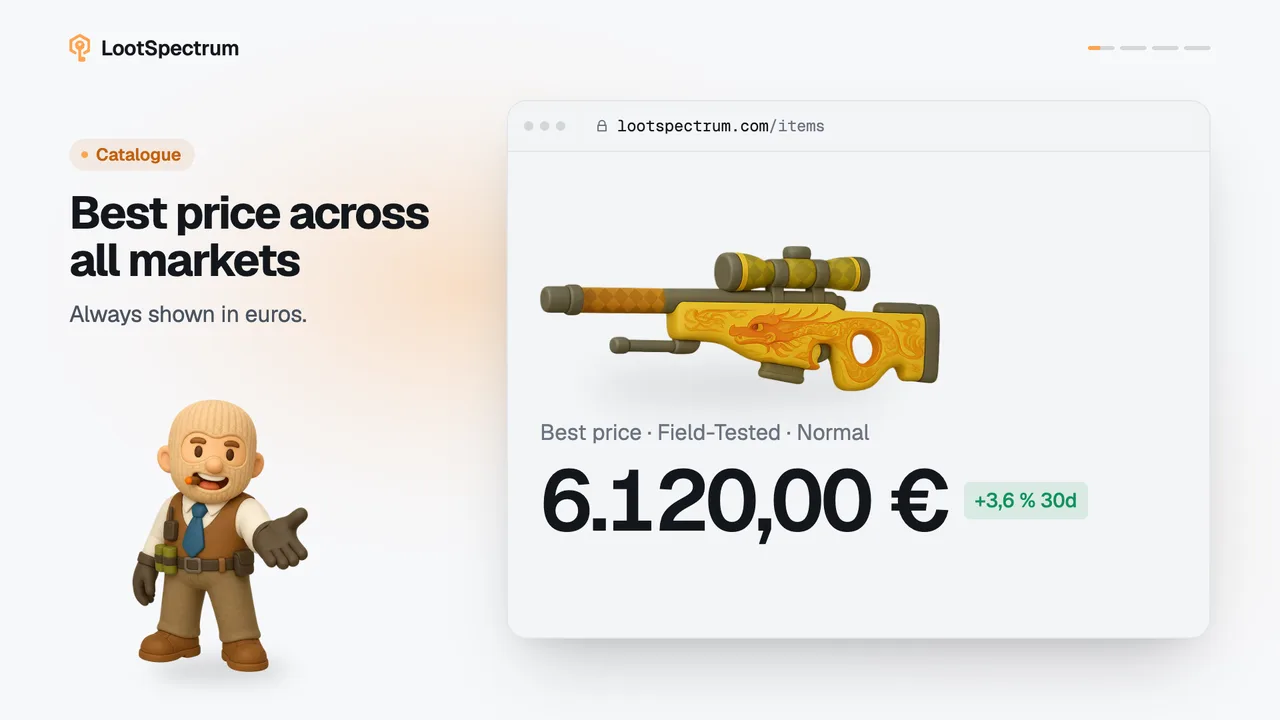
“Cheapest set” on a collection page adds up every skin once at its lowest price. Signed in, you also see how many of its skins you own, with Owned and Missing filters.
Before you start
- A LootSpectrum account: How do I create an account, and can I sign in with Steam?
- Your history synced at least once: How do I run my first full sync?
- An inventory snapshot: What is a snapshot, and why does my inventory say “Estimated”?
Step by step
- Open a collection from Catalog, Collections and read “Cheapest set” in the strip under its title: every skin is added once at its lowest price.
- Check the note under the figure: “21/23 priced” means two skins have no price yet and are left out, so the real set costs more.
- Sign in to see “You own” next to it, for example 9 / 23, counting each skin once.
- Click “Owned” to list only the skins you have, or “Missing” to see what is left to collect.
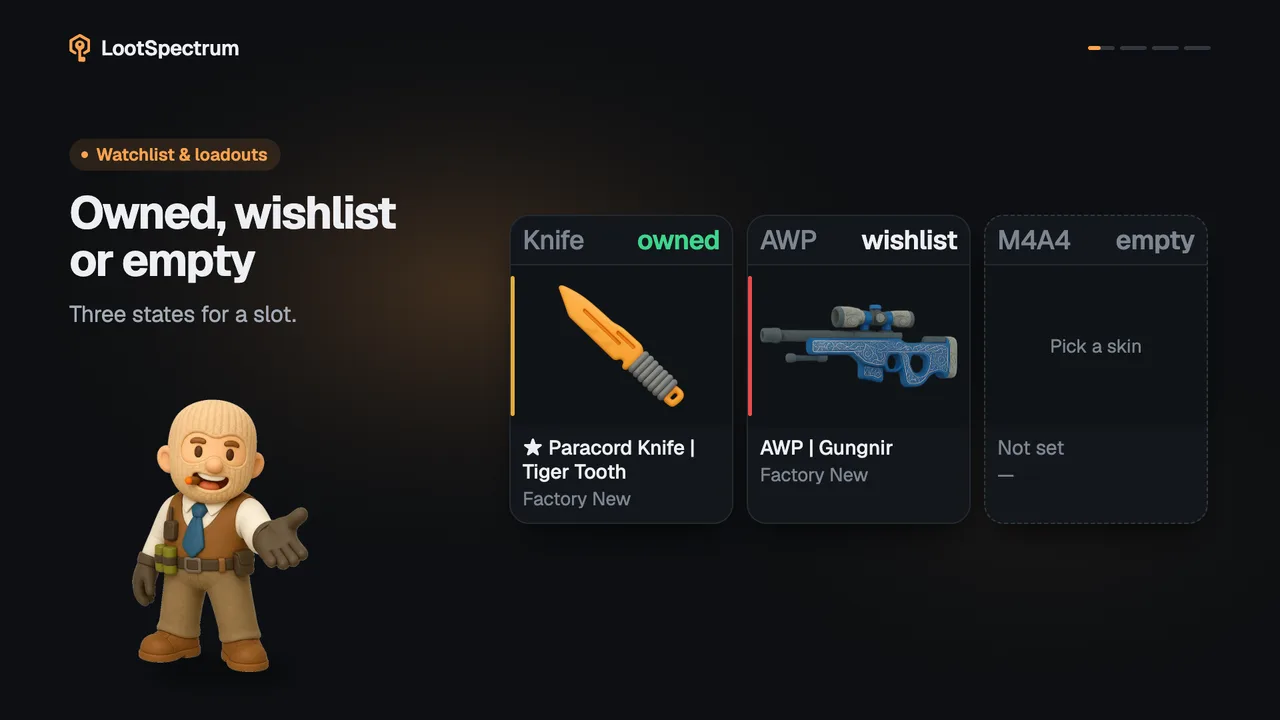
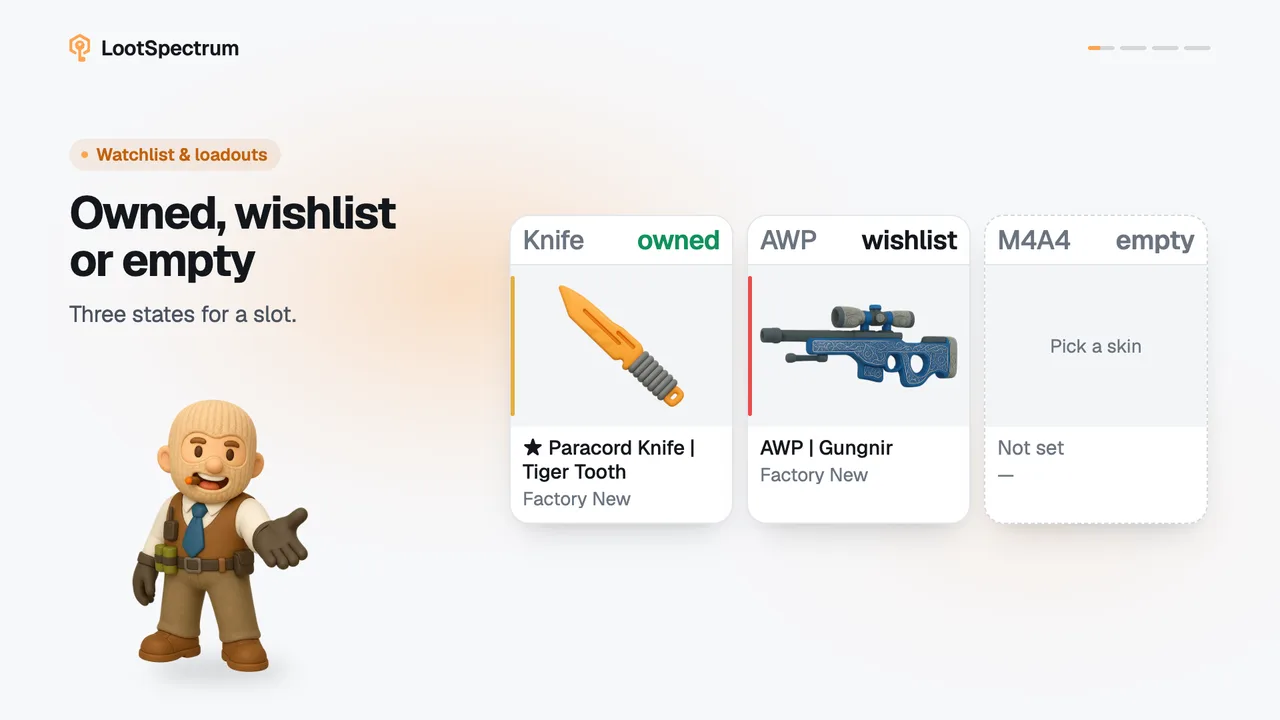
- Look for the green “Owned” tag on a card: it appears whatever wear or quality you hold.
Good to know
- The sum uses each skin's cheapest Normal-quality price on Skinport, not your price source, shown in your display currency.
- Skins without a price are left out of the sum, so when the note reads “n/m priced” the real set costs more than the figure.
- “Owned” here means the skin in any wear or quality, StatTrak and Souvenir included; a loadout slot needs the exact wear, and “You own” on an item page reads your snapshot only.
- The count comes from your latest snapshot; without one it is rebuilt from your synced history, and with neither it reads 0 / n.
- Signed out, the “You own” figure and the Owned and Missing buttons are simply absent, and the page does not say why.
- With a snapshot, items inside storage units are not counted; an estimate from history does count them, so a first snapshot can make stored skins drop out.
- “Your value” next to “You own” is a Supporter figure; the other figures here are free.
- The list has a search (“Filter n skins…”), a sort by Rarity or Price, and “Show n more” to see the rest.
Transcript
- 0:00Cheapest set: every skin once. At its cheapest wear.
- 0:03You own 9 / 23. Shown once you sign in.
- 0:06Filter by Owned or Missing. Owned cards are tagged.
- 0:09Any wear counts as owned. Skins count, not copies.