What do the value and the green or red number on an event mean?
0:11 · no sound
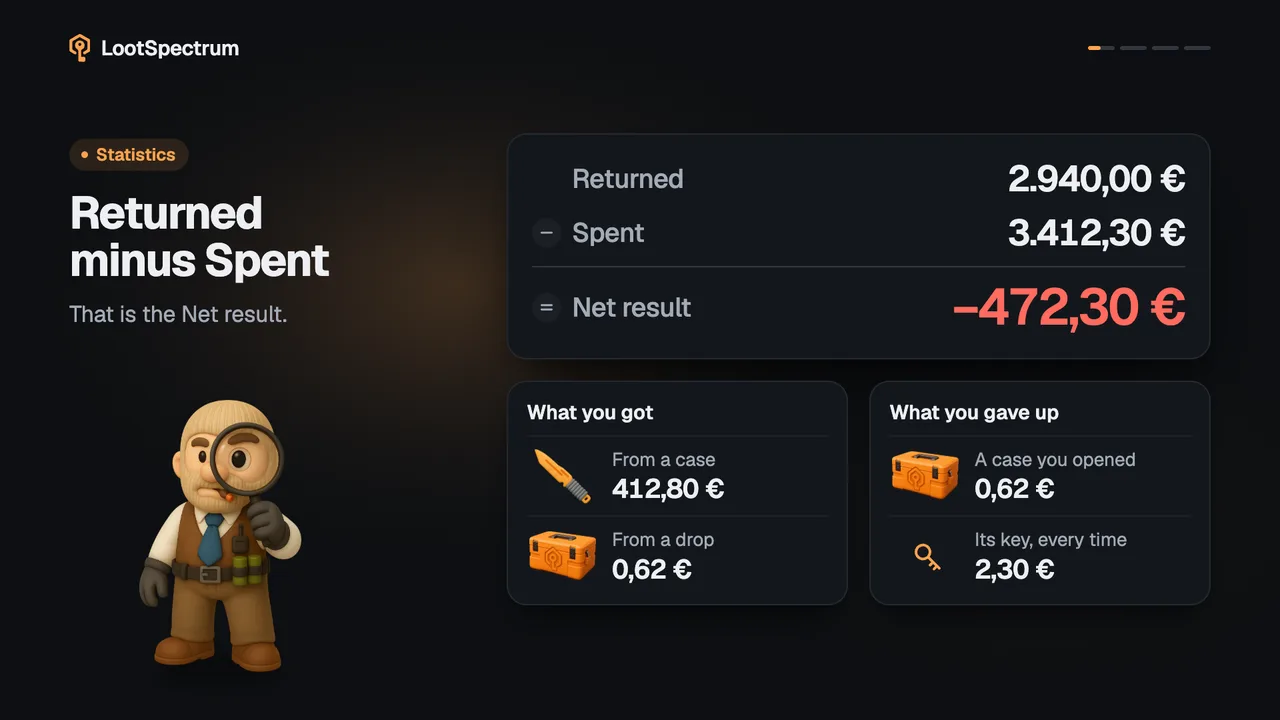
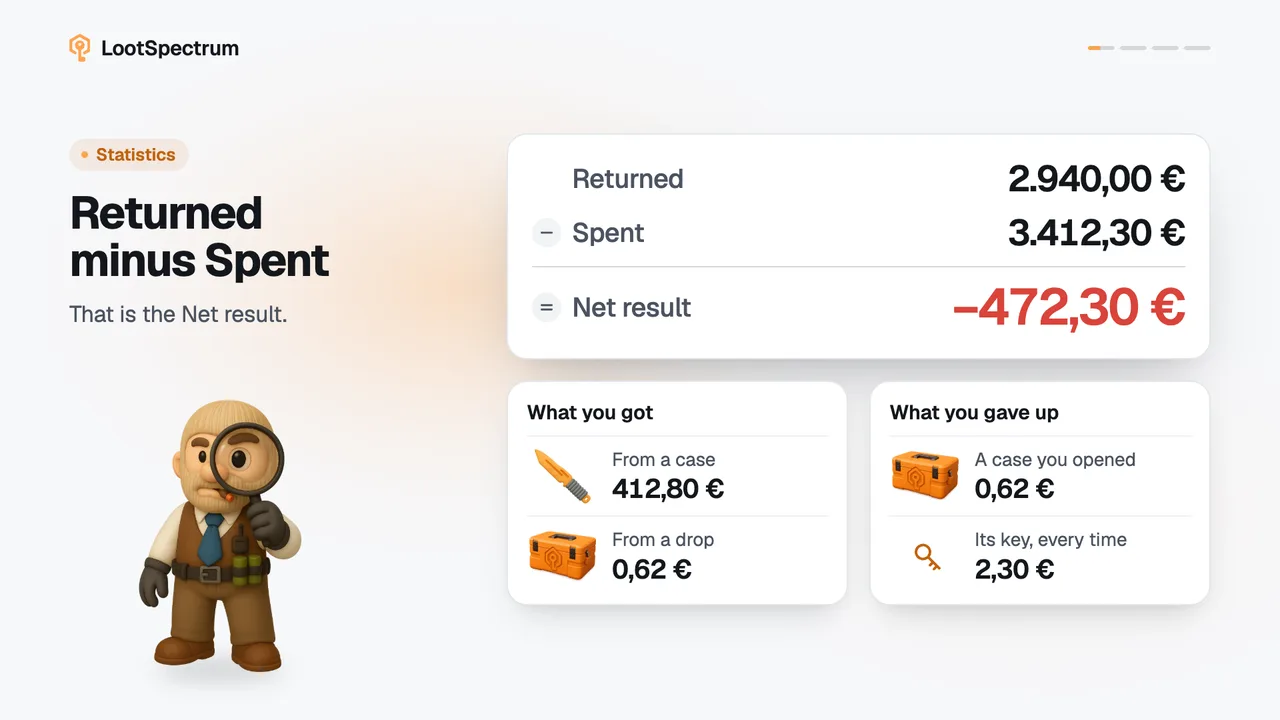
On Activity, the green or red number at the right of a row is that event's net: what you gained minus what you lost, both at today's prices. A “—” means the event has no net result.
Before you start
- A Supporter plan: How do I become a Supporter?
- Your history synced at least once: How do I run my first full sync?
Step by step
- Open Activity as a Supporter. Each row ends with a number in green for a gain or red for a loss, such as “+12,40 €” or “−2,30 €”.
- Open a row that has an arrow to see its “Gained” and “Lost” groups, with a price on each item.
- The number is the total of “Gained” minus the total of “Lost”, at today's prices.
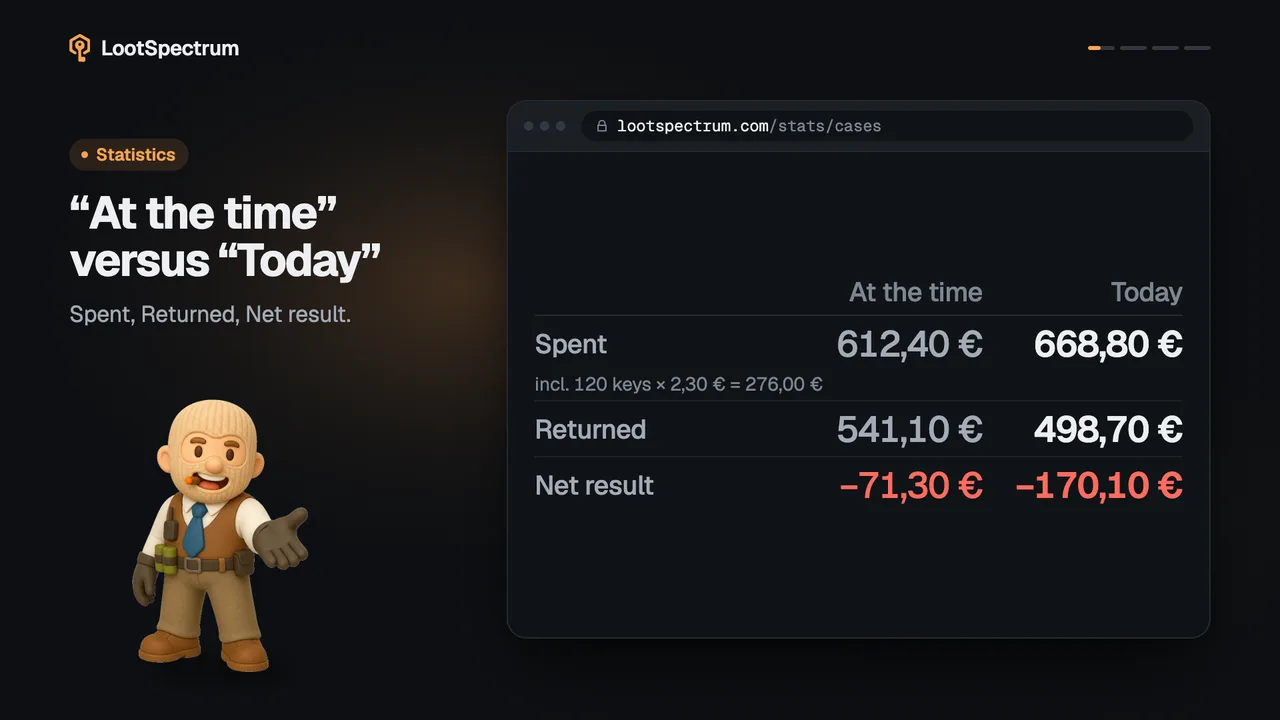
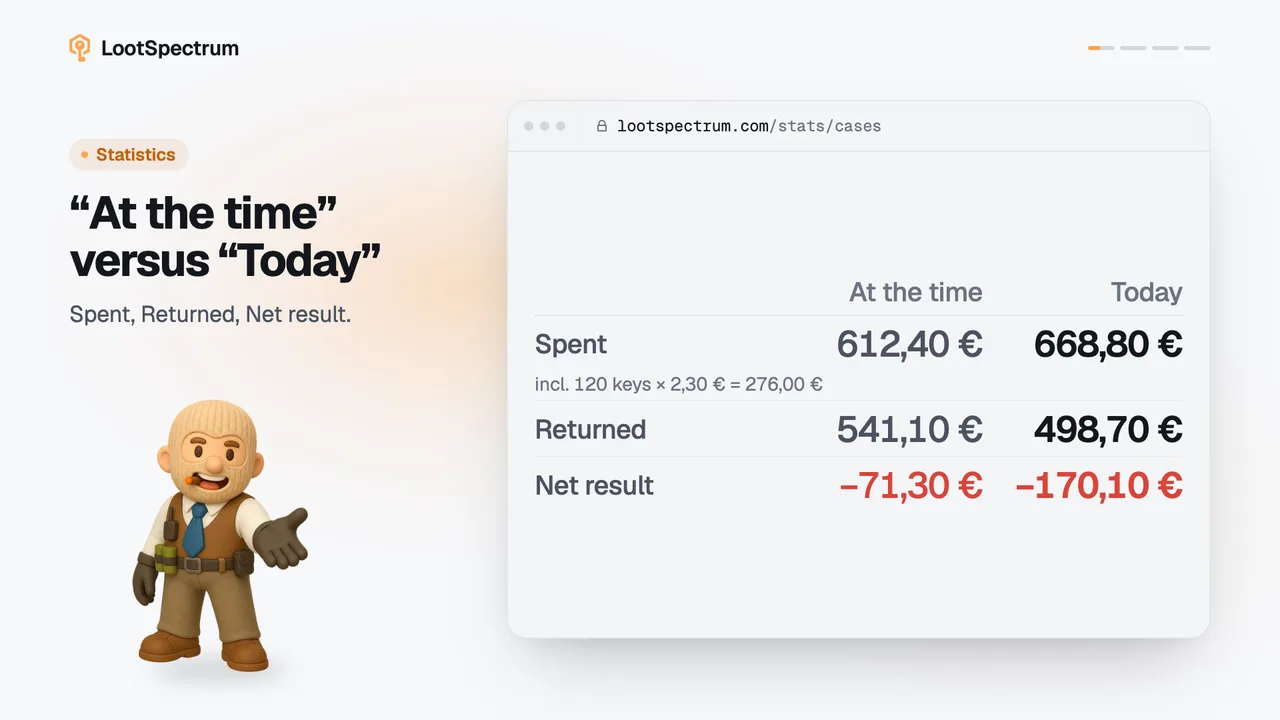
- A case opening also counts a flat cost for its key, shown in the row's second line as “Key”, and an Armory redeem counts a flat cost per pass.
- Read the day heading for the total of that day's events.
- A “—” in place of the number means the event has no net result.
Good to know
- Values here are always today's prices, not the price on the day. The CSV export carries both.
- A case opening counts a flat cost of €2.30 for its key; the net-result page explains it.
- An Armory redeem counts a flat cost of €15.00 per pass. Souvenir packages and sticker capsules carry no key cost.
- If what you gained has no price today, the net is “—”.
- Storage moves and market listings never have a net, so they always show “—”.
- The “Minimum value” filter keeps events whose net is at least that far from zero, whether gain or loss.
- Without Supporter the column shows “—” with the note “Item values and the value filter are Supporter figures.”
Transcript
- 0:00Net of one event. The green or red number.
- 0:03Gained minus lost. At today's prices.
- 0:06“—” means no net result. Unpriced, or just moved.