How do I sync only my newest events?
0:14 · no soundExtension
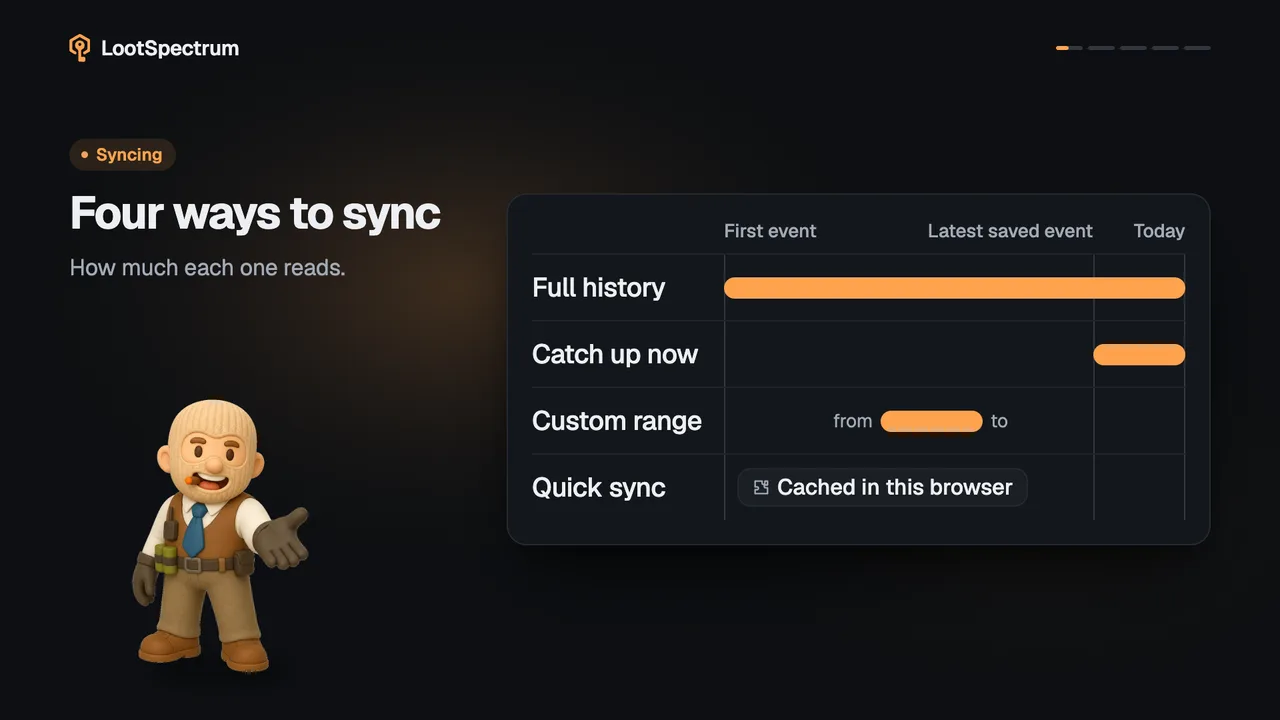
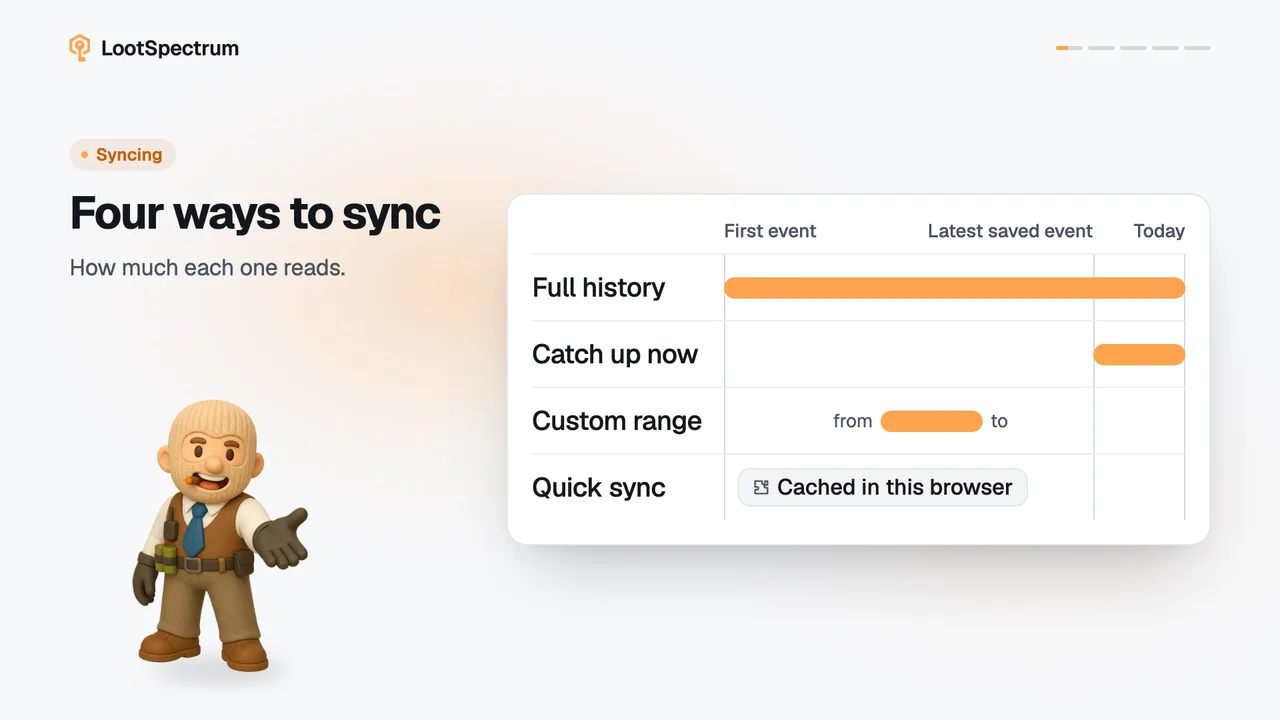
Once you have synced before, the Sync page offers “Catch up now”. It reads Steam from today back to your latest saved event, so only the new events are added to your history.
Before you start
- Your history synced at least once: How do I run my first full sync?
- The extension installed and connected: How do I install the extension and connect it?
- Steam access granted to the extension: What permissions does the extension ask for, and why?
- Logged in to Steam in this browser: Do I need to be logged into Steam, and how do I check?
Step by step
- Open Sync. The headline tells you how many days of events are waiting, for example “12 days of events are waiting.”
- Click “Catch up now”.
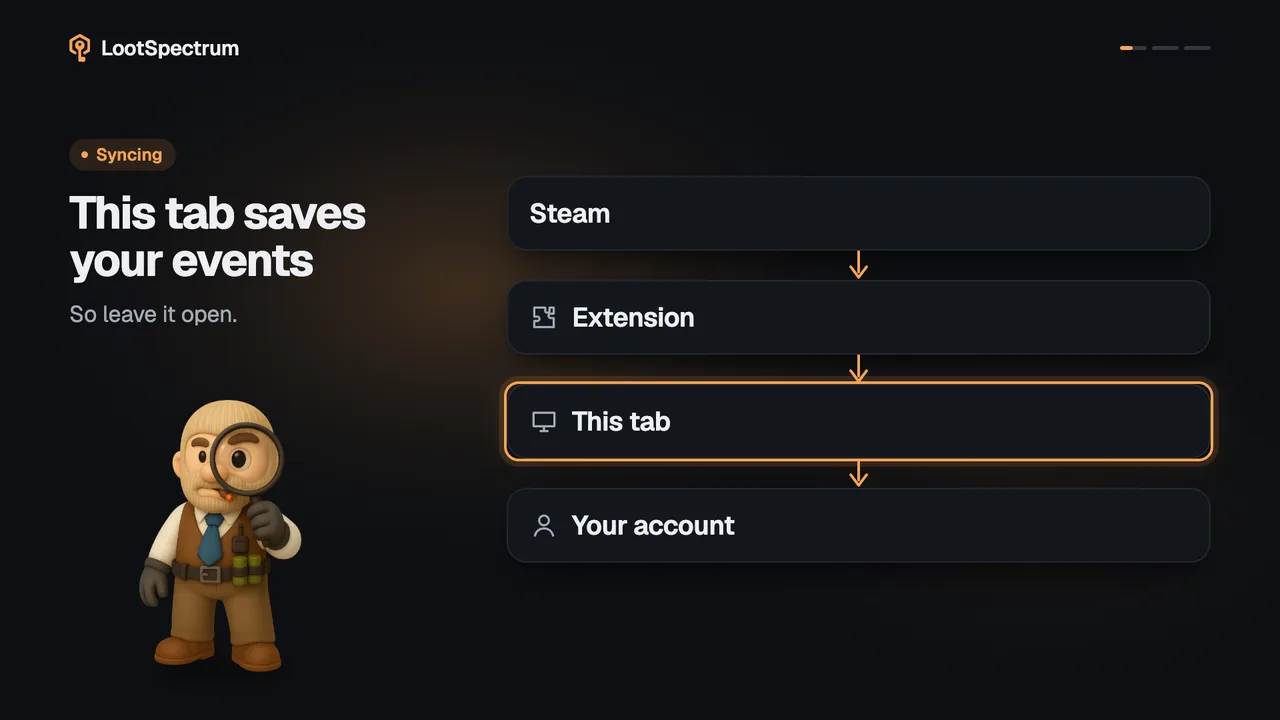
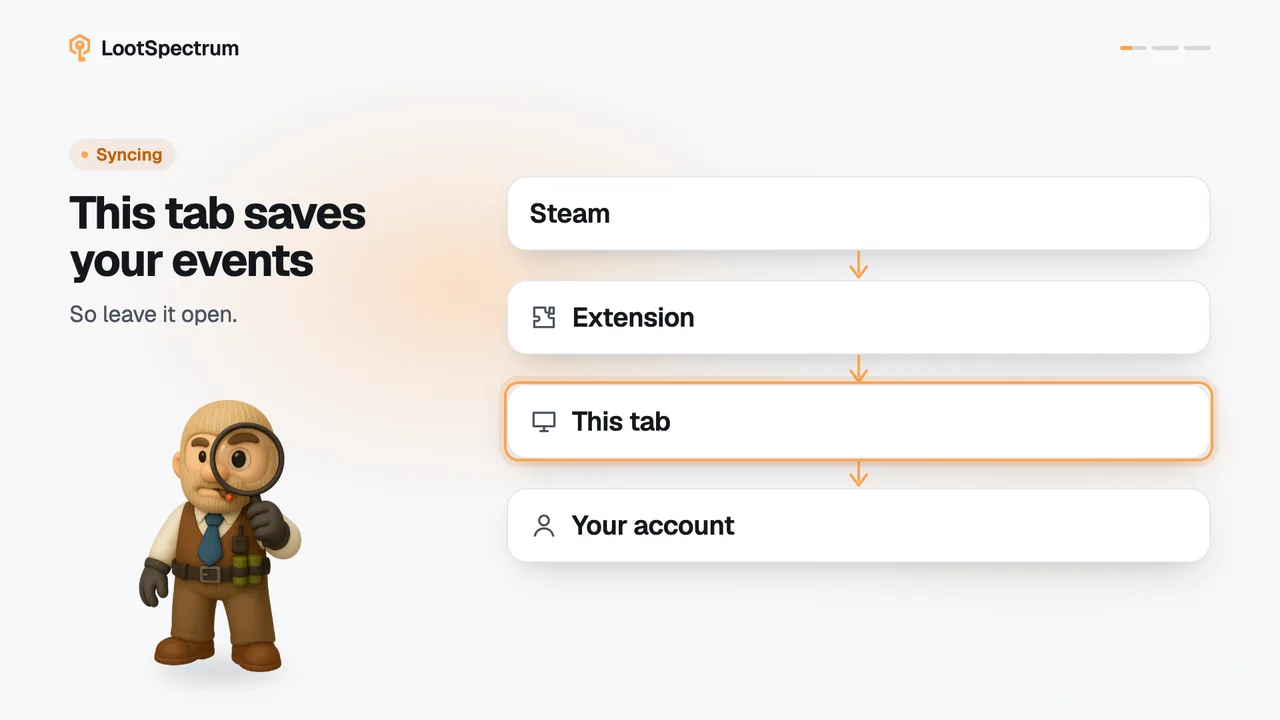
- The extension reads Steam from today back to your latest saved event and stops there; everything older is already saved.
- The done screen reads “Complete · Catch-up” and shows how many new events were saved, with “View statistics” below.
Good to know
- Under the headline the page says which date it picks up from, your latest saved event; it does not promise how long the catch-up takes.
- When nothing is waiting, the headline reads “Your history is up to date.” and the button reads “Check for new events”.
- Without any saved history, the same button reads “Start full sync” and runs a full sync instead.
- “Rebuild everything instead”, next to the button, runs a full sync from scratch; see sync-modes.
- A catch-up reads only back to your latest saved event, so it does not repair a full sync that was stopped or failed part-way; see stop-sync-early.
- Events you already have are not added a second time.
Transcript
- 0:00See what is waiting. Since your latest saved event.
- 0:03Click “Catch up now” It starts from today.
- 0:06It stops at your last saved event.
- 0:09New events saved. Nothing is added twice.